CHAPTER 11
320
Producing Final Video
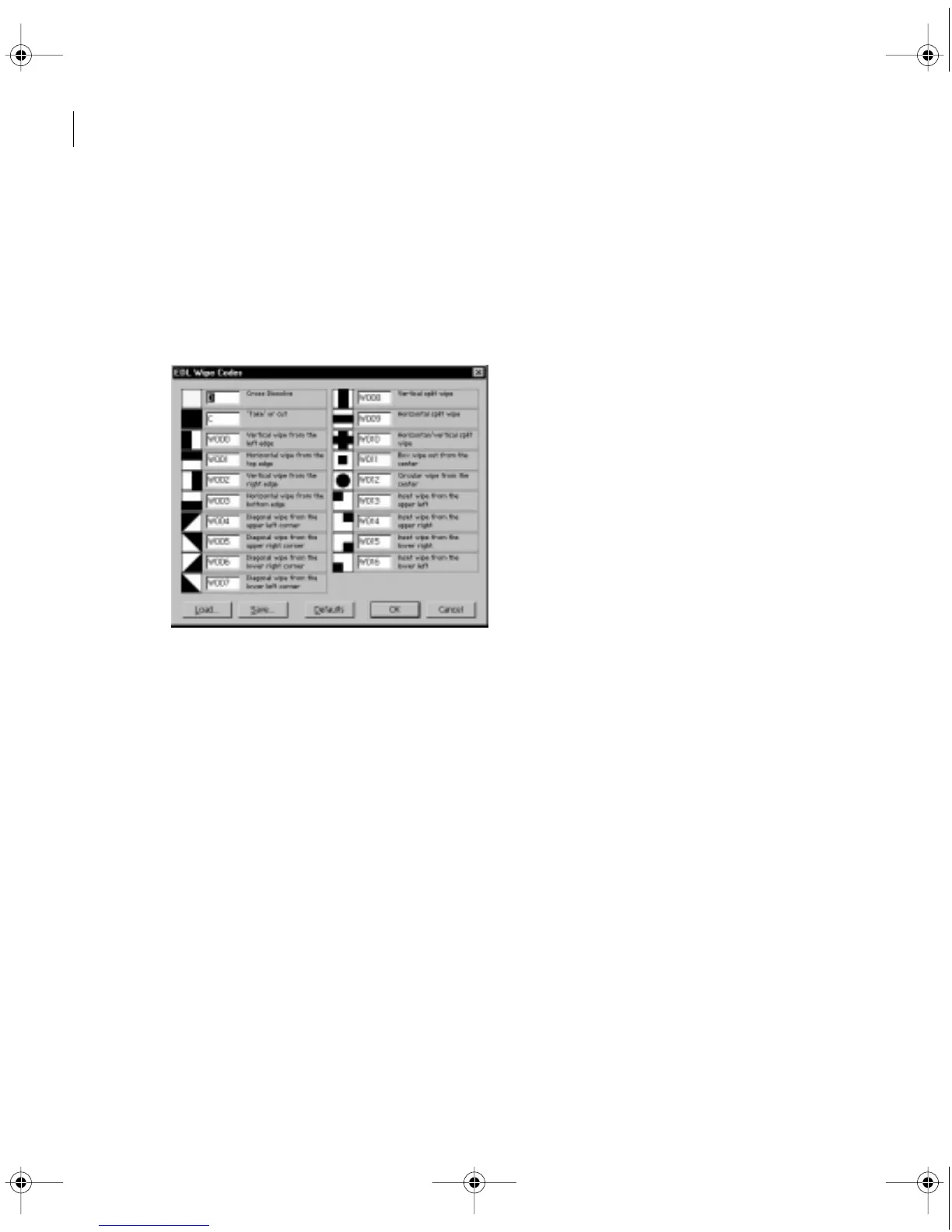
3 Click Wipe Codes and type the wipe pattern codes used by your post-production facility.
4 Specify the following options as necessary, and then click OK:
• Load to replace the existing wipe codes with those from a file on disk.
• Save to export the existing wipe codes to a file on disk.
• Defaults to restore the preset wipe codes installed with Premiere.
See “Transitions, Special Effects, and Superimposed Clips in the EDL” on page 321.
5 Click Audio Mapping and assign Premiere audio tracks to tracks in the EDL using the
following options:
• Stereo Grouping if you plan to use pairs of EDL audio tracks for stereo audio.
c11.fm Page 320 Wednesday, April 1, 1998 10:08 AM



 To Next Page