CHAPTER 1
30
A Tour of Adobe Premiere
The Timeline window now displays every eighth frame.
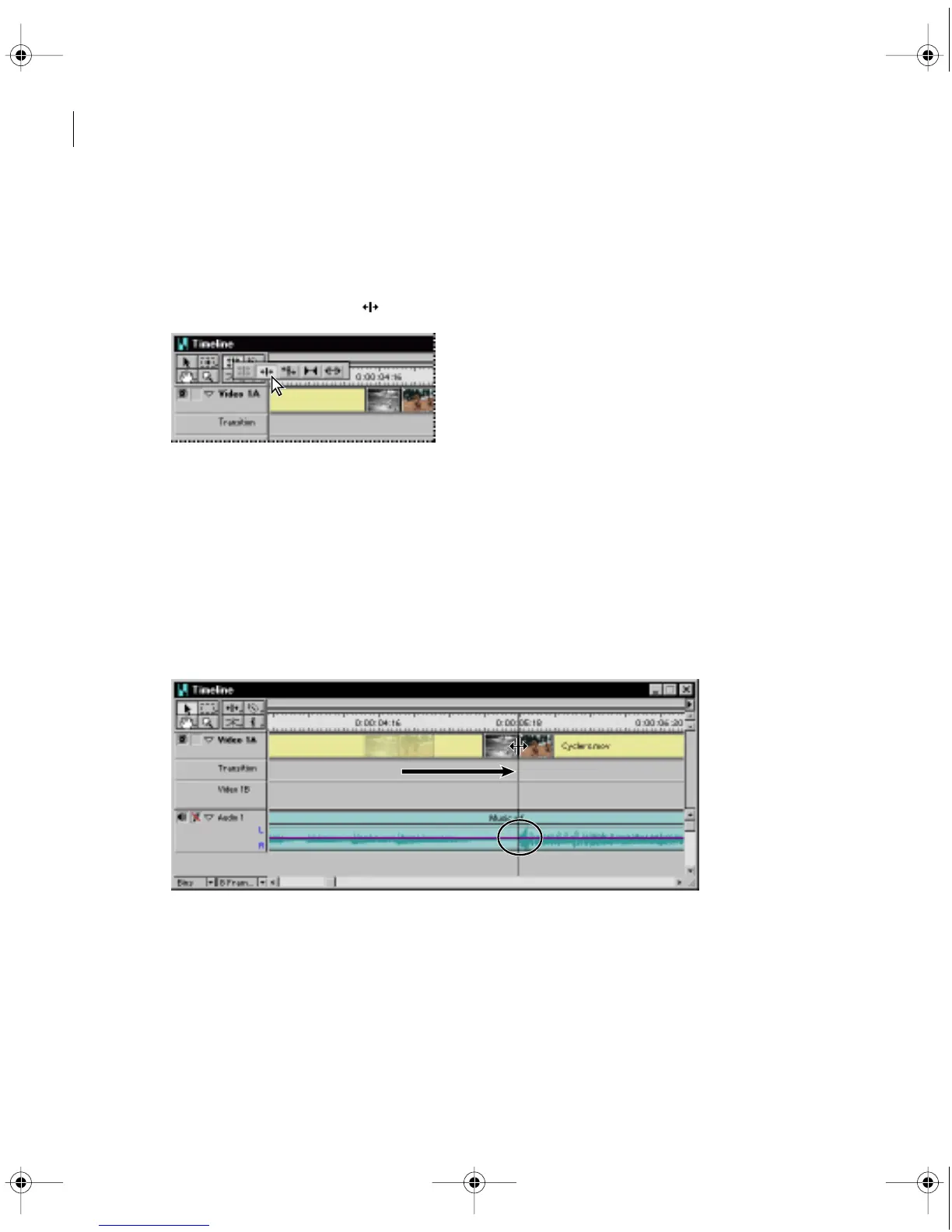
First, you’ll adjust the trim you made to the Boys.mov clip so that its Out point is synchronized
with the first spike in the audio track.
2
Select the ripple edit tool ( ) in the Timeline window.
A
ripple edit
trims the specified clip, but keeps the duration of all other clips the same.
The trim, however, “ripples” through the project; other clips are pulled in or pushed out,
depending on whether you shorten or lengthen the clip. The duration of the entire video
program, therefore, changes.
3
Move the pointer across the line where the first two clips join. Notice how the pointer
changes into the icon representing a ripple edit.
4
Drag the ripple edit tool until it is positioned over the first spike in the audio track,
and then release the mouse button
.
c00.book for PS Page 30 Tuesday, March 31, 1998 1:28 PM



 To Next Page