CHAPTER 1
46
A Tour of Adobe Premiere
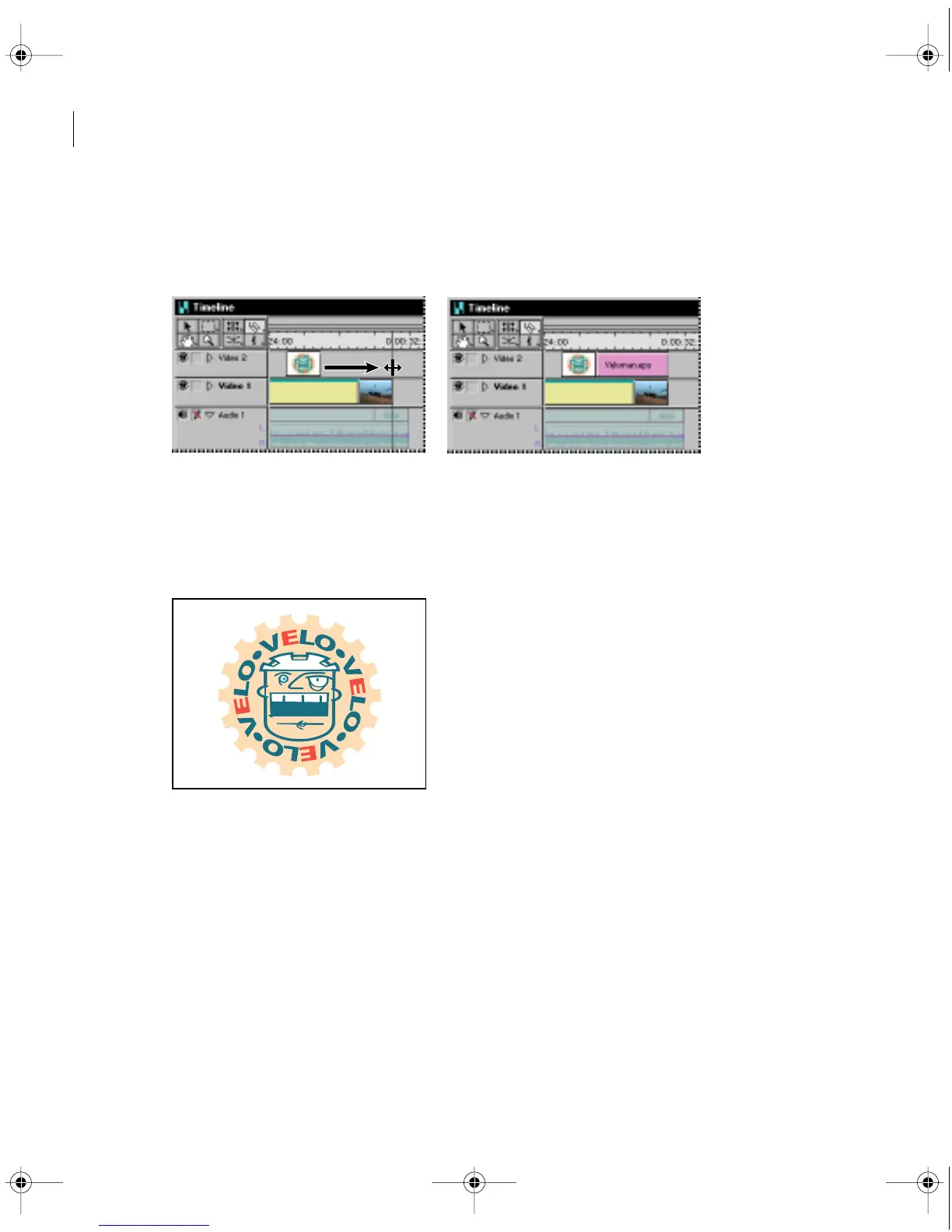
4 In the Timeline window, select the selection tool.
5 Drag the right edge of the Veloman.eps image to the right until it snaps to the end of the
Finale.mov clip.
The image now overlaps the Finale.mov clip in the Timeline window. The overlapping
area is where the logo will be superimposed on the bike race.
Note: Hold down the Alt key (Windows) or the Option key (Mac OS) and drag in the time
ruler over the area where the two clips overlap.
As expected, all you see is the Veloman.eps image; you don’t see the Finale.mov clip at all.
That’s because the Veloman.eps image is still fully opaque. Now you’ll make the background
of the Veloman.eps image transparent.
c00.book for PS Page 46 Tuesday, March 31, 1998 1:28 PM



 To Next Page