85
ADOBE PREMIERE 5.0
User Guide
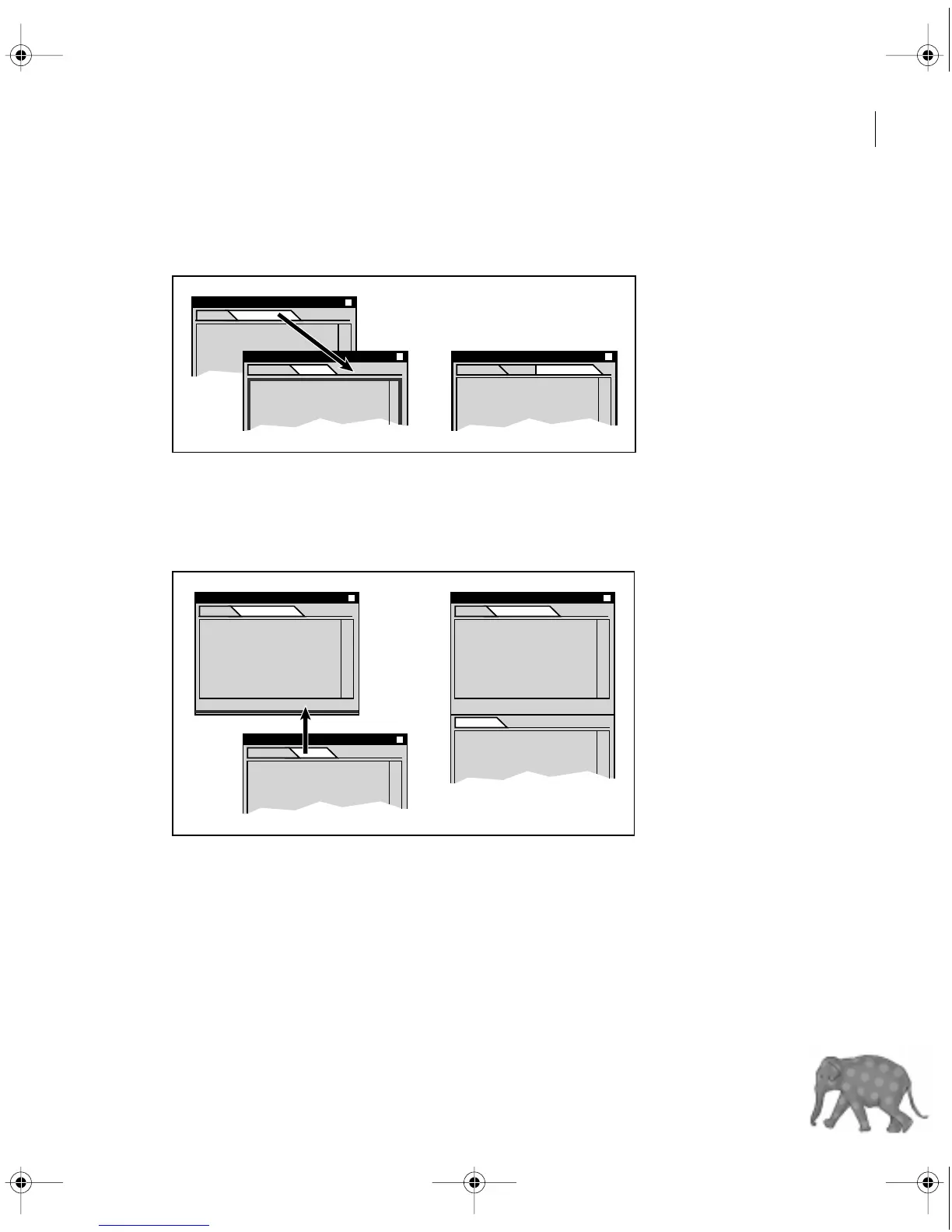
To move a palette to another group:
Drag a palette tab to that group.
To dock a palette to another palette group:
Drag a palette tab to the bottom of another palette until the bottom of the destination
palette is highlighted. Then release the mouse.
You can dock a palette by dragging its tab to the bottom of another palette.
c00.book for PS Page 85 Tuesday, March 31, 1998 1:28 PM



 To Next Page