CHAPTER 2
86
Working with Projects
To separate a palette from other palettes to which it is grouped or docked:
Drag a palette tab away from the other palettes.
If you have more than one monitor connected to your system and your operating system
supports a multiple-monitor desktop, you can drag palettes to any monitor.
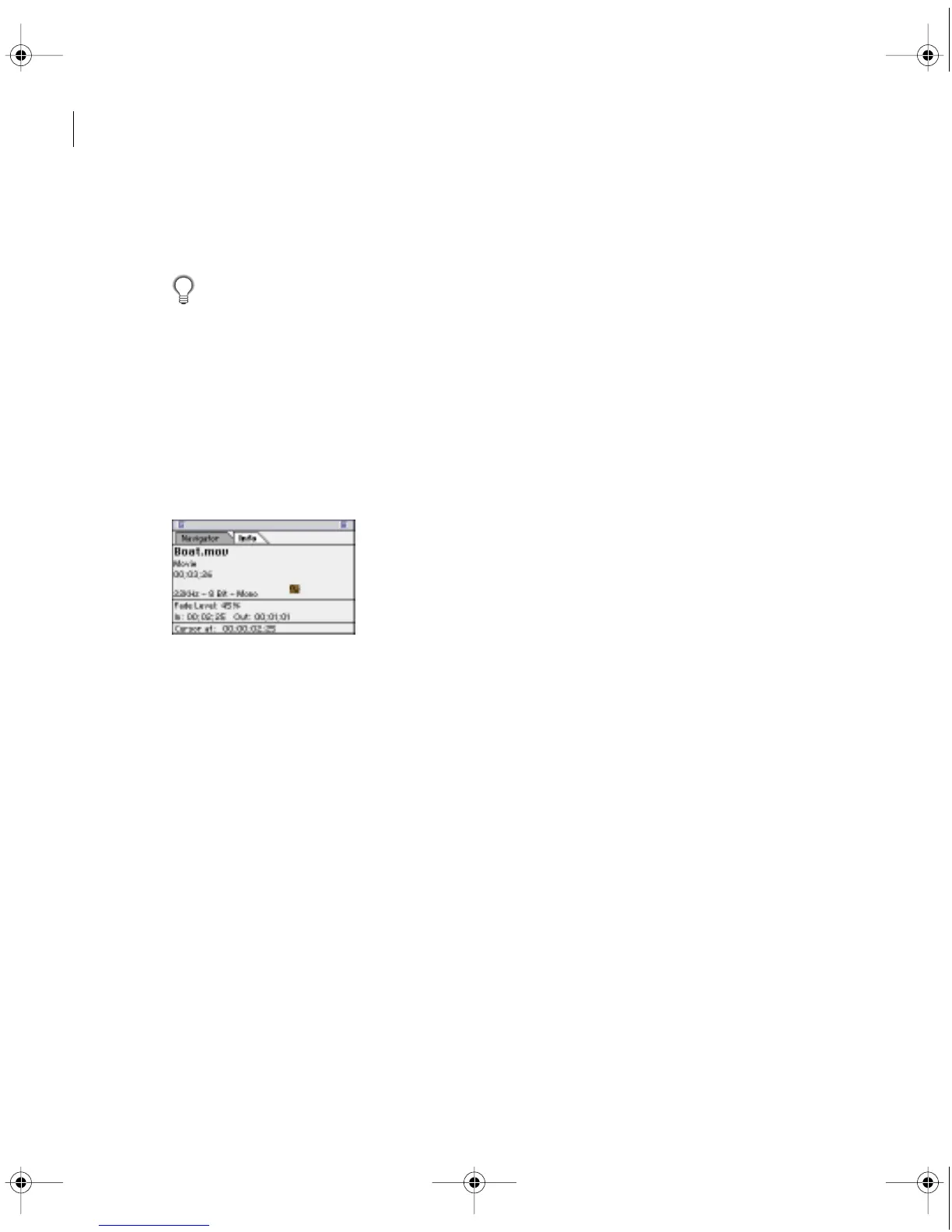
Using the Info palette
The Info palette displays information about a selected clip or transition. If you drag a clip in
the Timeline, you can watch the starting and ending time change in the Info palette. The
information displayed in the palette may vary depending on factors such as the media type
and the current window. For instance, an empty space in the Timeline, a rectangle in the
Title window, and a clip in the Project window display information unique to each item
when selected.
Info palette for a clip selected
in the Timeline
c00.book for PS Page 86 Tuesday, March 31, 1998 1:28 PM



 To Next Page