Advanced RF Technologies, Inc.
4.1.2 Rack Mount Procedure
Verify that the SDR and mounting hole are in good condition
Remove all SDR modules from the system
Remove all SDR wall mount bracket from the system
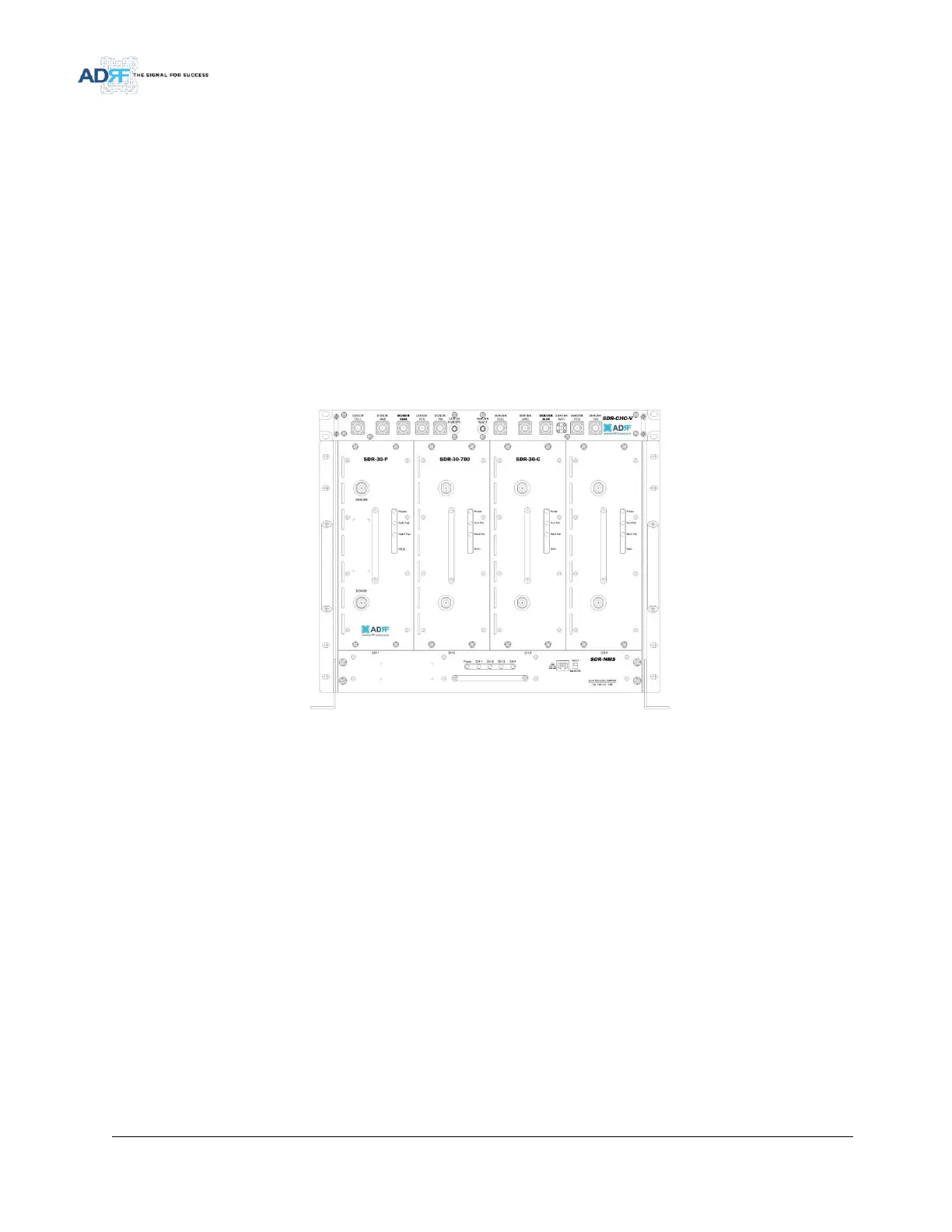
Install the SDR chassis into the 19” rack mount system
Screw the SDR chassis into the 19” rack mount system using the eight (8) mounting holes
Install the SDR modules into the chassis and secure the module by tightening the four (4) hand screws
Connect the power and data cables at the back of the SDR
Connect the GND cable
Connect the Antenna cable
Connect the Power cable
Figure 18 SDR Rack Mount



 To Next Page