Advanced RF Technologies, Inc.
5.4.3 Install- PCS
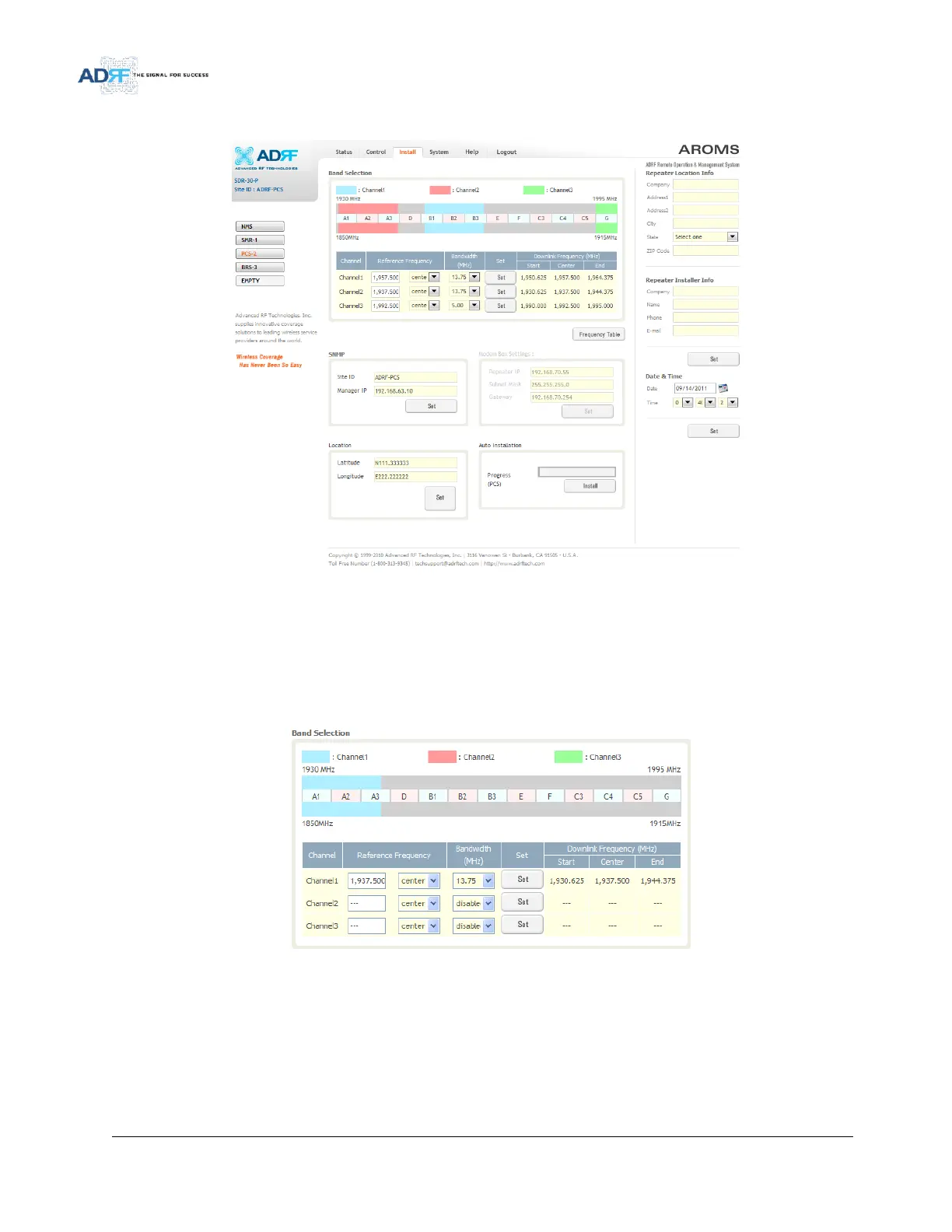
Figure 67 Install - PCS
The PCS Install page allows the user specify the desired frequncies by inputting the Reference Frequency and
Bandwidth. The PCS module supports up to 3 non-contiguous bands. Bandwidth selection ranges from 1.25 to 18.75
MHz. The Web-GUI requires you to select the exact pass-bands that you will be using and exclude the guard bands
when making your band selections.
5.4.3.1 Install- PCS Band Selection
Figure 68 Install- PCS Band Selection
To specify a frequency, input a DL reference frequency and select either start, center, or stop from the dropdown
menu. Select the desired bandwidth from the dropdown menu under the Bandwidth column and then click Set.



 To Next Page