Advanced RF Technologies, Inc.
5.4.5.3 Install- SNMP
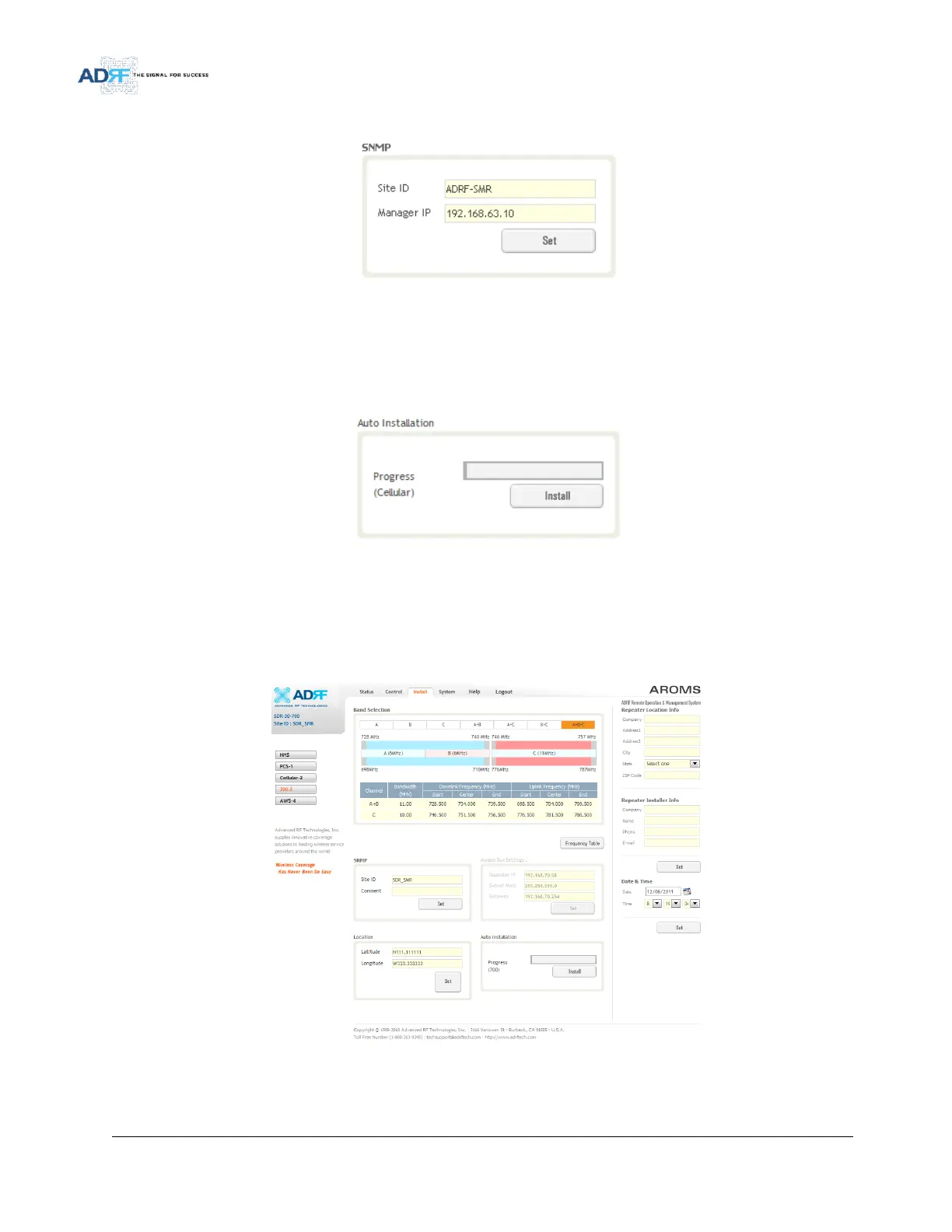
Figure 83 Install - SNMP
The SNMP section allows you to specify the Site ID and Manager IP. The Site-ID is the code that is used to
identify a particular module. The Manager IP field is where the user inputs the IP address of the NOC system that is
being used to monitor the SNMP traps.
5.4.5.4 Install- Auto Installation
Figure 84 Install – Auto Installation
The Auto Installation routine can be run by clicking on the Install button. The Auto Installation routine runs
basic system checks to ensure proper functionality.
5.4.6 Install- 700 MHz
Figure 85 Install – 700 MHz
The 700 MHz Install page allows the user specify the desired frequncies by clicking on the preset 700 MHz band.
Available choices include any combination of Lower A, Lower B, and Upper C.



 To Next Page