Advanced RF Technologies, Inc.
5.5.2 System- Closeout Package
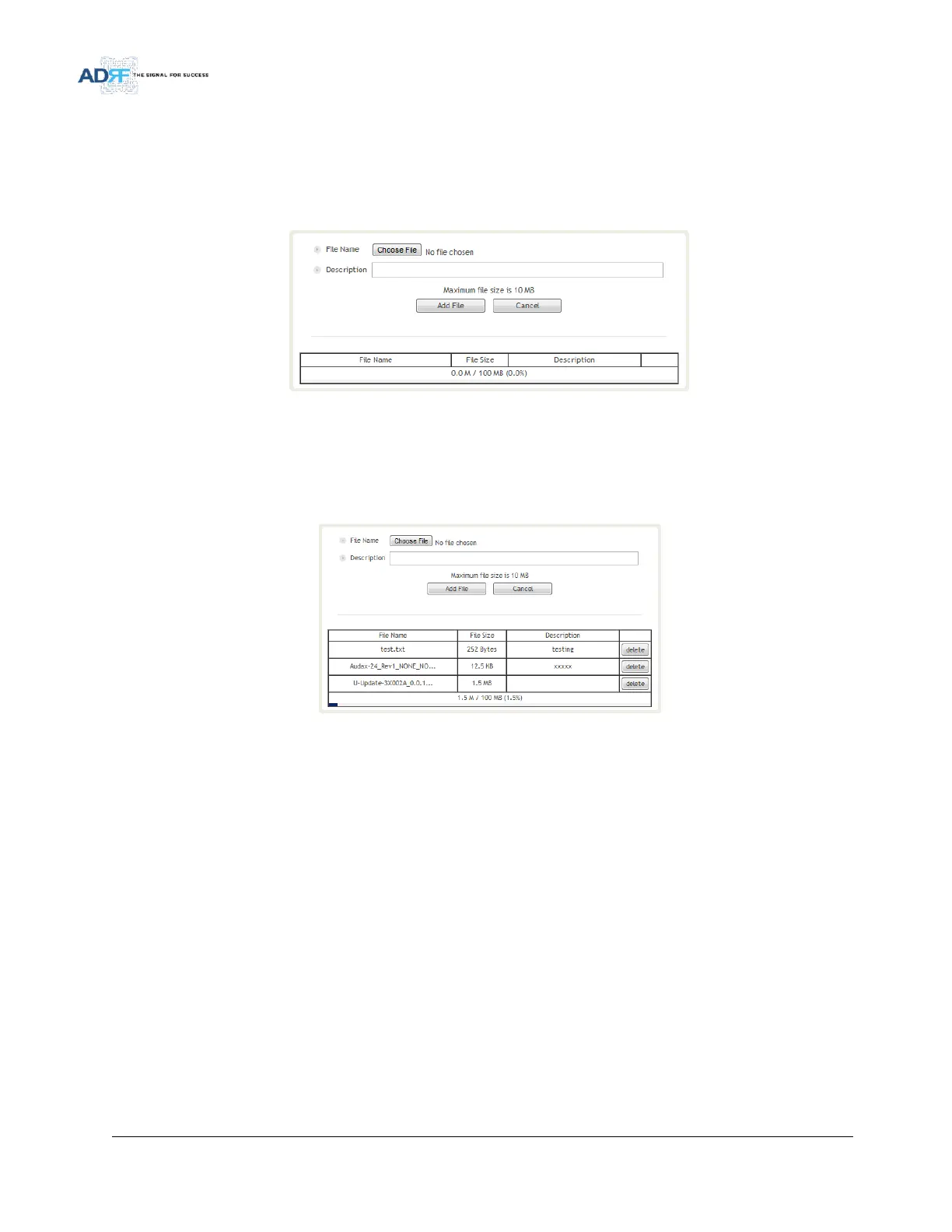
The closeout package section will allow the user to upload documents to the module. The maximum file size
for each upload is limited to 10 MB. The total amount of space available for uploading document is 100 MB. Please
do not use this section as the primary storage location of your documents. Documents may become unavailable if
the system goes down.
Figure 101 System- Closeout Package
To upload documents to the module, click on the “Choose File” or “Browse” button and locate the file that you
would like to upload, then enter in a Description of the file being uploaded. Afterwards, click on the “Add File”
button to upload the file. Below is what you will see after the file upload. To delete the file, click on the delete
button located in the last column.
Figure 102 System- Closeout Package after the file upload



 To Next Page