Advanced RF Technologies, Inc.
5.5.3 System- User Log
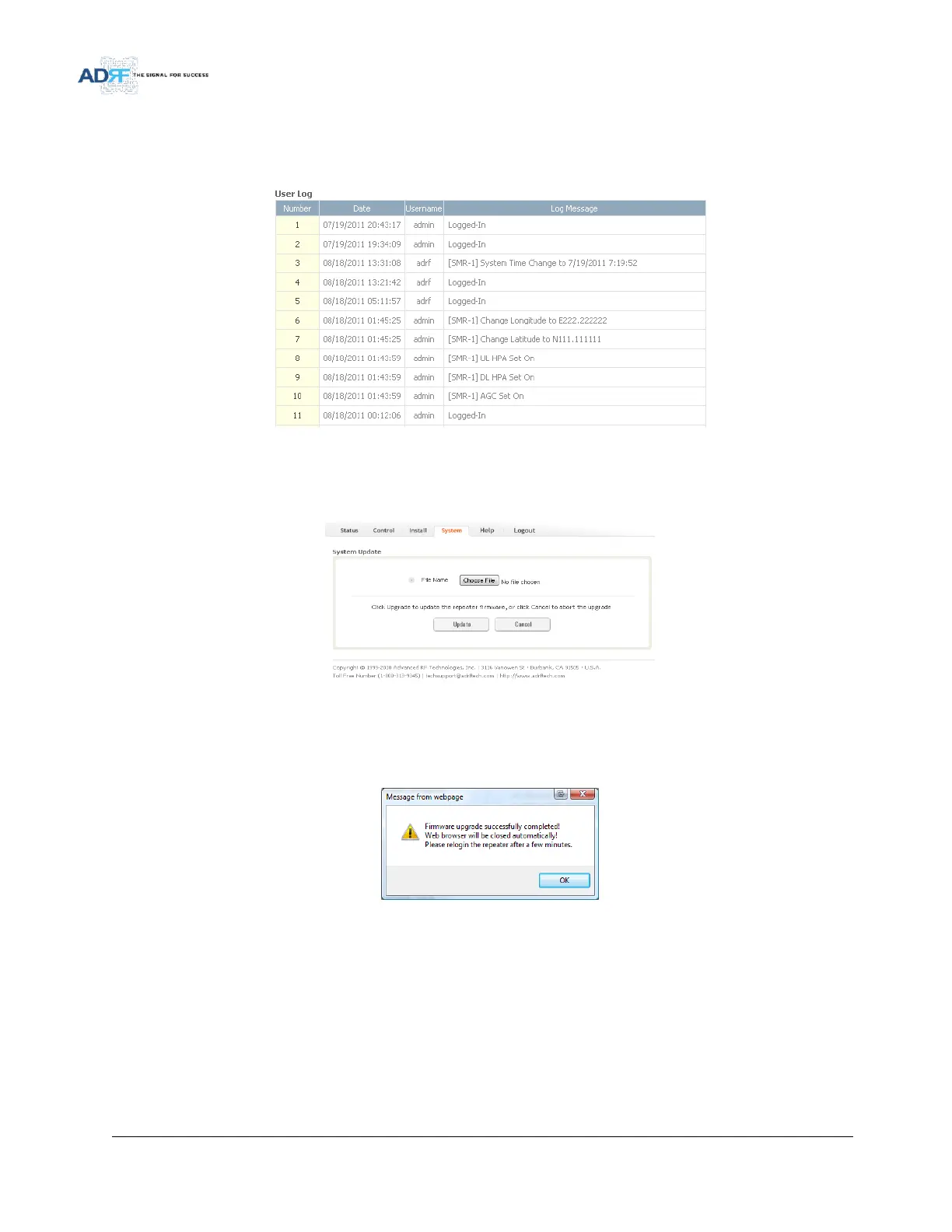
This section displays system events that have taken place. The User Log displays who has made the changes,
the time and date of when the event took place, and what changes were made to the system.
Figure 103 System – User Log
5.5.4 System: Update
To perform a firmware update, click on the System tab and the following screen will appear.
Figure 104 System update
Click on the Choose File… button and locate the firmware file
Click on the Upload button to perform the firmware update
Once the firmware update is complete, the following popup message will appear:
Figure 105 Pop-up message after System update is complete



 To Next Page