Advanced RF Technologies, Inc.
5.2.2.3 Alarm
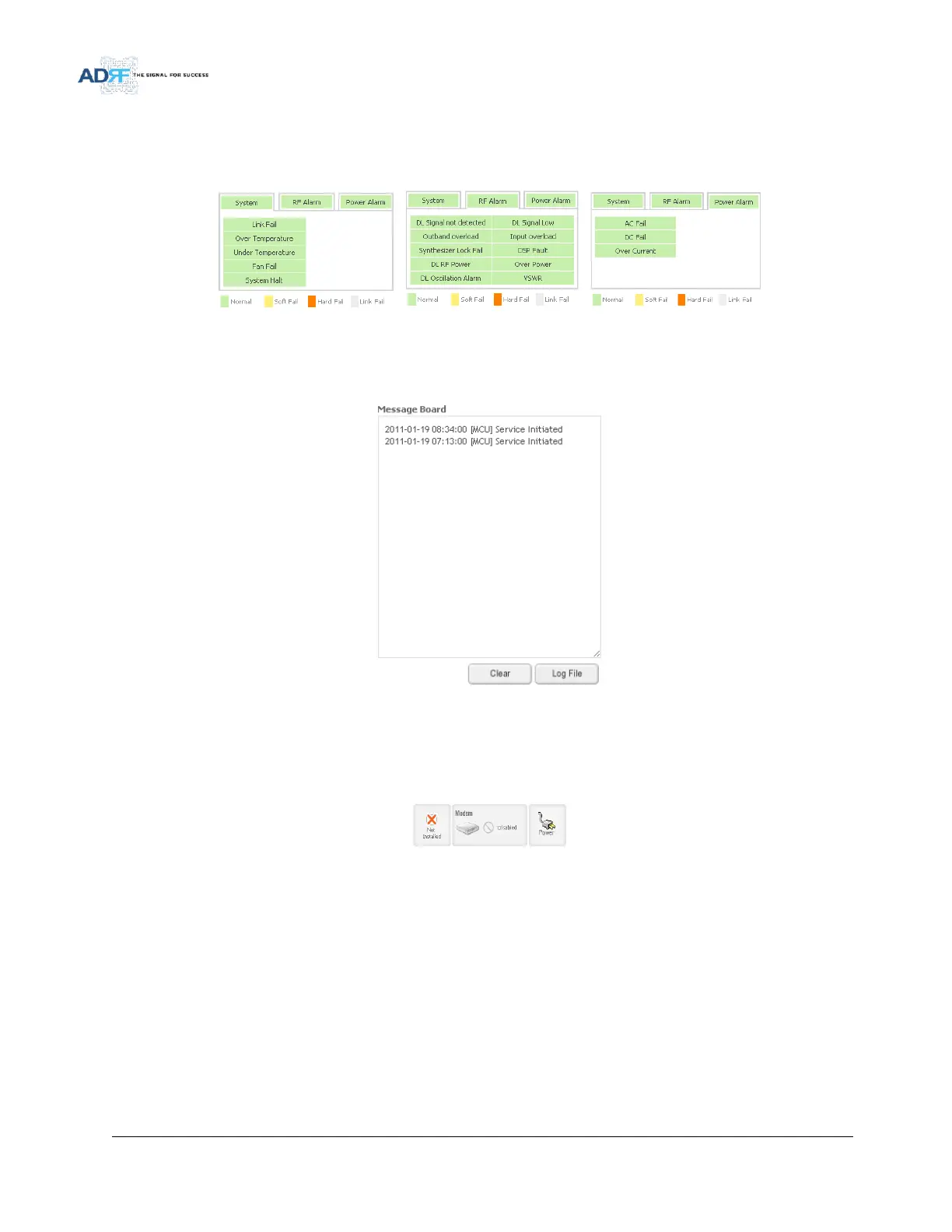
This section displays the alarm status for System alarms, RF alarms, and Power alarms. If an alarm is present in
the system, then the color of the alarm tab will change according to the type of failure.
Figure 39 Alarm Display
5.2.2.4 Message Board
Displays the 20 most recent events.
Figure 40 Message Board
Clear: Clears the content that is currently being displayed on the Message Board
Log File: Downloads the system Log File (events and alarms) to your computer
5.2.2.5 Install, Modem, and Power Status
Figure 41 Install, Modem, and Power Status
Installation: Displays whether or not the installation routine has been run (Not Installed or Installed)
Modem: Displays the status of the modem
- Disabled- No internal modem is present
- Not Connected- Internal modem is detected, but no connection to the network has been established
- Connected- Internal modem is detected and a connection to the network has been established
Power: Displays the power source that is currently being used



 To Next Page