Advanced RF Technologies, Inc.
5.4.5.1 Install- Cellular Band Selection
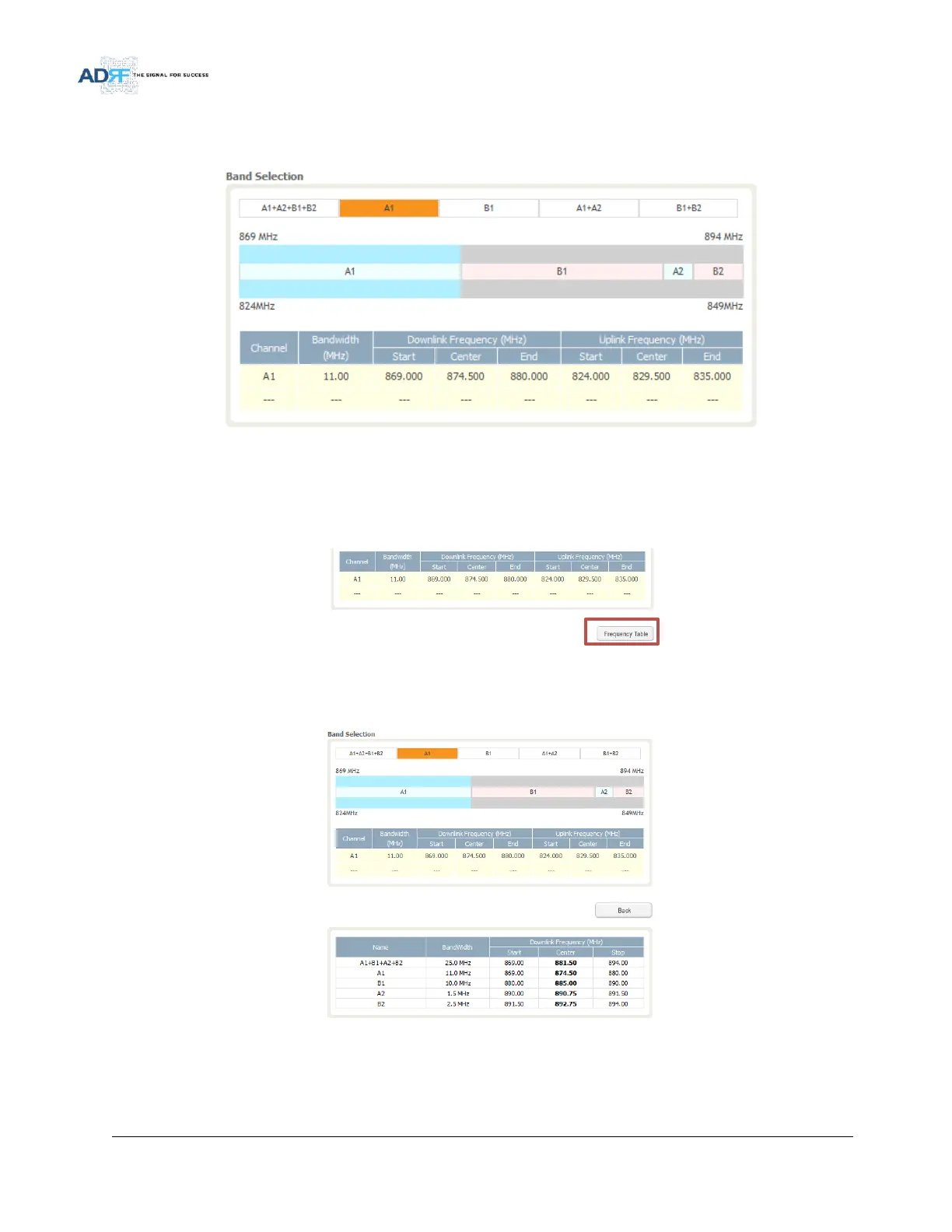
Figure 80 Install- Cellular Band Selection
The selected preset bands will be highlighted in orange.
5.4.5.2 Install- Frequency Table
Figure 81 Install- Frequency Setting
By clicking on the Frequency Table button, the following screen will appear. You can use the frequency table as
a reference to set the desired bands. Clicking on the Back button will take you back to the previous page.
Figure 82 Install- Frequency Table



 To Next Page