Advanced RF Technologies, Inc.
5.4.7.1 Install- AWS Band Selection
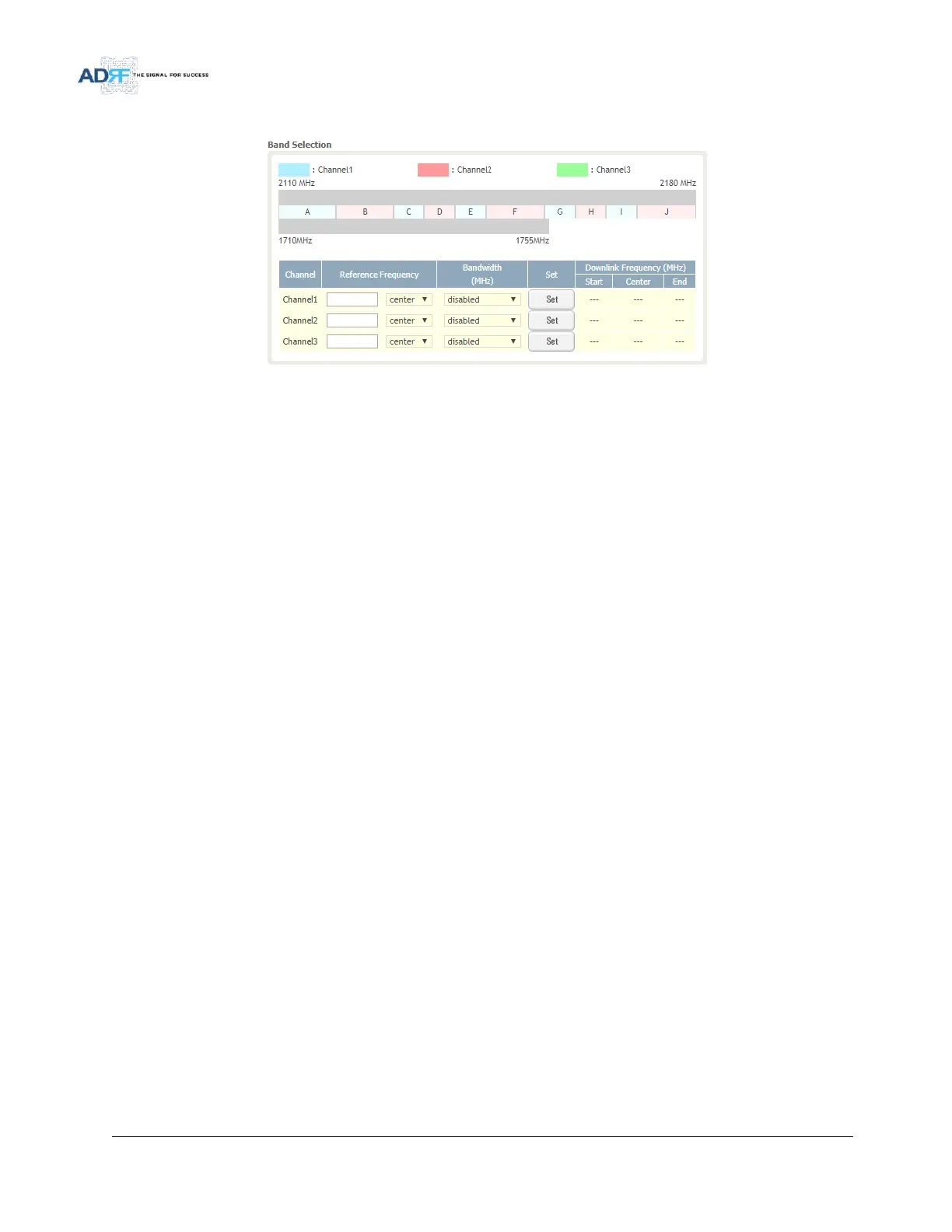
Figure 92 Install- AWS Band Selection
To specify a frequency, input a DL reference frequency and select either start, center, or stop from the dropdown
menu. Select the desired bandwidth from the dropdown menu under the Bandwidth column and then click Set.
Start Frequency
If a start frequency is specifed, then this will be the beginning frequency of the band selection. Adding the
bandwidth value that is selected from the Bandwidth column will give you the end frequency of your band selection.
Center Frequency
Once a center frequncy is specified and a bandwidth is selected, the system will split the bandwidth value in half
and then add this to the center frequency to obtain your end frequency and also subtract this value to obtain your
start frequency.
Stop Frequency
If a stop frequency is specified, then this will be the ending frequency of the band selection. Subtracting the
bandwidth value that is selected from the Bandwidth column will give you the start frequency of your band selection.
5.4.7.2 Install- Frequency Table



 To Next Page