Advanced RF Technologies, Inc.
5.2.1.1 Navigation Bar
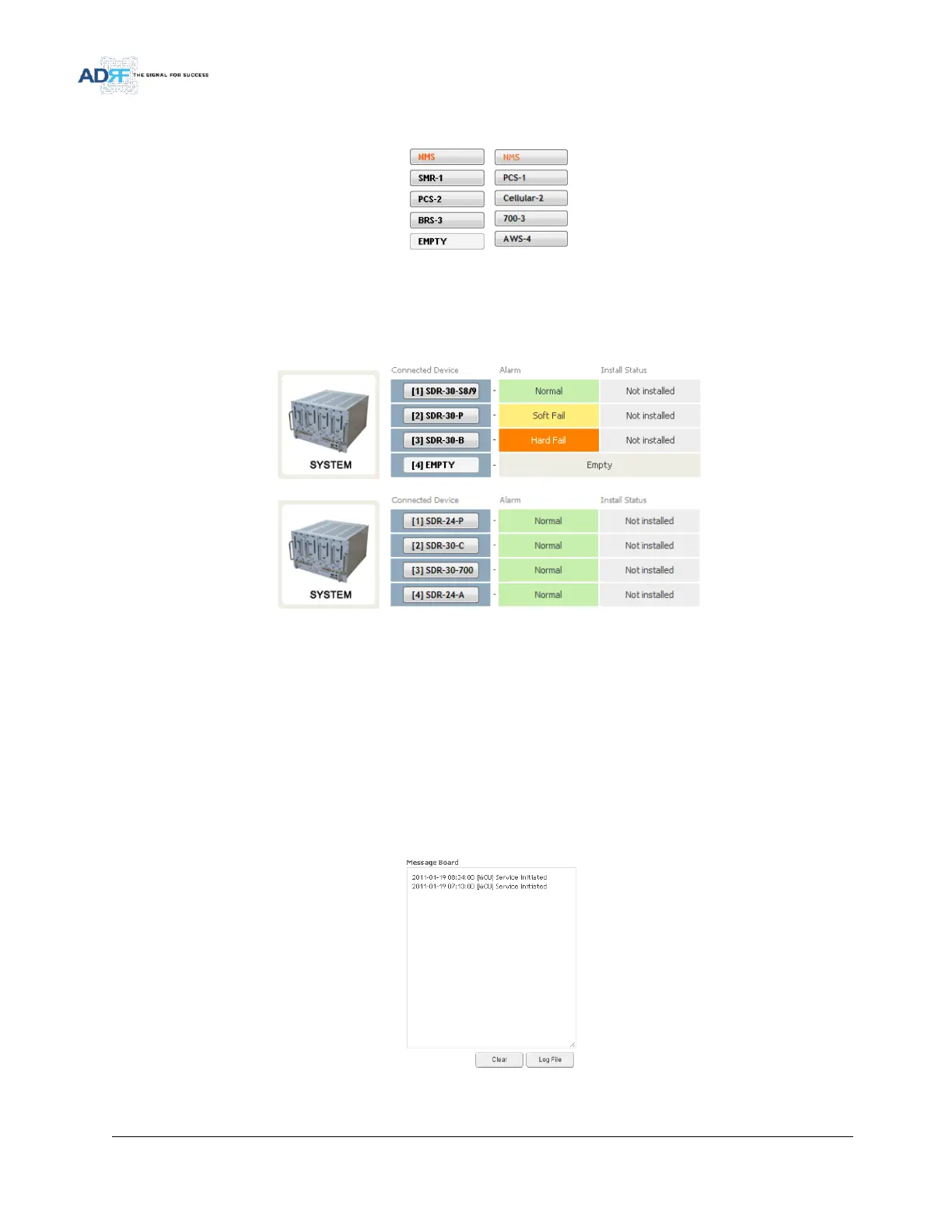
Figure 27 Navigation Bar
The navigation bar located on the left hand side of the Web-GUI allows the user to switch between the various
modules that are connected to the system.
5.2.1.2 System Summary
Figure 28 System Summary
The system summary provides a snapshot of how the system is currently performing.
Connected Device- Displays what modules are connected to the SDR-NMS. Clicking on the buttons in the
column will take you to the Status page of that module.
Alarm- Displays the current alarm status of the individual modules
Install Status- Displays the installation status of the module
5.2.1.3 Message Board
Displays the system events of all connected modules.
Figure 29 Message Board



 To Next Page