b. Make sure that there is no leakage
from the tubing connections.
4D3710R Fluid Filter Replacement
Note: The instrument cover does not need to
be removed to replace this part.
Instruction:
1. Open the heat transfer fluid compartment
door.
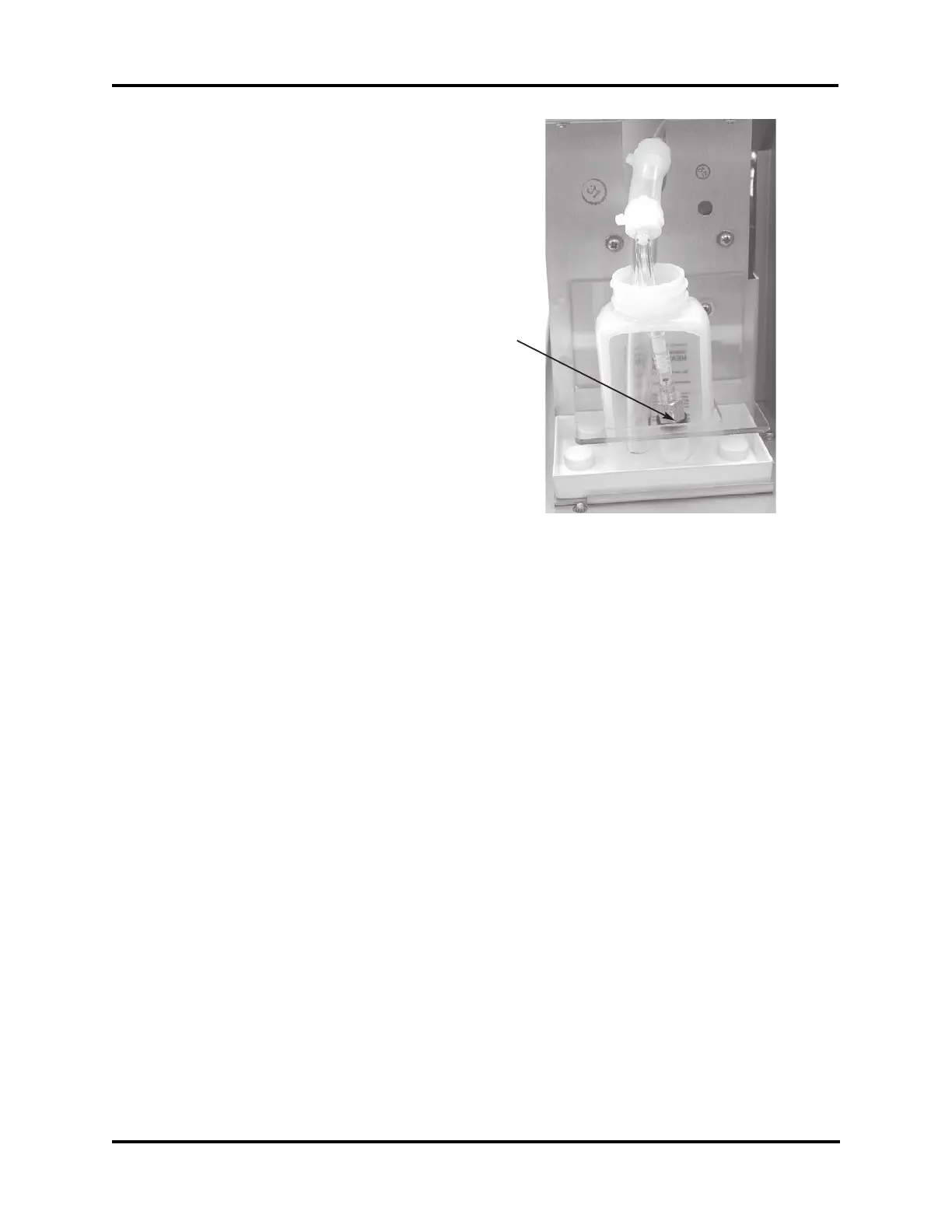
2. Remove the tube with filter attached from
the bottle of heat transfer fluid (Figure 6).
Use a paper towel or absorbent cloth to
soak up excess heat transfer fluid.
3. Unscrew the old filter (I) from the pump
tubing.
4. Replace the old filter with the new one,
and then replace the tube into the heat
transfer fluid bottle.
4D3705R Bottle One-way Check
Valve Replacement
Note: The instrument cover does not need to
be removed to replace this part.
Instruction:
1. Open the heat transfer fluid compartment
door.
2. Remove the tube with filter attached from
the bottle of heat transfer fluid (Figure 6).
Use a paper towel or absorbent cloth to
soak up excess heat transfer fluid.
3. Holding the tube in an elevated position to
minimize leakage, firmly grip the tube
just above the old check valve, then pull
off the old check valve and filter.
4. Immediately insert the new check valve,
making sure to orient the check valve
properly (Figure 7).
5. Remove the old check valve from the
short piece of tube that connects it to the
filter, then reattach the tube and filter to
the new check valve. Replace the tube
with filter into the heat transfer fluid
bottle.
99133R Cooling System Inlet One-
way Check Valve Replacement
Instruction:
1. Turn off the power and unplug the instru-
ment.
4DP690 Rev3
(4D35/3255/MK05 Service Manual)
Page 5 of 7
Figure 6
I



 To Next Page