IMPLICIT COMMUNICATIONS WITHOUT EDS
SMD17E2 User Manual
ADVANCED MICRO CONTROLS INC.
110
4.2 Add the SMD17E2 (continued)
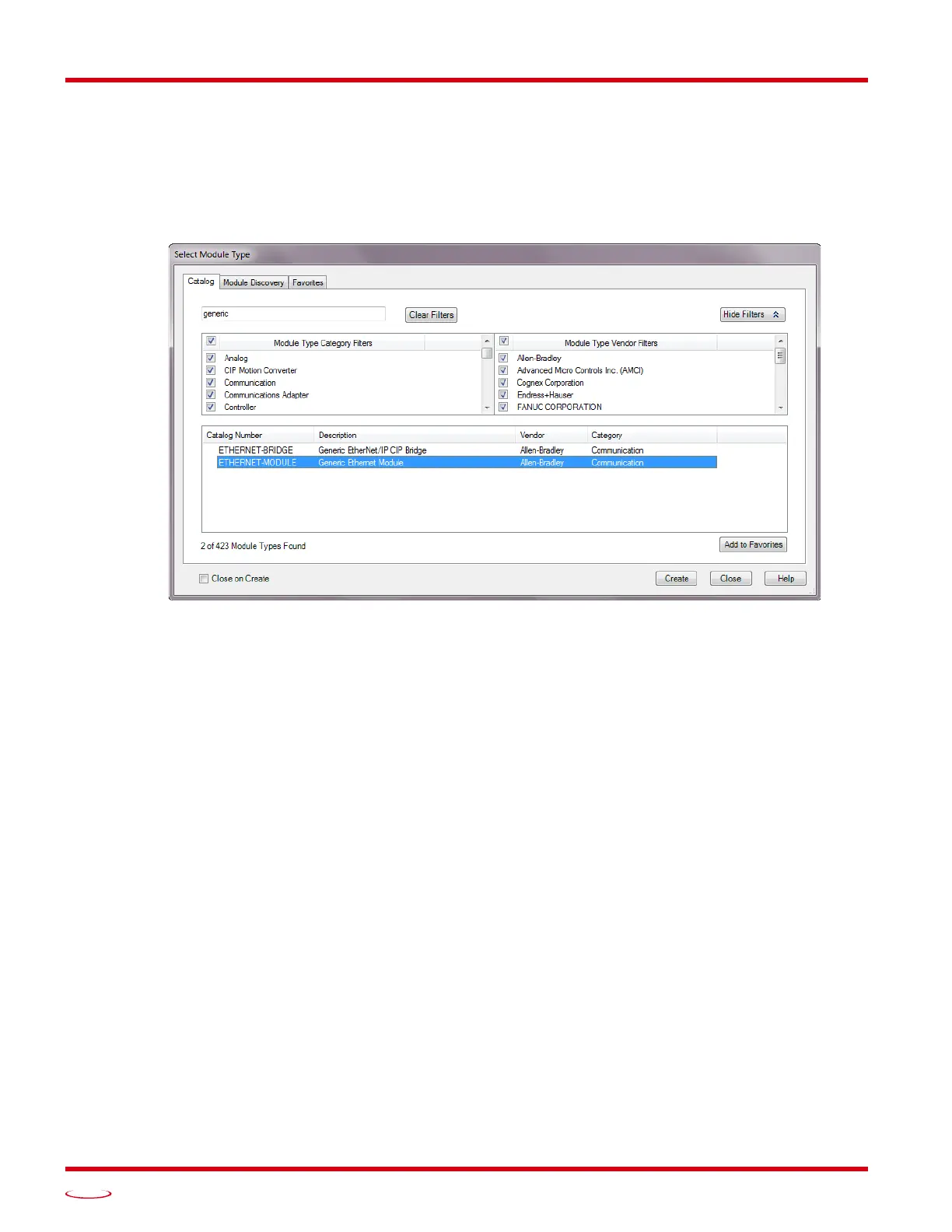
2) In the resulting Select Module Type screen, type “generic” into the filter as shown in figure T4.2. This will
limit the results in the Catalog Number list.
3) Select the Catalog Number “ETHERNET-MODULE” in the list.
4) Click on the [Create] button to create the module.
5) Click on [Close] if necessary to close the Select Module Type screen.
Figure T4.2 Selecting a Generic Device



 To Next Page