COMMAND MODE DATA FORMAT
SMD17E2 User Manual
ADVANCED MICRO CONTROLS INC.
80
Programming Blocks
The following blocks are used to program an Assembled Move. Both of the move types, Blend Move, and
Dwell Move, are programmed exactly the same way. The bit configuration used when starting the move
determines which type of Assembled Move is run.
First Block
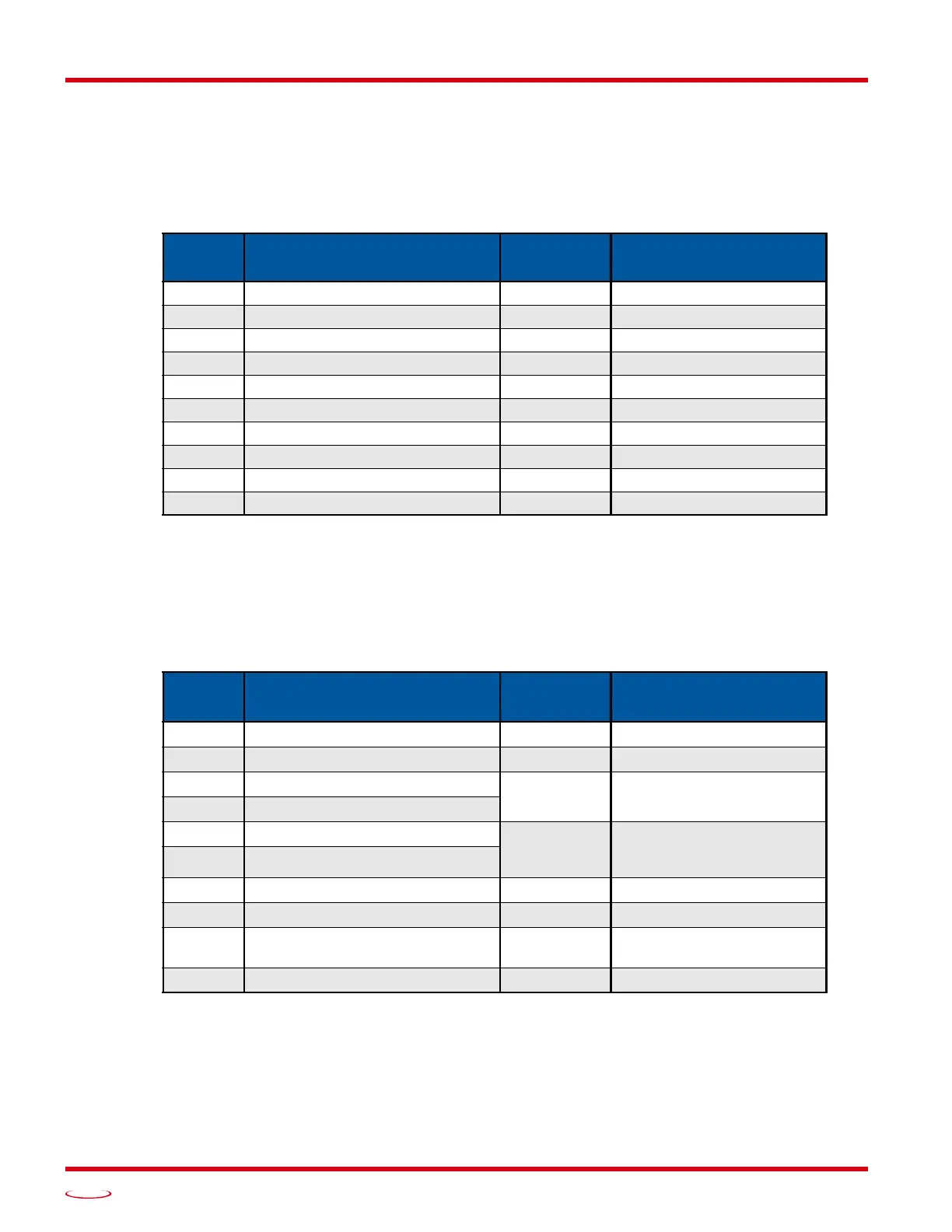
Table R6.17 Assembled Move First Programming Block
Unused words are ignored by the SMD17E2 and can be any value, including parameter values from the previ-
ous command.
Once the first block is transmitted, the
SMD17E2
responds by setting bits 8 and 9 in Status Word 0. (See
Status
Word 0 Format
starting on page 81.) Once these are set, you can then start transmitting Segment Blocks.
Segment Block
Table R6.18 Assembled Move Segment Programming Block
Note that each Segment Block starts with bits 11 and 12 in Command Word 0 set to “1” (16#1800). When the
unit sees bit 12 of Command Word 0 set, it will accept the block and reset bit 9 in Status Word 0. When your pro
-
gram sees this bit reset, it must respond by resetting bit 12 of Command Word 0. The
SMD17E2
will respond to
this by setting bit 9 in Status Word 0 and the next Segment Block can be written to the unit. You can write a max
-
imum of sixteen Segment Blocks for each Assembled Move.
PROFINET
Word
Function Units Range
0 Command Word 0 16#0800
1 Command Word 1 See pg. 71
2 Unused See Note Below
3 Unused See Note Below
4 Unused See Note Below
5 Unused See Note Below
6 Unused See Note Below
7 Unused See Note Below
8 Unused See Note Below
9 Unused See Note Below
PROFINET
Word
Function Units Range
0 Command Word 0 16#1800
1 Command Word 1 See pg. 71
2 Rel. Target Position: Upper Word
Steps
Combined value between
–8,388,608 and +8,388,607
3 Rel. Target Position: Lower Word
4 Programmed Speed: Upper Word
Steps/Second
Combined value between
the Configured Starting
Speed and 2,999,999
5 Programmed Speed: Lower Word
6 Acceleration Steps/sec/ms 1 to 5000
7 Deceleration Steps/sec/ms 1 to 5000
8 Reserved
Must equal zero for compat-
ibility with future releases.
9 Acceleration Jerk 0 to 5000



 To Next Page