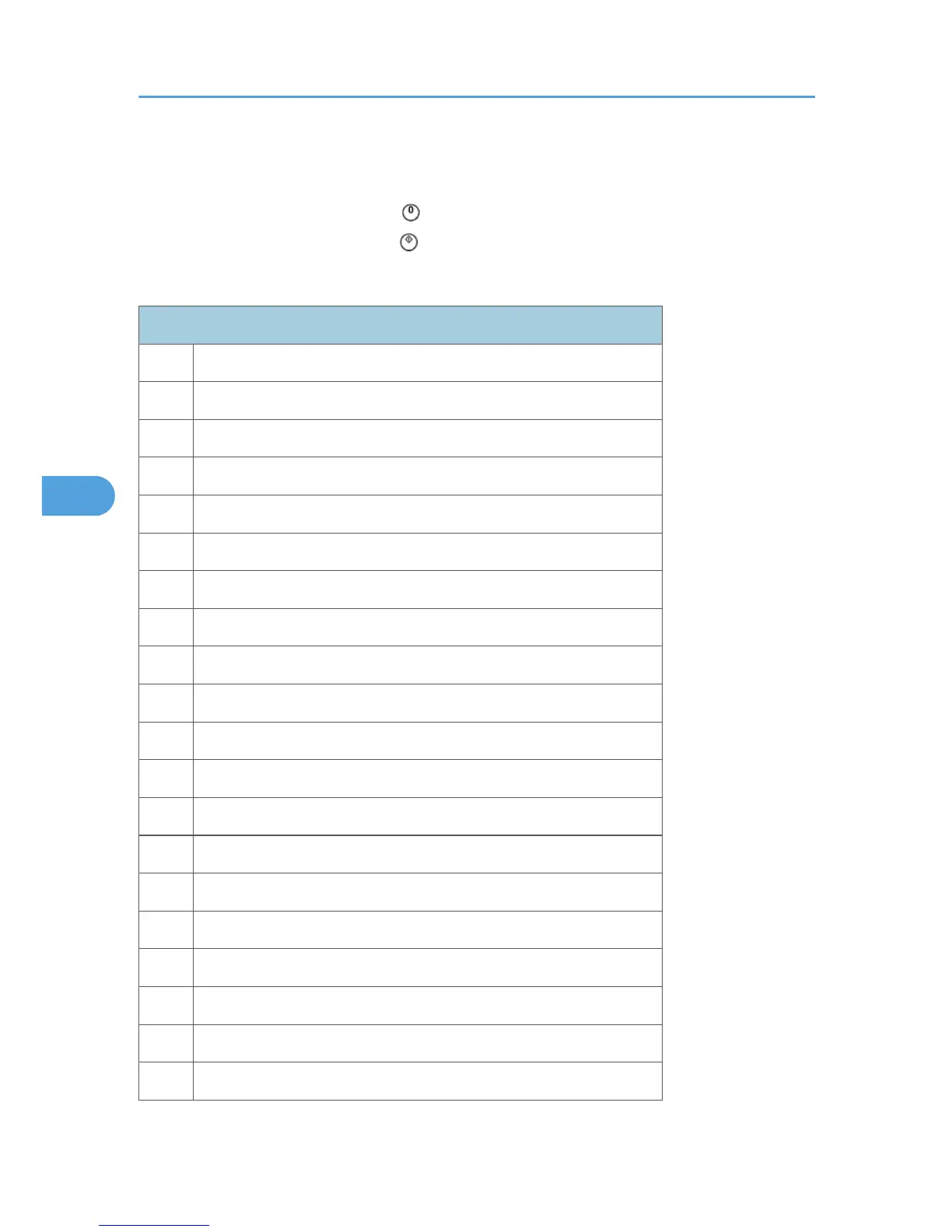
1. Specify the pattern number and press the OK key.
2. Press the copy start key. The copy mode is activated
3. Specify copy settings and press the key.
4. To return to the SP mode, press the key.
- Test Patterns -
Test Patterns Using VCU
No. Pattern
0 (No print)
1 Vertical Lines (Single Dot)
2 Horizontal Lines (Single Dot)
3 Vertical Lines (Double Dot)
4 Horizontal Lines (Double Dot)
5 Grid Pattern (Single Dot)
6 Grid Pattern (Double Dot)
7 Alternating Dot Pattern
8 Isolated one dot
9 Black Band (Horizontal)
10 Trimming Area
11 Argyle Pattern (Single Dot)
12 Grayscales (Horizontal)
13 Grayscales (Vertical)
14 Grayscales (Vertical/Horizontal)
15 Grayscales (Vertical/Horizontal Overlay)
16 Grayscales With White Lines (Horizontal)
17 Grayscales with White Lines (Vertical)
18 Grayscales with White Lines (Vertical/Horizontal)
5. Service Tables
116



 To Next Page