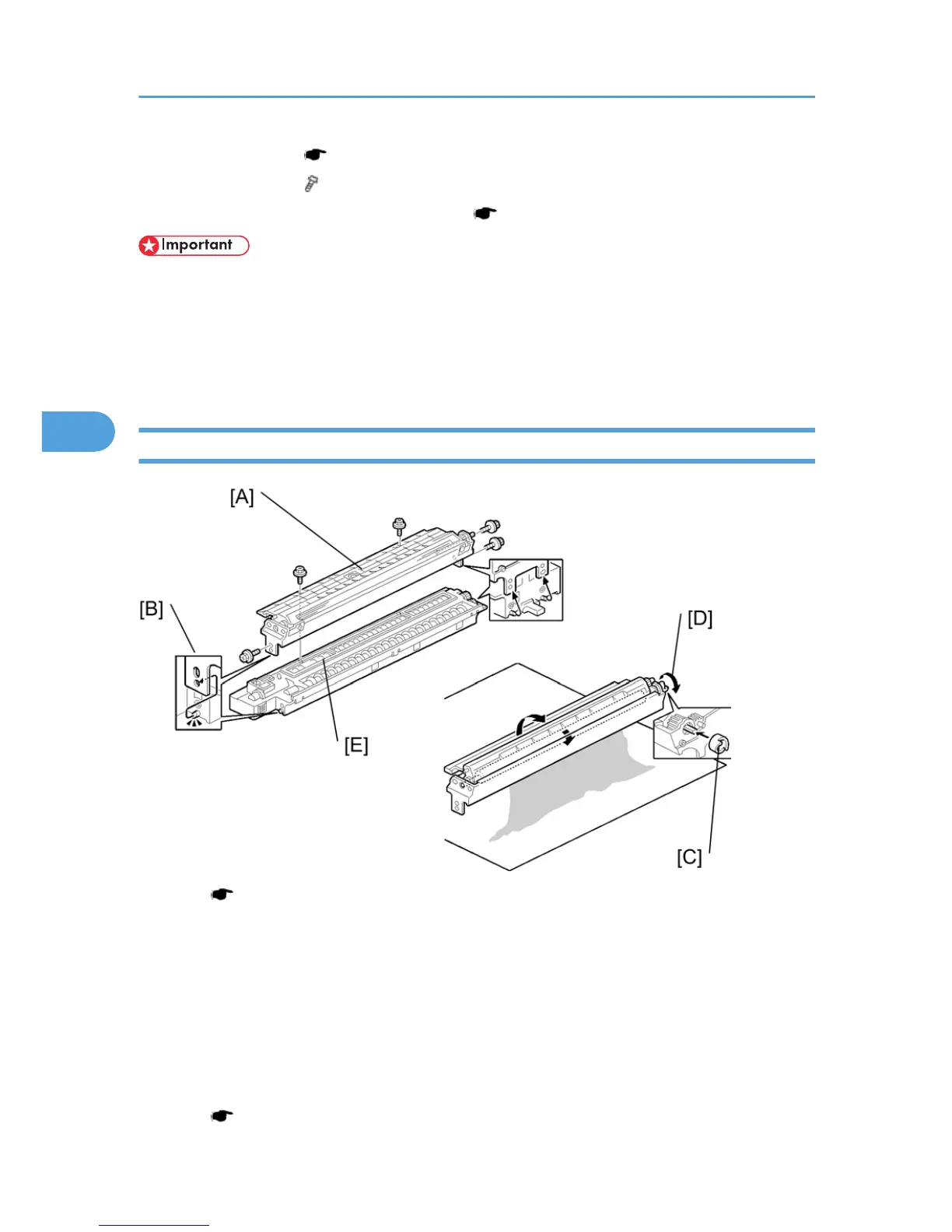
1. Drum charge roller ( p.67 "Charge Roller and Cleaning Brush")
2. Cleaning blade [B] ( x 2)
3. When reassembling, adjust the image quality ( p.69 "After Replacement or Adjustment").
• Apply
toner to the edge of the new cleaning blade when you replace the cleaning blade. This prevents
possible damage to the OPC drum and blade.
• After installing the cleaning blade, remove some of the toner from the old blade with your finger.
• Apply the toner to the edge [A] of the new cleaning blade. Make sure to apply the toner evenly along
full length of the new cleaning blade.
Developer
1. PCU ( p.63)
2. To
let the toner fall to the development section, gently tap about eight different spots on the top of the
PCU with a screwdriver. Each spot must be approximately at an equal distance from the next spot.
3. Reinstall the PCU in the copier.
4. Turn the main switch on.
5. Open and close the front door and wait for the machine to rotate the development roller for about
10 seconds.
6. Repeat the previous step two more times.
7. PCU (
p.63)
4. Replacement and Adjustment
68



 To Next Page