5907 1
Selects the brand name and production name for the Plug and Play function. These names
are registered in the NVRAM. If the NVRAM becomes defective, these names should be
re-registered. Use the right-arrow or left-arrow key to scroll through the list of brand names.
To select a brand name, press the OK key. An asterisk (*) indicates which manufacture is
currently selected. ( Memory Clear)
5990 SMC Print
5990 1 All
( SMC Print (SP 5990))
5990 2 SP
5990 3 User Program
5990 4 Logging Data
5990 5 Big font
SP6-XXX (Peripherals)
6006*
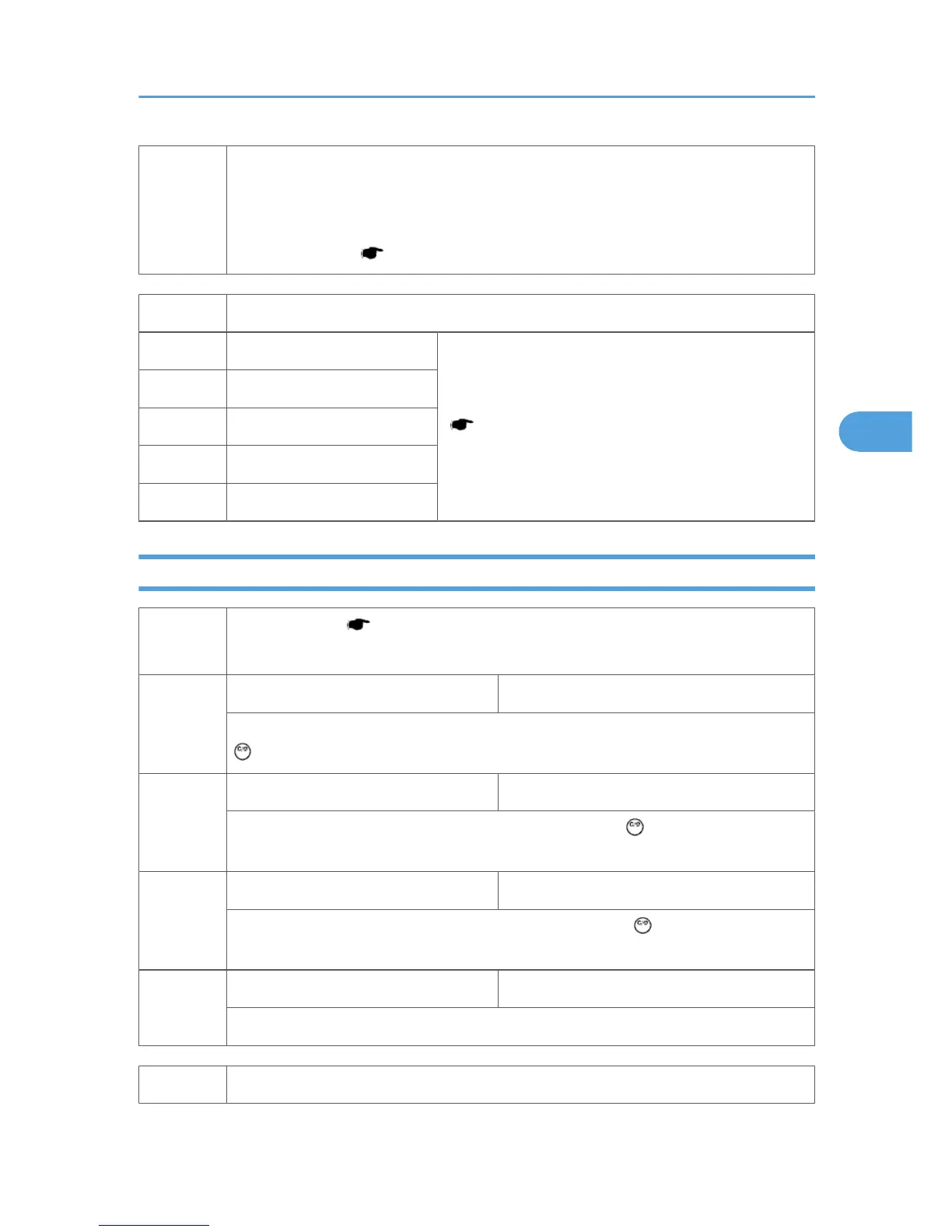
ADF Adjustment ( ADF Image Adjustment)
NOTE: Available menus depend on the machine model and its configuration.
6006 1
ADF Adjustment (StoS/Front Regist) [–5.0 to +5.0 / 0.0 / 0.1 mm/step]
Adjusts the side-to-side registration for the front side of the original, for ADF mode. Use the
key to select "+" or "–" before entering the value
6006 2
ADF Adjustment (Leading Regist) [–5.0 to +5.0 / 0.0 / 0.1 mm/step]
Adjusts the leading edge registration for ADF mode. Use the key to select "+" or "–"
before entering the value.
6006 3
ADF Adjustment (Trailing Erase) [–3.0 to +3.0 / –1.0 / 0.1 mm/step]
Adjusts the trailing edge erase margin for ADF mode. Use the key to select "+" or "–"
before entering the value.
6006 5
ADF Adjustment (Sub-scan Magnif) [–0.9 to +0.9 / 0.0 / 0.1 %/step]
Adjust the sub-scan magnification for the ADF.
6009 ADF Free Run
SP Mode Tables
47



 To Next Page