3. Insert the flash memory card [A].
4. Press down the power switch on the operation panel and hold it, and turn on the main switch.
5.
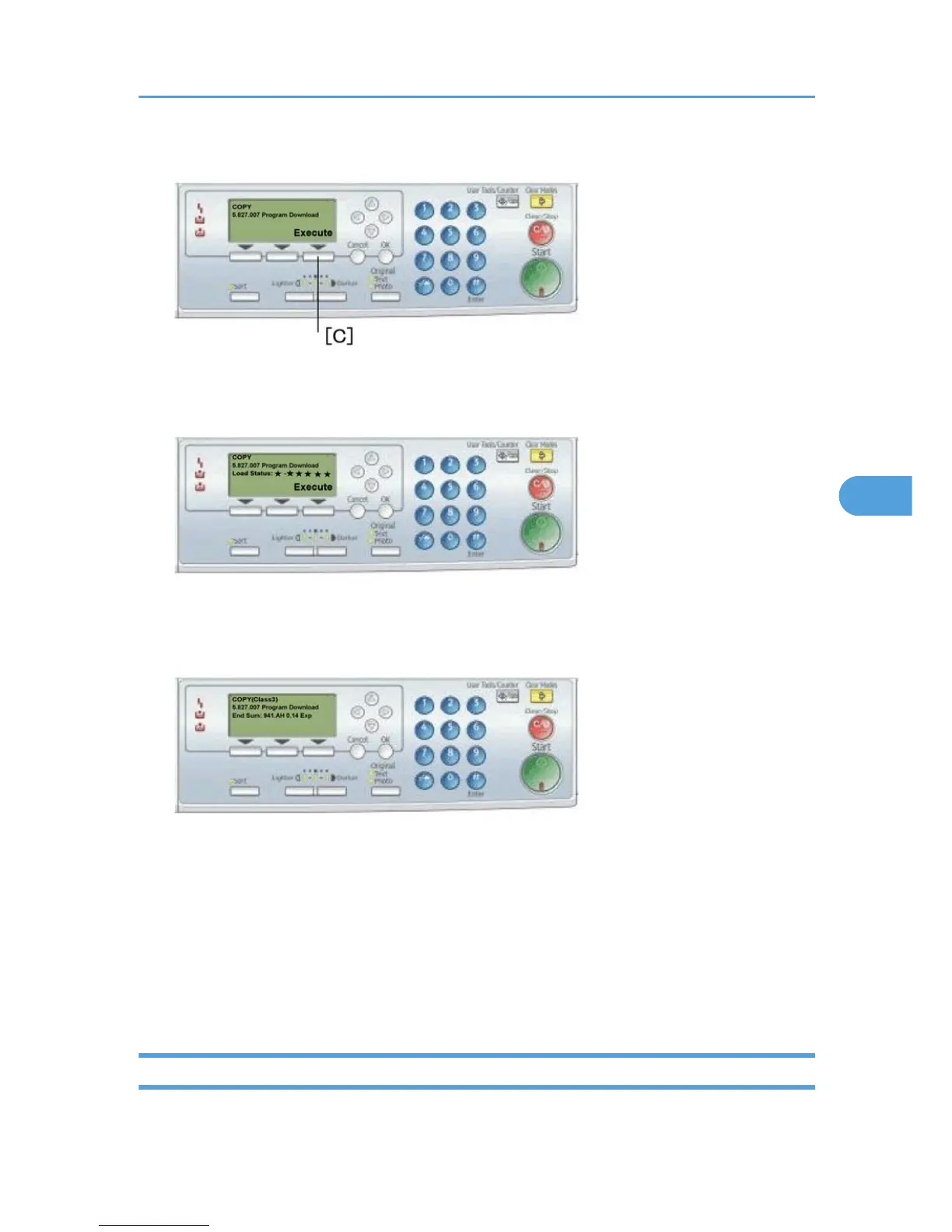
Select "Execute" [C].
6. Do not touch any key while the message "Load Status..." shows. This message indicates that the
program is running.
7. Make sure the message "End Sum..." shows. This message indicates that the program has ended
normally.
8.
Turn off the main switch.
9. Remove the flash memory card.
10. Replace the card cover [B] (1 rivet).
11. Turn the main switch on.
12. Check the operation.
Test Pattern Print (SP 5902 1)
- Executing Test Pattern Printing -
Using SP Modes
115



 To Next Page