SP 5811 1 specifies the serial number. For this machine, you use the numeric keypad.
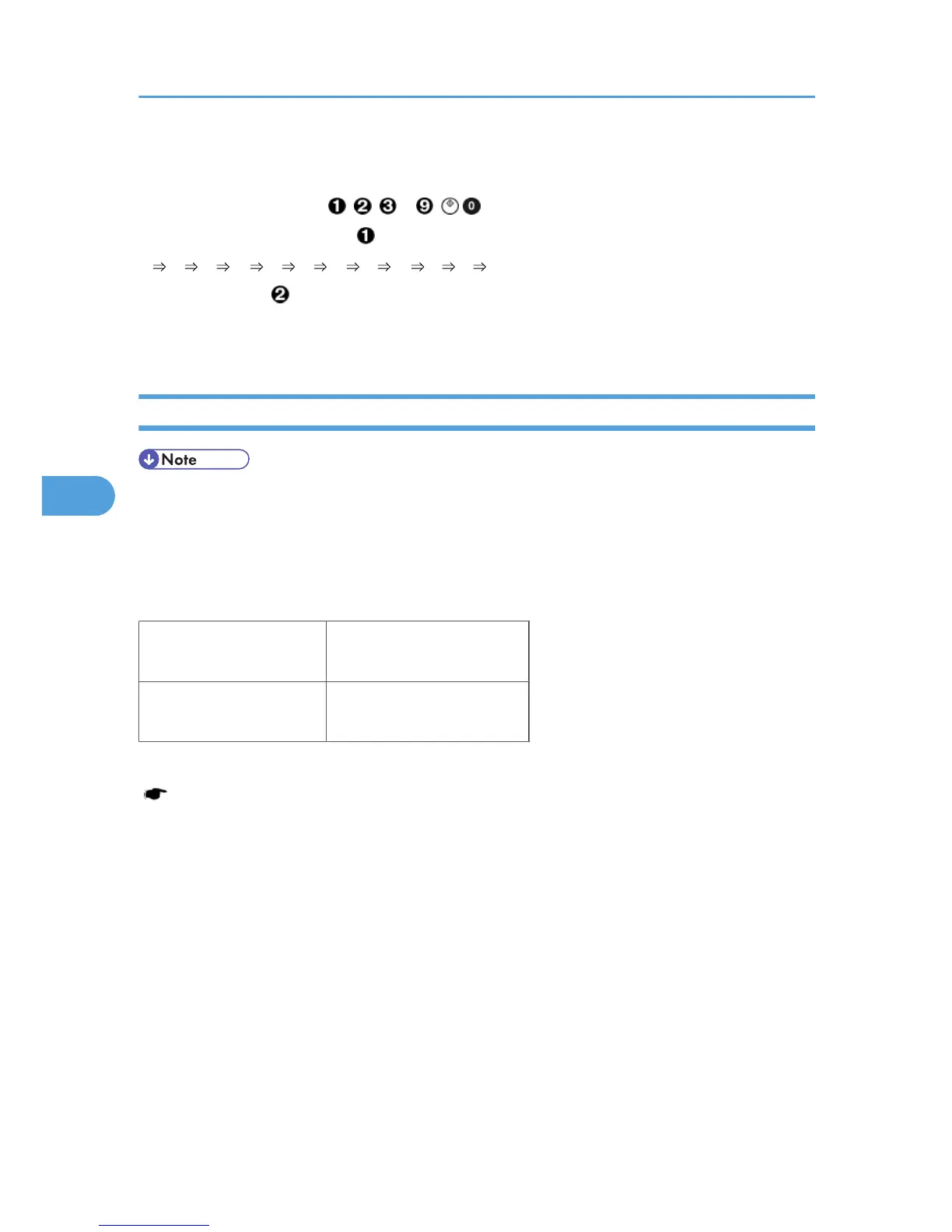
A serial number consists of 11 characters. You can change each character by pressing one of the first 11
keys on the numeric keypad ( , , , ... , , ).
For example, when you press the key, the first character of the serial number changes as follows:
0 1 2 ... 8 9 A B ... X Y Z.
When you press the key, the second character changes likewise.
You can specify a digit ("0" to "9") or a capital letter ("A" to "Z") for the first four characters of a serial
number, and you can specify a digit in the other seven characters (not capital letters).
NVRAM Data Upload/Download (SP 5824/5825)
• Make
sure that you turn off the main switch before inserting or removing a flash memory card. Installing
or removing a flash memory card while the main switch is on may damage the BICU or memory.
- Overview -
You can copy the data from the NVRAM to a flash memory card (NVRAM Upload), or from a flash memory
card to the NVRAM (NVRAM download).
SP 5824 1
(NVRAM Upload)
From the BICU to a flash
memory card
SP 5825 1
(NVRAM Download)
From a flash memory card to
the BICU
You should execute NVRAM Upload before replacing the NVRAM or before executing SP 5801 2
( Memory Clear). You can copy back the data from the flash card to the NVRAM as necessary.
- NVRAM Upload (SP 5824 1) -
5. Service Tables
112



 To Next Page