Chapter 9 Flatness Measurements
Completing the Set Up Flatness Screen
9-30 Measurements Reference Guide
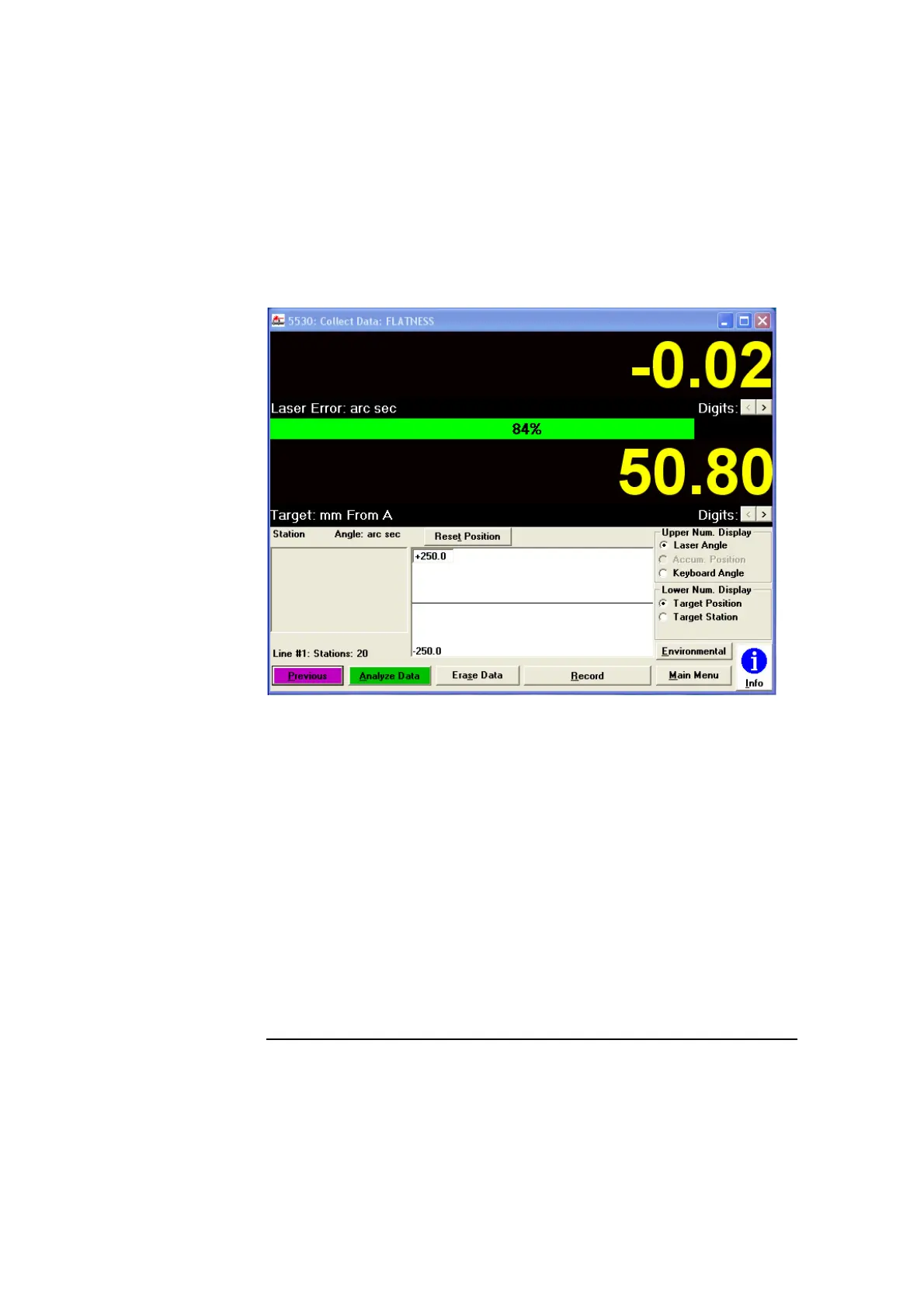
Figure 9-13. Collect Data: FLATNESS screen
Improving beam strength
To improve beam strength, do the following:
• The optics are positioned so that the laser beam passes cleanly
through the optics (Figures 9-8 and 9-9, or 9-16 through 9-18). If they
are not, repeat the steps in “Mounting the optics.”
• The optics are securely assembled and mounted. If they are not,
remount the optics, tighten the attachment screws, and repeat the
steps in “Aligning the optics if you are not using flatness mirrors” or
Aligning the optics if you are using flatness mirrors.
• The optics are clean. To clean the optics, follow the directions in the
Agilent 5530 Getting Started Guide.


 To Next Page
 Loading...