Getting to know your telephone
8AL91432ENAD ed01.1 16/94
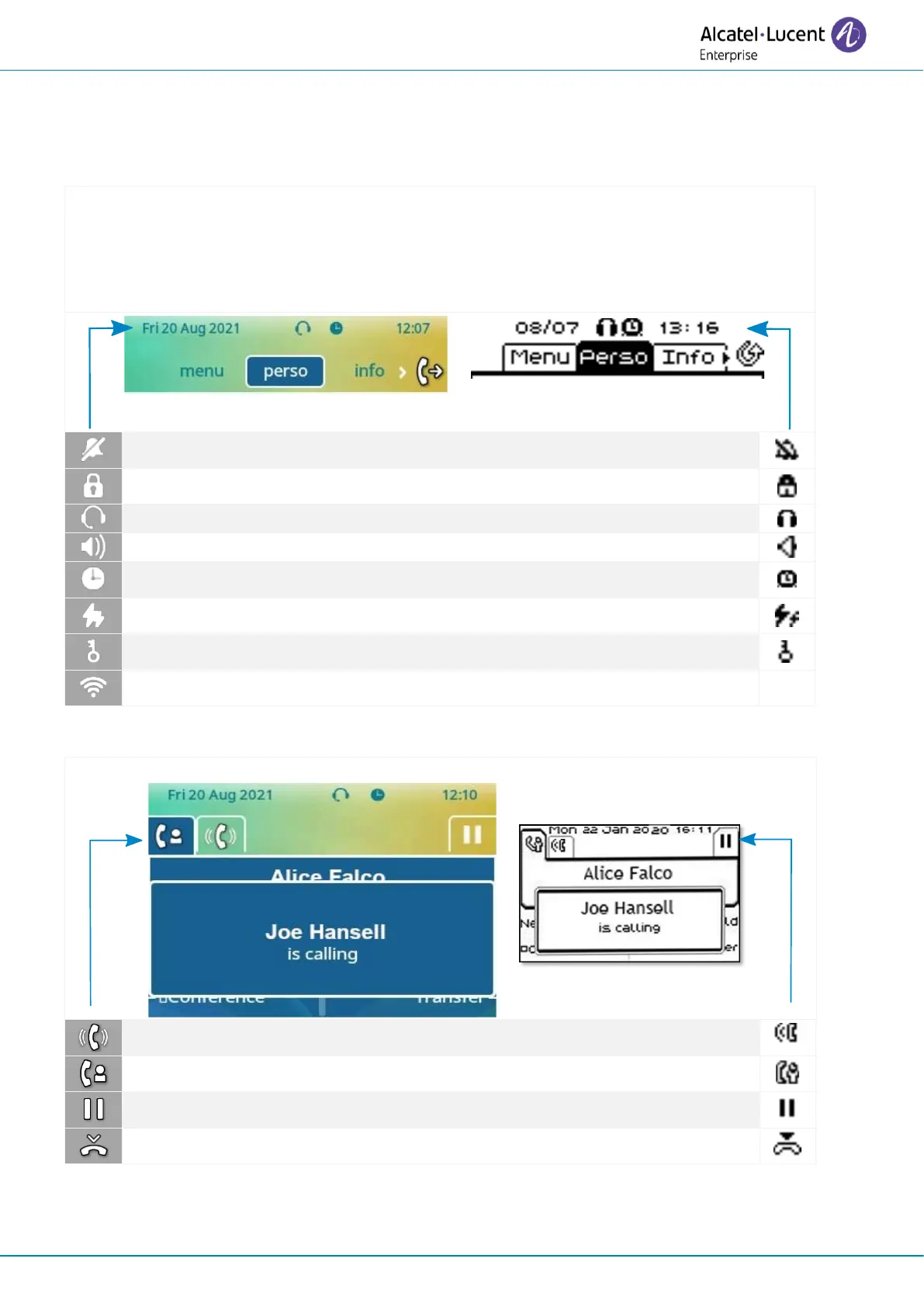
1.7 Status icons / Call icons
Icons giving information about some specific configurations of the phone or about call status are
displayed in the top bar of the screen.
Status icons
Depending on the size of the display, all status icons may not be displayed simultaneously.
Which icons are displayed depend on their priority. The following icons are listed according
to their priority, from the highest to the lowest.
Power Boost (centralized control of additional power via USB).
(1)
or operator 'restricted mode' according to the system.
Your contact ended the conversation.












 To Next Page