Using your telephone
8AL91432ENAD ed01.1 54/94
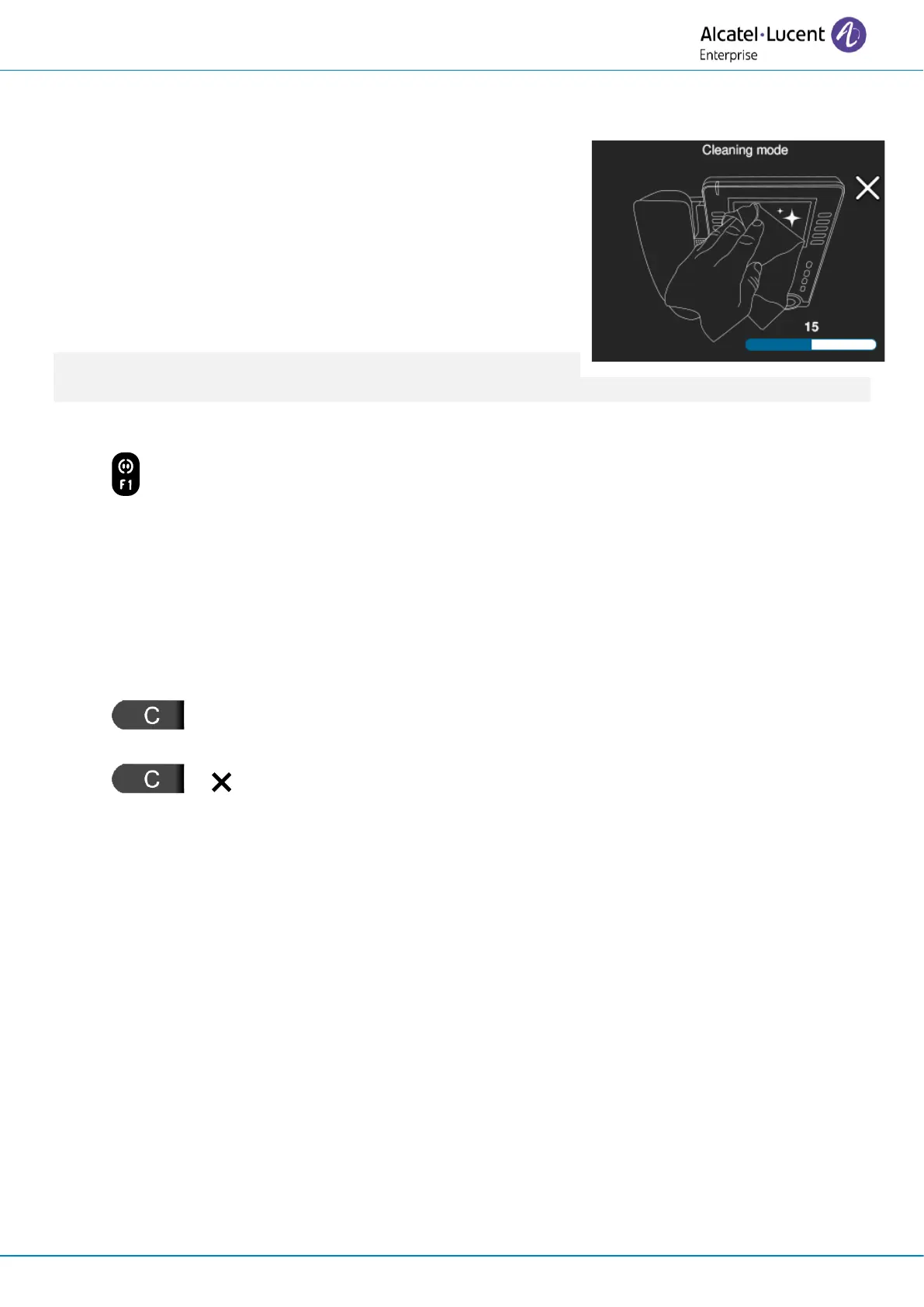
2.60 Cleaning mode
In specific environments like hospitals or hotels, phones often
need regular cleaning, but this process can inadvertently trigger
calls or activate sensitive screen areas or softkeys.
Cleaning mode provides a safe cleaning experience without
compromising the phone's functionality. During this mode, most
desk phone and keys expansion module functions are locked.
The background is gray to make any dust/dirt on the LCD
surface more readily visible during cleaning.
Cleaning mode cannot be activated if the device is not in an idle
state.
To activate cleaning mode, use one of the following:
• Long press on the key.
• Reach the 'Menu' page
→
Settings
→
Phone
→
Local Menu
→
Cleaning.
All desk phone functions are locked for a period of time (60 seconds). A progress bar and a period
until the end of the lock, measured in seconds, are displayed on the screen.
Cleaning mode is left as follows:
• The desk phone automatically exits cleaning mode when the time period has expired.
• An incoming call automatically puts the phone out of cleaning mode.
• (long press): the countdown will be accelerated until the time period has expired by
pressing and holding the back key or the close softkey (2 seconds).
• or (short press): the time period will be decreased by 10 seconds by briefly
pressing the back key or the close softkey. Press successively until the time period gets to
zero.












 To Next Page