Programming your telephone
8AL91432ENAD ed01.1 64/94
3.19 Manage connected devices
3.19.1 List of connected devices
• Open the user local menu: reach the 'Menu' page
→
Settings
→
Phone
→
Local Menu
→
Audio
• Devices
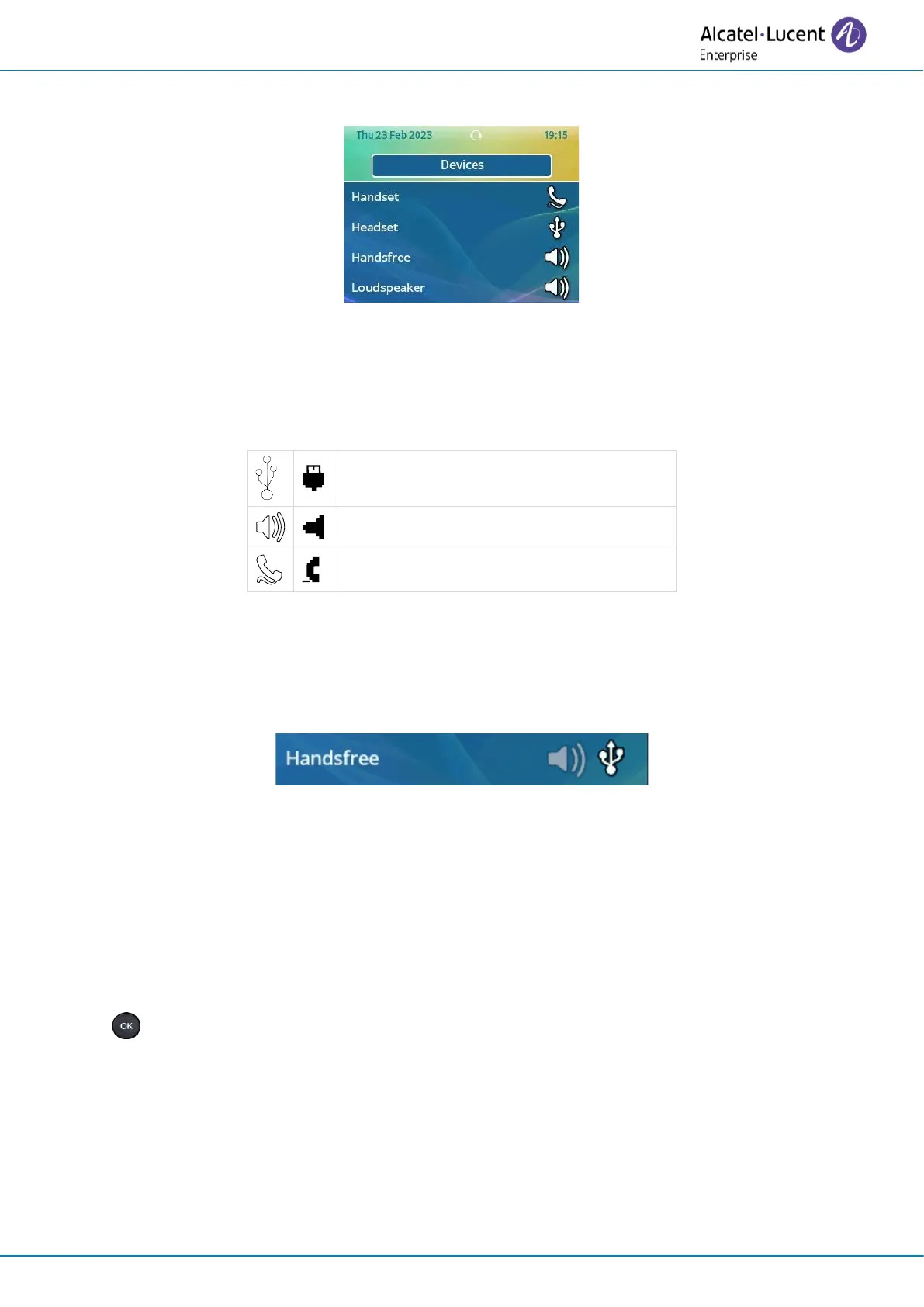
• The list of connected devices is displayed. You can find information about the connector:
If two devices are connected to the desk phone and have the same function, two icons are displayed
in the same line. The dark icon is the default device.
3.19.2 Default device
If you have connected the same type of accessory onto different connectors (for example, a USB
external hands-free module), the list of used connectors is displayed for each type of accessory. You
can select your preferred accessory to be used as the default accessory.
• Open the user local menu: reach the 'Menu' page
→
Settings
→
Phone
→
Local Menu
→
Audio
• Devices
• The list of connected devices is displayed.
• Select the device with more than one connector icons.
• Select your preferred accessory
•












 To Next Page