Using your telephone
8AL91432ENAD ed01.1 29/94
For each audio mode, during the conversation, you can adjust the volume by pressing the volume
keys. The number of levels depends on the audio mode (8 for handset and headset 10 for hands-free
and loudspeaker). The selected volume, for each audio mode, will be saved for future conversations.
• During a conversation.
• Adjust volume by pressing the volume keys.
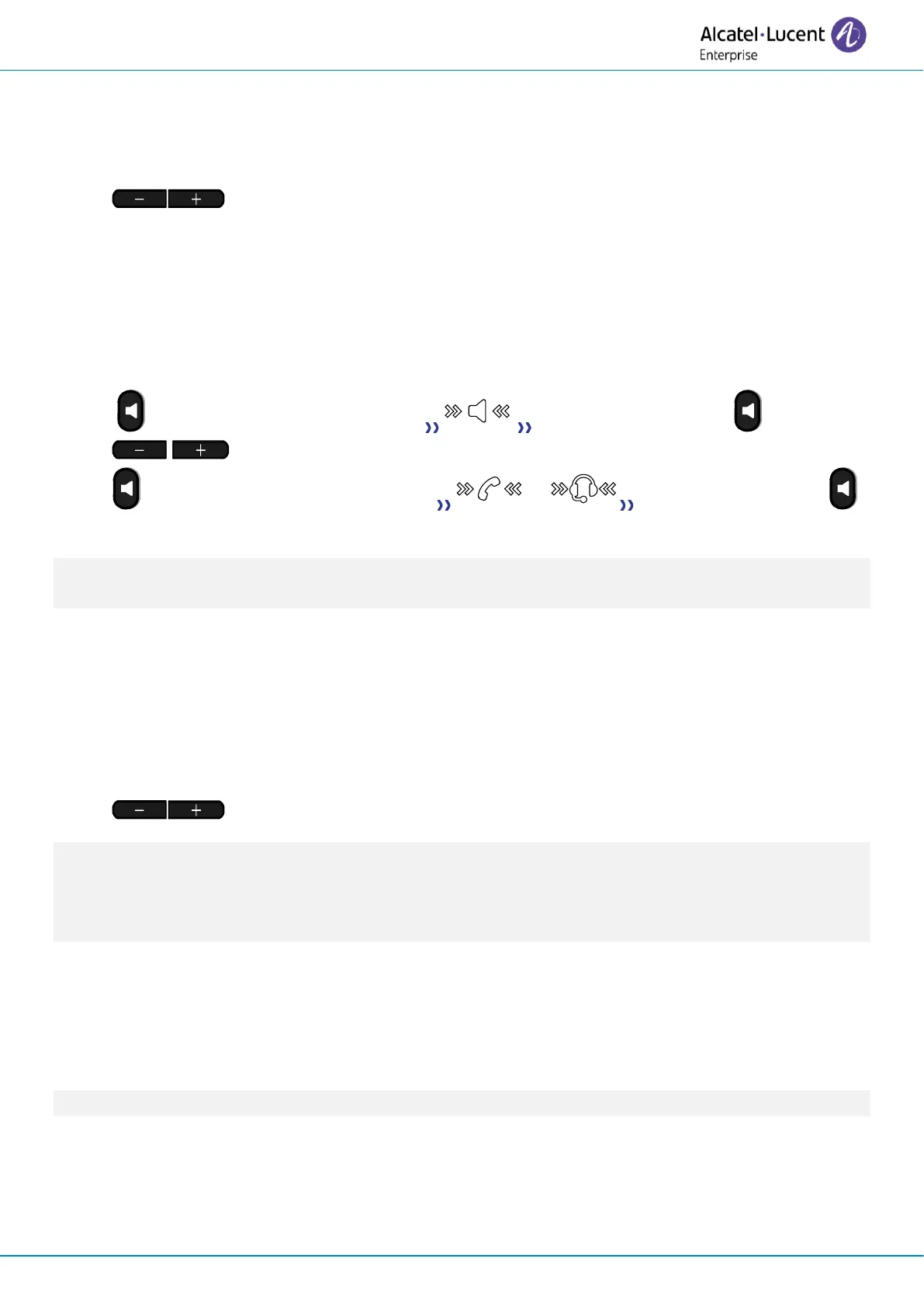
2.8 Activating the loudspeaker during a conversation (handset lifted) -
Group listening feature
Activate or deactivate the loudspeaker when you are in conversation using the handset or the
headset.
• Activate loudspeaker (long press) The key is blinking blue ( ).
• Adjust volume by pressing the volume keys (number of levels: 10).
• Deactivate loudspeaker (long press) or The key is no longer lit (
).
If a USB headset is connected, the loudspeaker (group listening) is deactivated and a pop-up window
is displayed on the screen to inform you (to avoid over-consumption of energy).
2.9 Adjust the volume during conversation
For each audio mode, during the conversation, you can adjust the volume by pressing the volume
keys. The number of levels depends on the audio mode (8 for handset and headset 10 for hands-free
and loudspeaker). The selected volume, for each audio mode, will be saved for future conversations.
• During a conversation.
• Adjust volume by pressing the volume keys.
If a user increases the volume to the highest (max) or second highest (max-1) level while using a
handset or headset during a call, the volume will automatically start at the second highest (max-2)
level for the next call in either mode. This approach helps prevent acoustic shock, in accordance with
safety standards. For any other volume setting, the volume level stays the same for the next call.
2.10 Make calls via your programmed call keys (Perso page/F1 and F2
keys/Add-on module)
If you have programmed a direct call key, select it to make the call.
F1 and F2 keys depend on the system configuration.












 To Next Page