Accessories
8AL91432ENAD ed01.1 76/94
4.2 Magnetic alphabetic keyboard: ALE-10 keyboard
4.2.1 Description
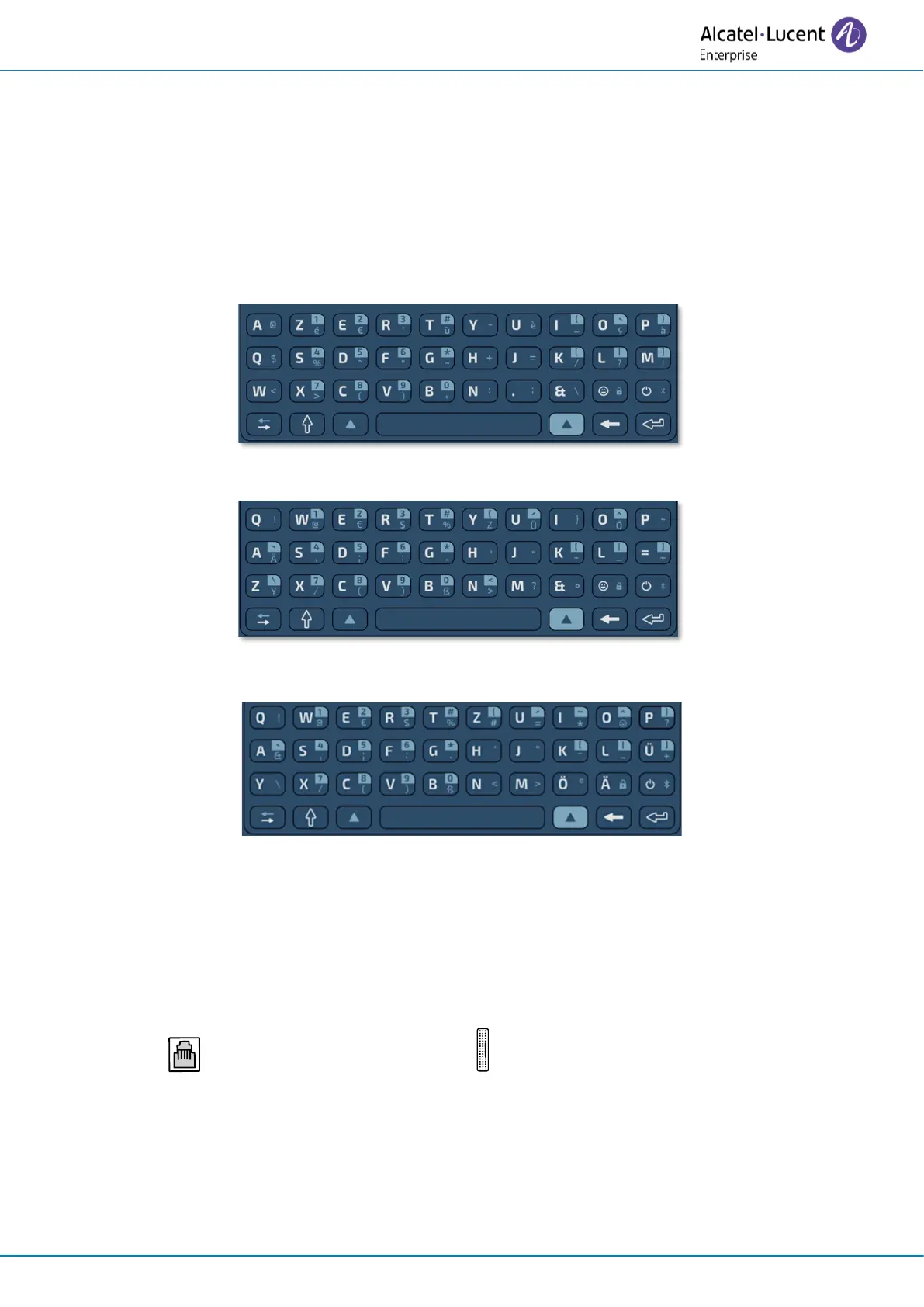
The keyboard depends on your country and languages. The magnetic keyboard is automatically fixed
on the base of the set. It is connected to the corresponding connector behind the phone.
Country variants:
• AZERTY,
• International keyboard: QWERTY- QWERTZ.
• International keyboard: QWERTZ.
4.2.2 Unboxing
• ALE-10 keyboard.
• Safety and regulatory instructions.
4.2.3 Installation
The keyboard automatically magnetizes under the phone. Connect the keyboard to the RJ9 connector
of the phone: , marked by the following symbol: (4).












 To Next Page