Getting to know your telephone
8AL91432ENAD ed01.1 17/94
1.8 Permanent features keys
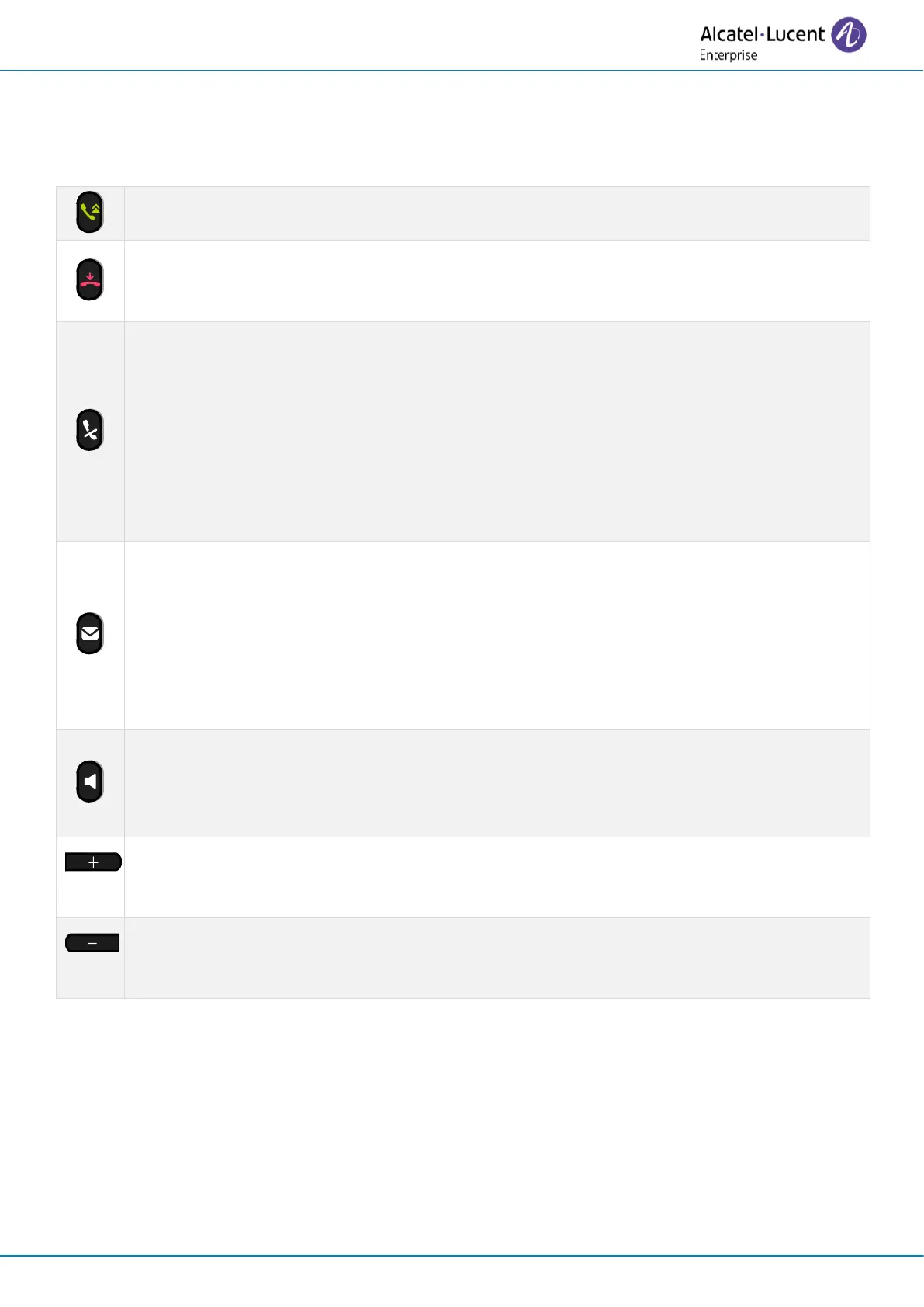
This chapter displays all permanent features keys available on your desk phone. They are located
around the keypad.
• Take the call key - in idle state - short press during incoming call (ringing).
• Redial key: to access the 'Redial' feature (short/long press in idle state).
• Silent ringing when receiving an incoming call.
• End the call (Hang up).
• Return to the main page.
• Mute key
During a call, press this key to stop your contact from hearing you. When activated the
key blinks blue.
• Interphony key
When idle, press this key to switch the phone to interphony mode. When you receive a
call, the phone hooks off automatically and you go straight into hands-free mode.
When activated, this key is lit blue.
This feature can be deactivated by the administrator.
• Messaging key to access the messaging portal (call log, voice messages and text
messages)
This key flashes blue when there is a new event such as a new voice message, a new
instant message or a new event in the call log and remains lit until all events are
acknowledged or deleted. The key remains lit until all events are acknowledged or
deleted.
• Display codec during conversation (long press).
• Pressing this key answers an incoming call in hands-free mode (when activated, the
key is lit blue). When a call is in progress, pressing this key switches from hands-free
mode to headset or handset mode. A long press activates the loudspeaker when a call
is in progress via the handset or headset.
• Turn up the volume (ringing or call state).
• Increase the brightness (idle state)
(1)(2)
.
• Increase the contrast (idle state)
(3) (4)
.
• Turn down the volume (ringing or call state).
• Decrease the brightness (idle state)
(1)(2)
.
• Decrease the contrast (idle state)
(3) (4)
.












 To Next Page