Using your telephone
8AL91432ENAD ed01.1 35/94
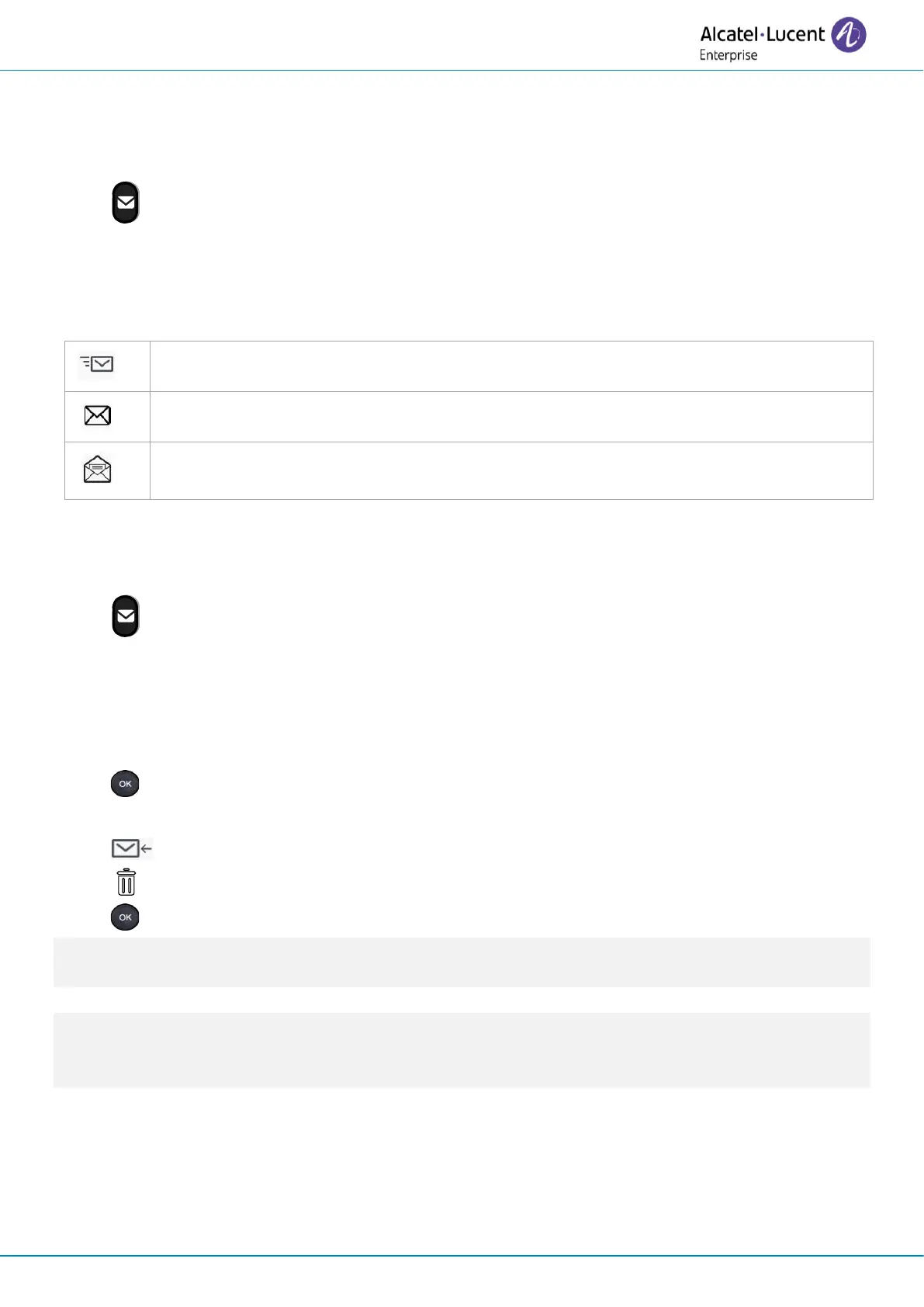
2.19.3 Status of the instant messages
Once the instant message has been sent, the message is stored in the 'Sent' tab of the instant
message feature in the messaging portal. The status of the message is as follows:
• Access the messaging portal.
• Select the instant message feature (IM).
• Enter your password if required.
• Use left,or right navigation keys to select the tab: Sent.
2.20 Consulting instant messages
You are notified of a new event when the message key is flashing
• Access the messaging portal.
• Select the instant message feature (IM).
• Enter your password if required.
• Select one of the following tabs: new messages, received messages, sent messages or all
messages. Select the tab by using the left and right navigation keys.
• Select the message to read by using the up and down navigation keys.
• Validate your choice.
• Once the instant message is read, you can:
Answer the instant message by pressing the associated softkey.
Delete the instant message by pressing the associated key.
Press OK to call the sender of the instant message.
When a message is read, the status of the message changes from unread to read on both sides (on
the recipient side and the sender side).
You can use the filter key to consult messages sent by or to a particular contact. For example, when
you are on a message sent by a contact, pressing the filter key shows only messages sent to or by
that contact.












 To Next Page