Programming your telephone
8AL91432ENAD ed01.1 65/94
3.20 Contacting your administrator (Technical support)
If necessary you may need to contact your administrator.
Before contacting your administrator, make sure you have information such as your phone's codes
and software version to hand.
3.20.1 Date code / Technical code
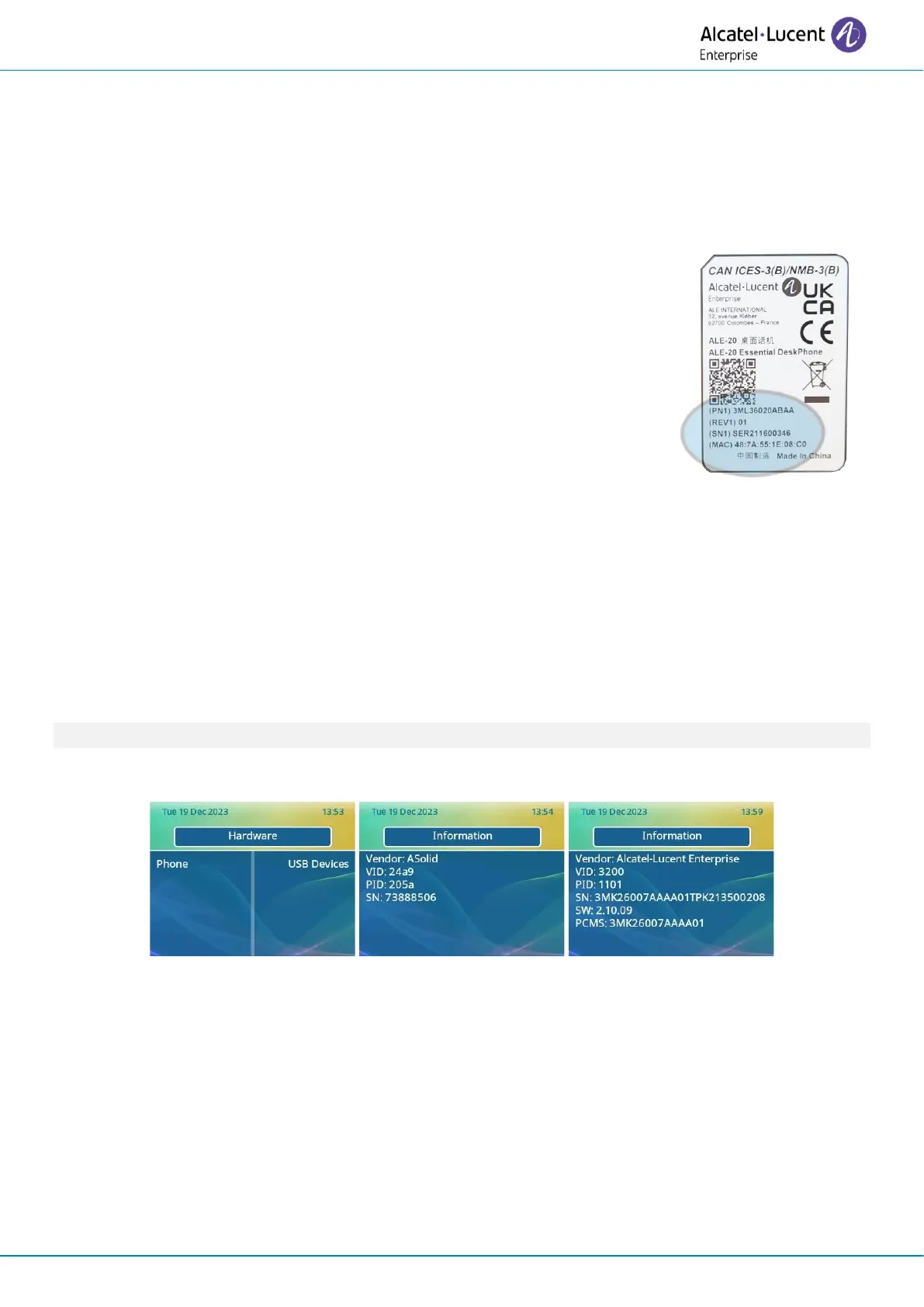
The codes are located on the back of the phone, next to the connectors.
This label is an example and does not represent the one placed on your
phone.
• PN: Technical code.
• SN: Date code.
3.20.2 Desk phone software version
Two versions of software can be installed in the desk phone: NOE IP and NOE TDM softwares.
The software version can be viewed on the phone by following this path:
• Use one of the following:
o Open the user local menu: reach the 'Menu' page
→
Settings
→
Phone
→
Local Menu
→
About
→
Software
o Reach the 'Menu' page
→
Settings
→
Options
→
Version (this feature depends on your
system).
This information is available in the QR code which can be scanned with any mobile phone.
3.20.3 Hardware model details of the desk phone and connected USB devices
Hardware information for the desk phone and USB accessories can be viewed as follows:
• Reach the 'Menu' page
→
Settings
→
Phone
→
Local Menu
→
About
→
Hardware
• Phone: display information about the desk phone.
• USB Devices (if USB device connected): select a connected device to display information about
it.












 To Next Page