Programming your telephone
8AL91432ENAD ed01.1 59/94
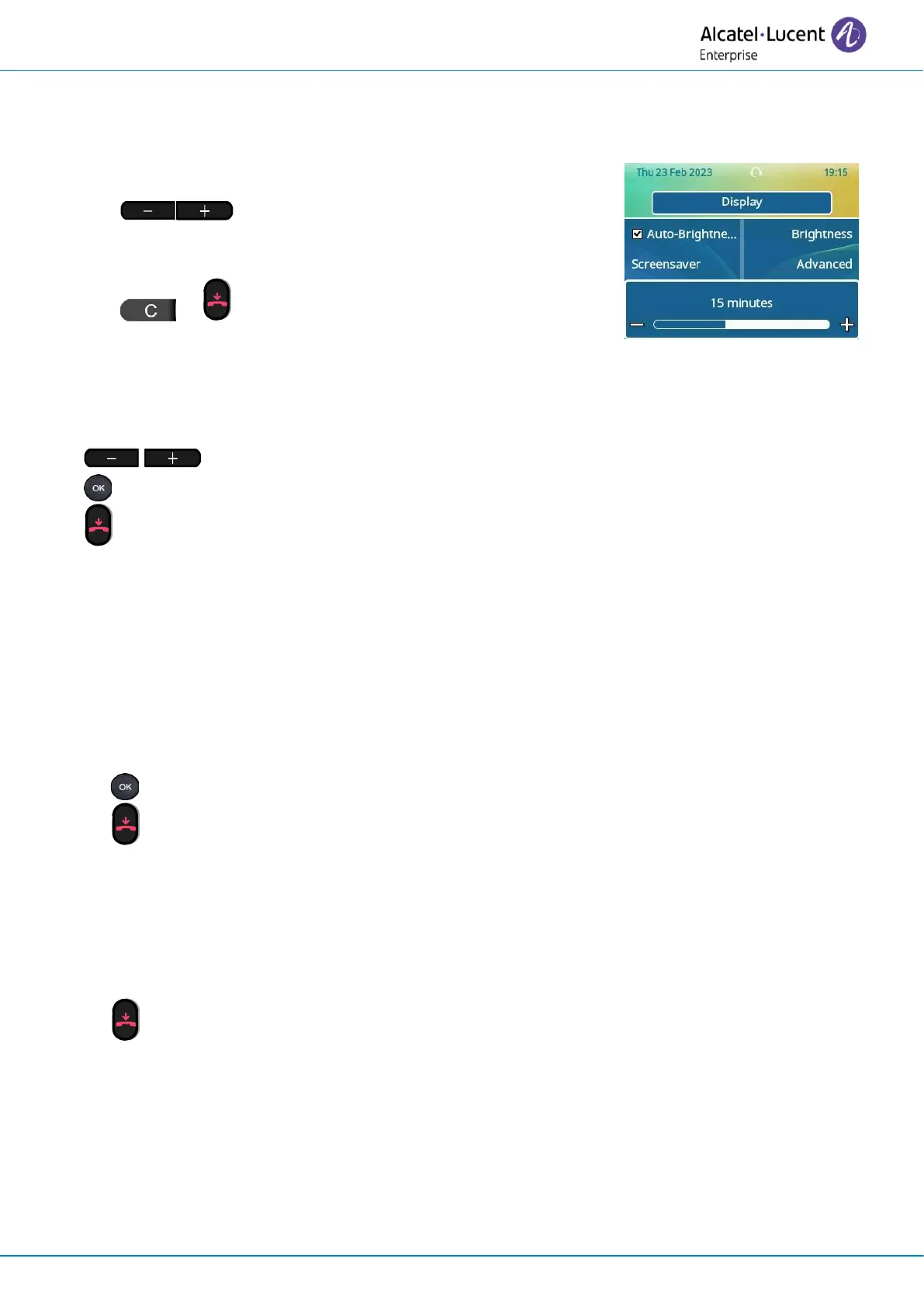
3.6.4 Set the delay before the brightness is dimmed when the phone is not in use
(screensaver) - Only available on the ALE-30h or ALE-30
• Open the user local menu: reach the 'Menu' page
→
Settings
→
Phone
→
Local Menu
→
Display
→
Screensaver
• Set the time delay:
1 minute, 5 minutes, 15 minutes, 30 minutes, 1 hour,
5 Minutes (default value).
• or Go back to the previous page or to the
homepage.
3.7 Adjust contrast (ALE-20/ALE-20h)
• Reach the 'Menu' page
→
Settings
→
Phone
→
Contrast
• Decrease or increase the contrast of the display (successive presses).
•
• To return to the home page.
3.8 Selecting the welcome page
This function is used to choose the page displayed by default on the telephone.
This feature depends on the system configuration. If necessary, contact your administrator.
• Reach the 'Menu' page.
• Settings
→
Options
→
Homepage
• Select the default page (Menu, Perso, Info, Last page seen …).
•
• Go back to the Homepage.
3.9 Selecting language
• Reach the 'Menu' page.
• Settings
→
Options
→
Language
• Select the language of your choice.
• Go back to the Homepage.












 To Next Page