Getting to know your telephone
8AL91432ENAD ed01.1 14/94
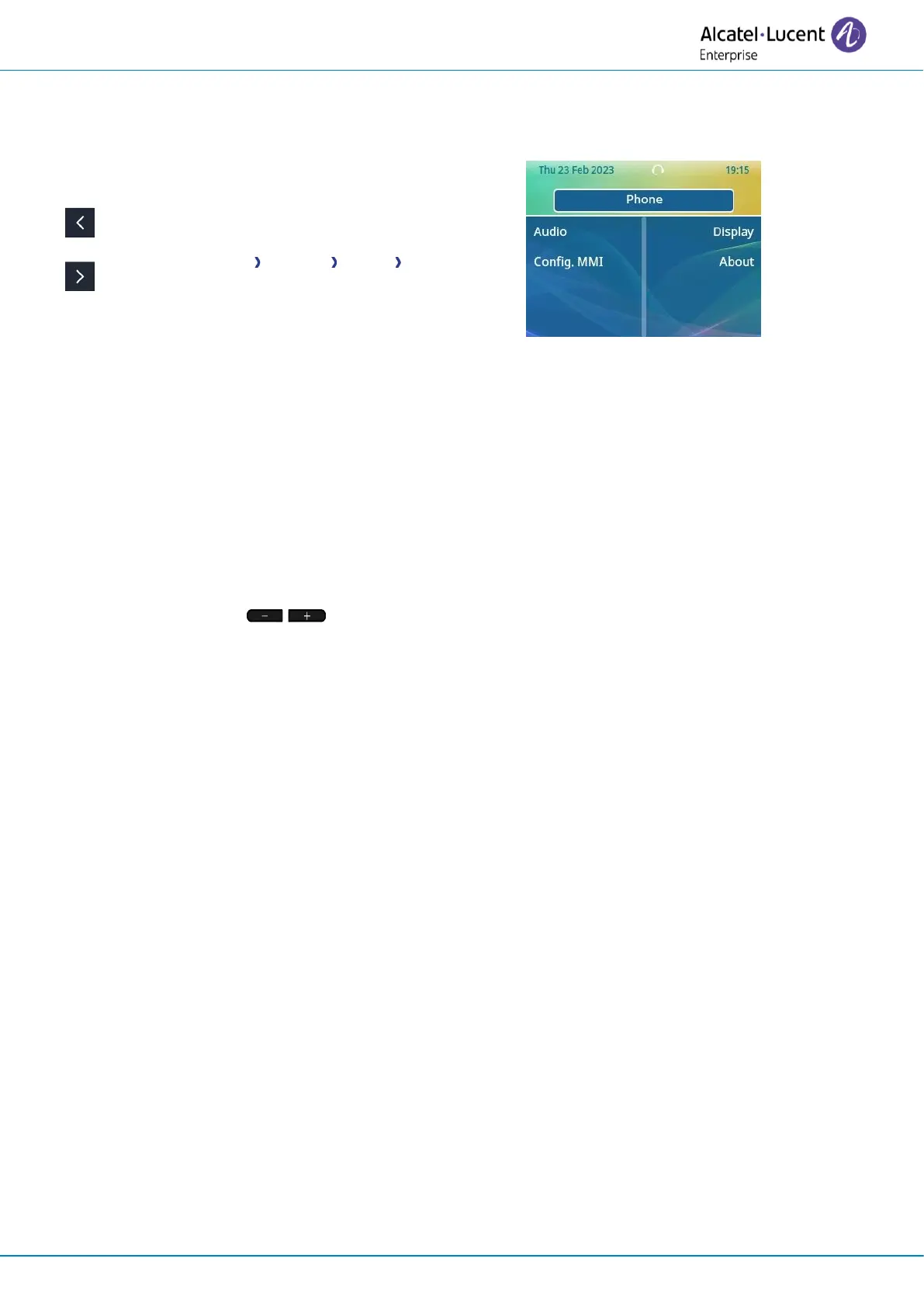
1.6 User local menu
Open the user local menu:
The user local menu depends on the running mode of the desk phone, IP or Digital (UA) mode.
Display
Use this menu to adjust the display of your set:
• Auto-Brightness
When this option is checked, the phone automatically adjusts the brightness of the display
depending on the lighting conditions to improve user experience and achieve power savings
(ambient light sensor).
• Brightness
Adjust the brightness of the display of the desk phone, the connected add-on, and the LEDs of
the desk phone ( successive presses).
• Screensaver
(1)
Set the delay before the brightness is dimmed when the phone is not in use.
• Advanced
→
Low brightness
When the phone is not in use, the brightness is dimmed. Adjust dimmed brightness.
• Advanced
→
Adaptative LED
When this option is checked, the phone automatically adjusts the brightness of the display
depending on the lighting conditions to improve user experience and achieve power savings
(ambient light sensor).
1)
Only available on the ALE-30h or ALE-30
Audio
Use this menu to adjust the audio convenience according to your environment, the type of device
connected and your audio preferences:
• Devices
List all audio devices connected or integrated to the desk phone. Select the preferred audio
device (connected or integrated).
• Codec
Display the audio codec used by your desk phone during a conversation.
• Hearing Aid
Check this option if you are using a hearing aid.












 To Next Page