Getting to know your telephone
8AL91432ENAD ed01.1 10/94
1.4.3 Connect the device
Please read safety instructions first.
Connect the handset if it is not connected (your phone is usually provided with the
handset connected).
Connect the keyboard to the RJ9 connector of the phone (ALE-10 Keyboard - optional -
sold separately).
The ALE-30h and ALE-20h Essential DeskPhone can be connected to an IP network or a
Digital network. Connect the desk phone to the IP line or Digital line (UA) thru RJ45
connector. The desk phone starts automatically in IP mode or Digital (UA) mode
regarding the connected network.
If your desk phone is not powered by PoE (Power over Ethernet) or PoDL (Power over
Digital Line), you have to plug the USB-C power adapter.
The power adapter is sold separately. For more information, contact your installer or
administrator.
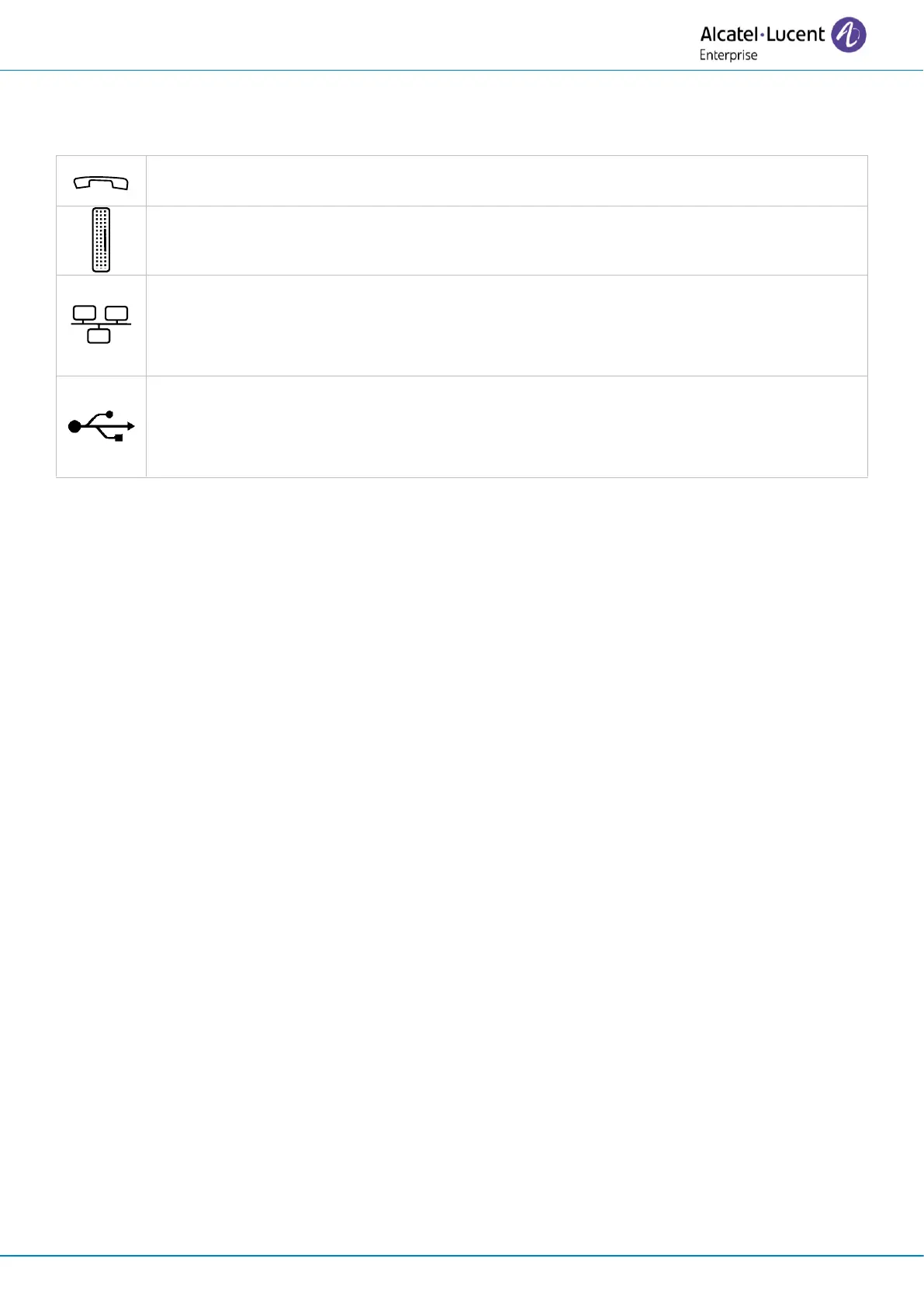
For more details, please consult the section: Description of the connectors.
1.4.4 First start-up
The desk phone starts in IP mode (IP network) or Digital mode (UA) according to the connected
network.
If your desk phone detects a UA line, it stays in low power mode (the top LED is purple blinking) until
boot is granted by the system. If the phone stays in low power mode, you have to plug a power
adapter.












 To Next Page