Using your telephone
8AL91432ENAD ed01.1 26/94
Consulting all calls
• Select the 'All' tab.
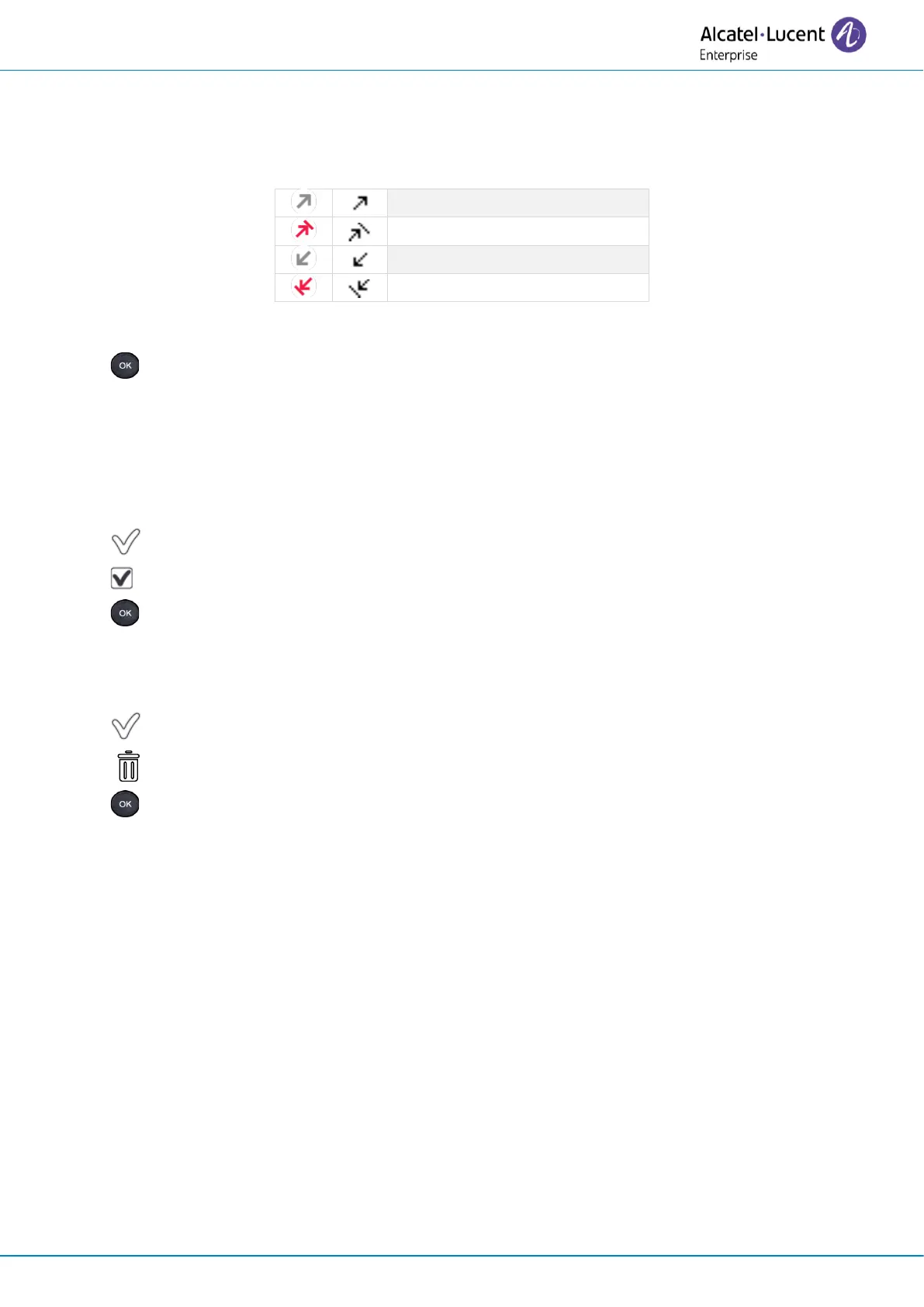
All calls are displayed with an icon giving information on the type of call.
• Scroll through the list by using the navigation keys (if more than one page).
• Display the contact information by selecting it in the list. Information such as the name,
phone number, date and time are displayed on the screen.
You can choose to call the contact, send an instant message to the contact, save the contact in
the personal phonebook, or clear the log.
Acknowledge all missed calls
• Press the associated softkey.
• Press the associated softkey: Missed calls.
• Press to confirm.
All missed calls are acknowledged.
Delete all call logs
• Press the associated softkey.
• Press the associated softkey.
• Press to confirm.
All call logs are deleted.












 To Next Page