Page 10
Allied Telesis AT-8000S Switch
Web Browser Interface User’s Guide
Section 1. Getting Started
This section provides an introduction to the Web Browser Interface, and includes the following topics:
• Starting the Application
• User Interface Components
• Resetting the Device
• Starting the Application
Starting the Application
This section contains information for starting the application. The login information is configured with a default user
name and password. The default password is friend; the default user name is manager. Passwords are both case
sensitive and alphanumeric. Additional user names can be added.
To open the application:
1. Open a web browser.
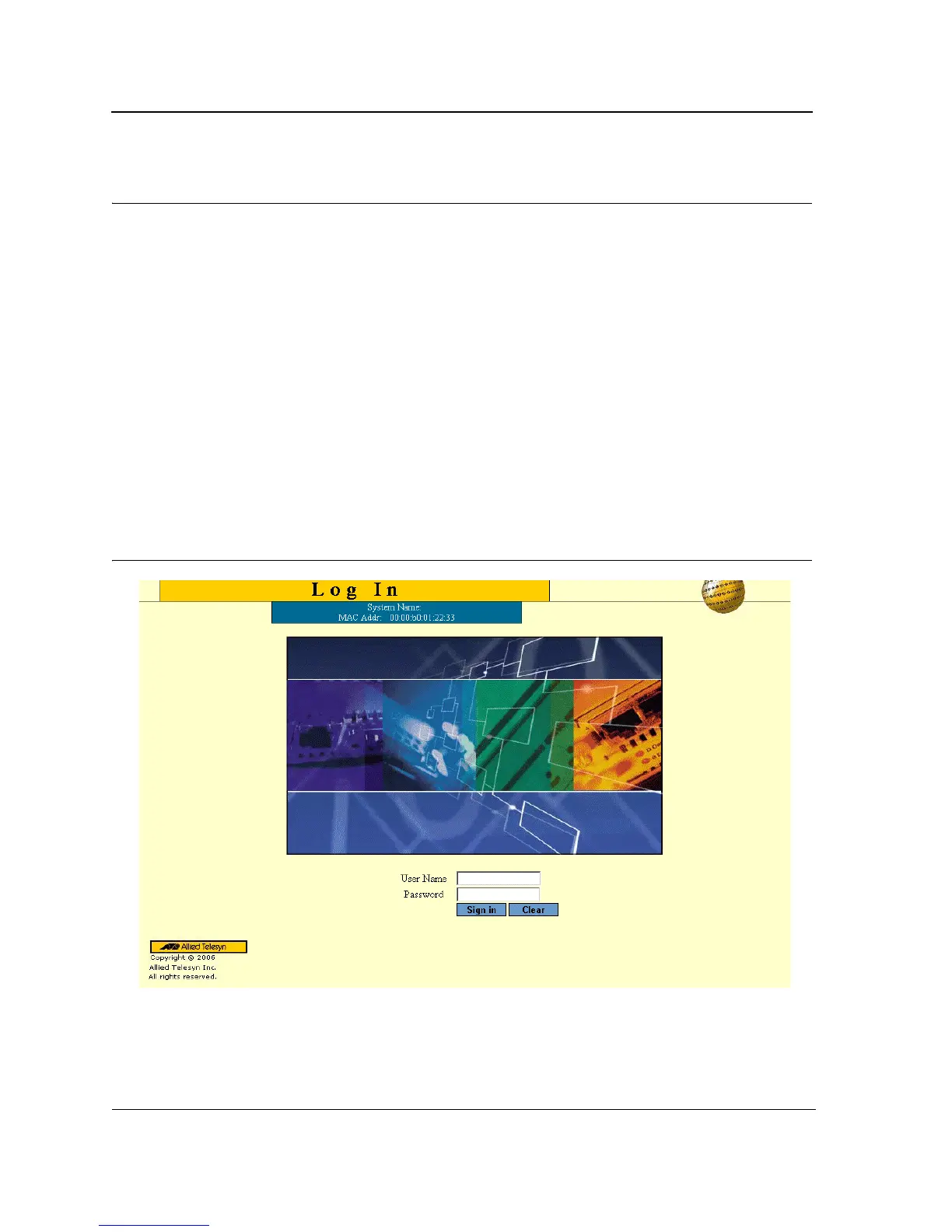
2. Enter the device IP address in the address bar and press <Enter>. The Login Page opens:
Figure 1: Login Page
3. Enter the user name and password.
4. Click Login. The Embedded Web System Home Page opens:



 To Next Page
 Loading...









