Page 16
Allied Telesis AT-8000S Switch
Web Browser Interface User’s Guide
To delete information in tables or WBI pages:
1. Open the WBI page.
2. Select a table row.
3. Click Delete. The information is deleted, and the device is updated.
Saving Configurations
User-defined information can be saved for permanent use or until next update, not just for the current session.
A configuration is saved as permanent by copying the current Running Configuration file to the Startup
Configuration file.
To save changes permanently:
• Click Save Config on the menu.
Logging Out
The Logout option enables the user to log out of the device thereby terminating the running session.
To log out:
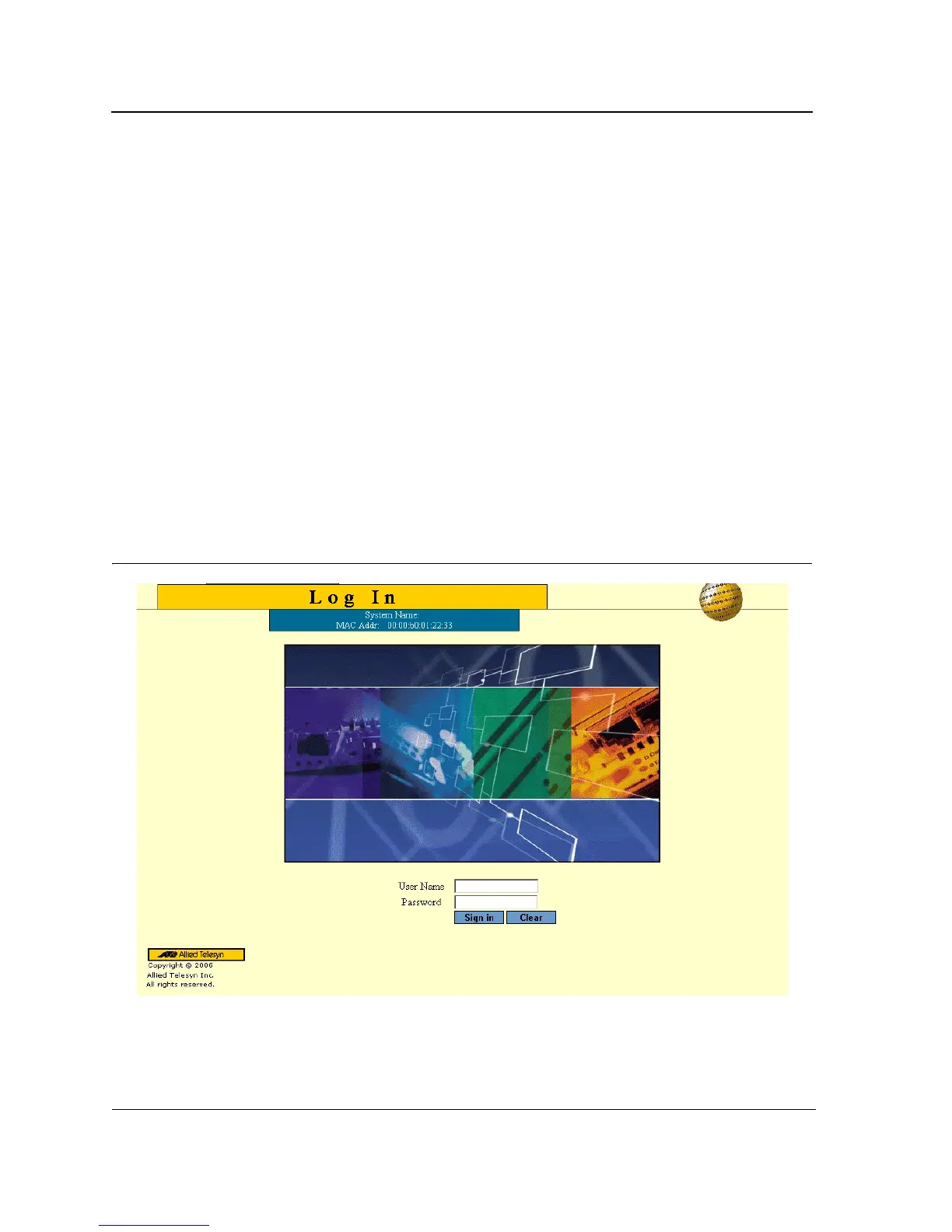
• In any page, click Logout on the menu. The current management session is ended and the Login Page
opens:
Figure 8: Login Page
For more information about login, refer to Starting the Application.



 To Next Page
 Loading...









