Getting Started
Using the Web Browser Interface
Page 13
User Interface Components
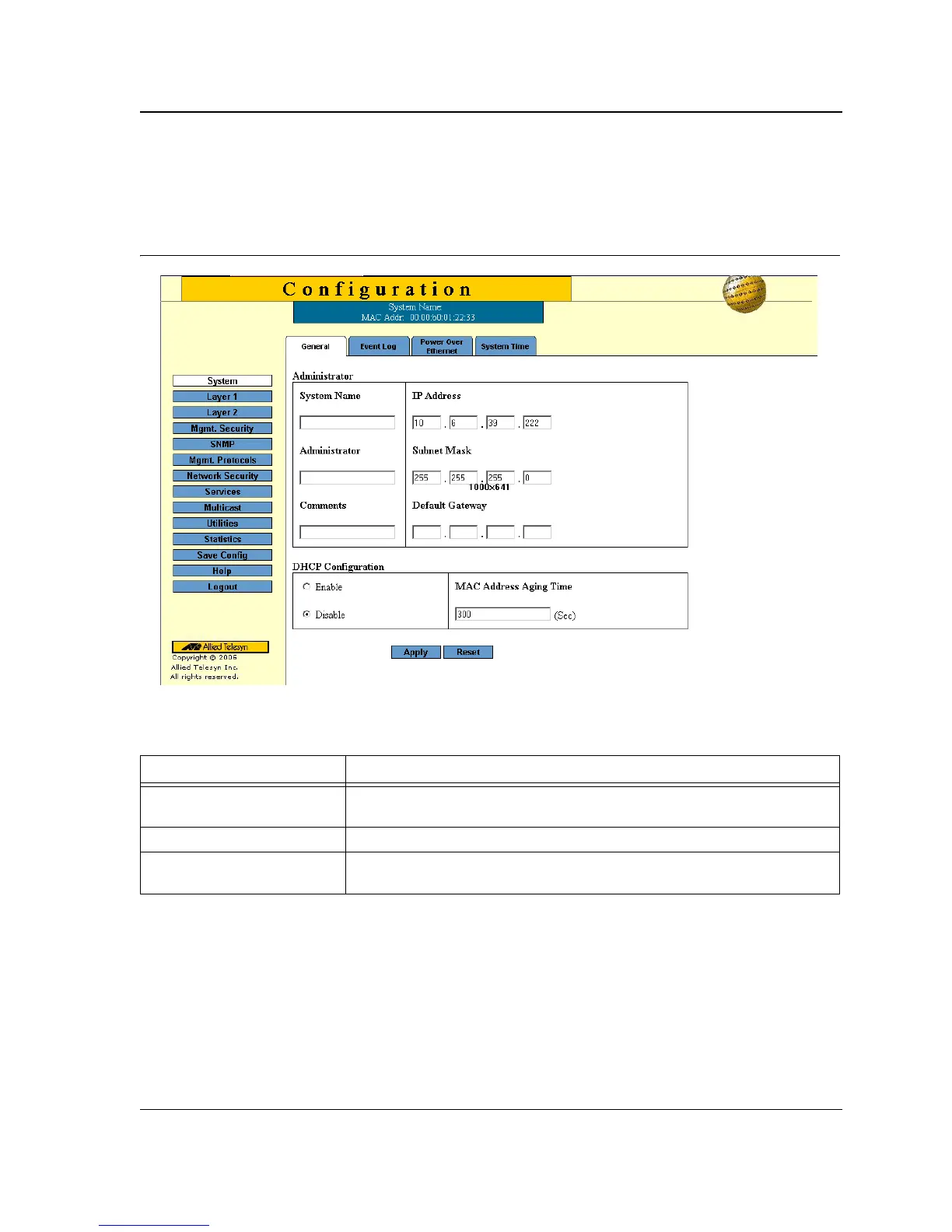
The System General Page example shows the interface components.
Figure 5: System General Page
The following table lists the interface components with their corresponding numbers:
Table 1: Interface Components
Component Description
1 Menu The Menu provides easy navigation through the main management software
features. In addition, the Menu provides general navigation options.
2 Tabs Provide navigation to configurable device sub-features.
3 Management Buttons Enable configuring parameters and navigation to other pages, see Using the
Management Buttons.



 To Next Page
 Loading...









