Getting Started
Using the Web Browser Interface
Page 15
Adding, Modifying and Deleting Information
The WBI contains and tables for configuring devices. User-defined information can be added, modified or deleted
in specific WBI pages.
To add information to tables or WBI pages:
1. Open a WBI page.
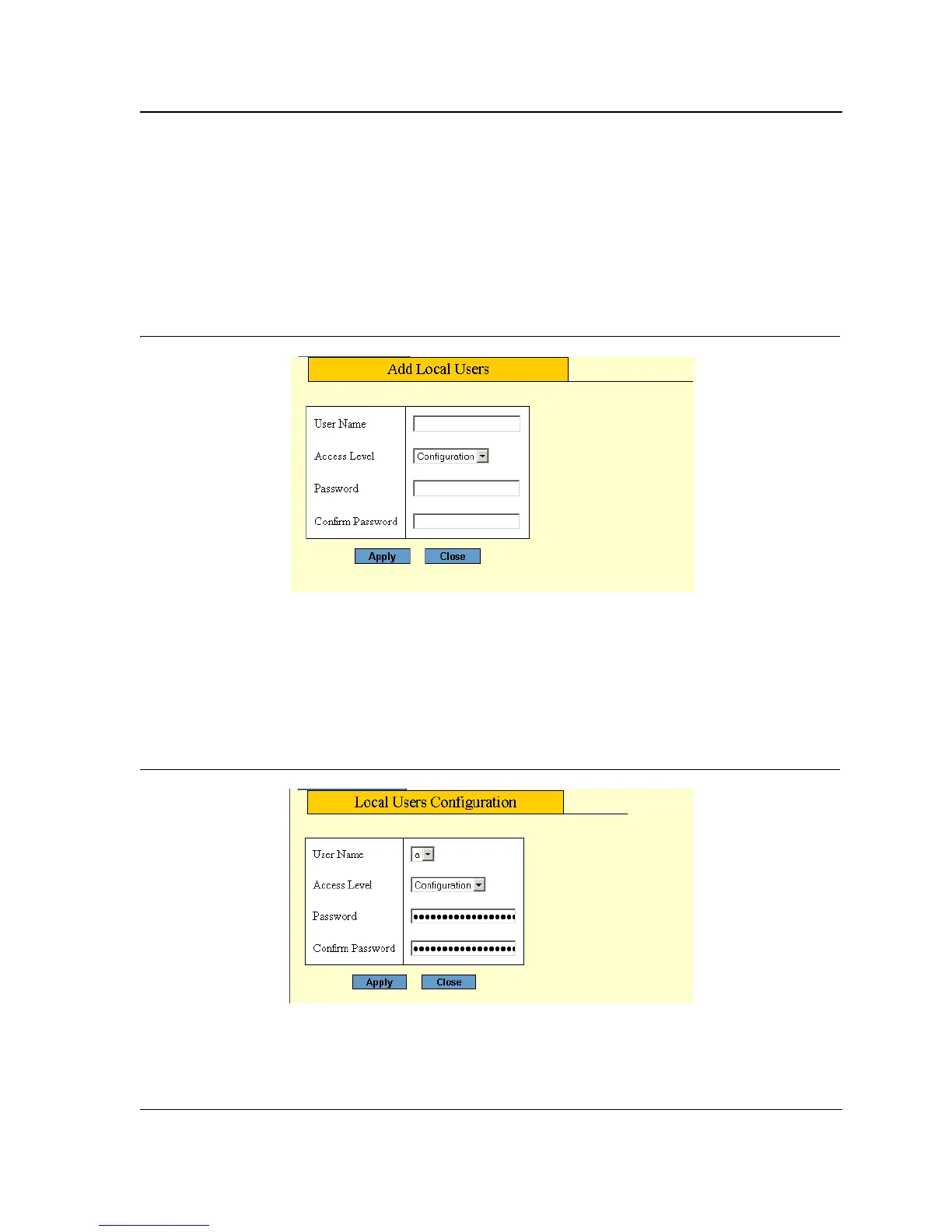
2. Click Add. An Add page opens, for example, the Add Local User Page:
Figure 6: Add Local User Page
3. Define the fields.
4. Click Apply. The configuration information is saved, and the device is updated.
To modify information in tables or WBI pages:
1. Open a WBI page.
2. Select a table entry.
3. Click Modify. A Modify (or Settings) page opens, for example, the Local User Settings Page:
Figure 7: Local User Settings Page
4. Define the fields.
5. Click Apply. The fields are modified, and the information is saved to the device.



 To Next Page
 Loading...









