41
English
CD Shuttle Operation
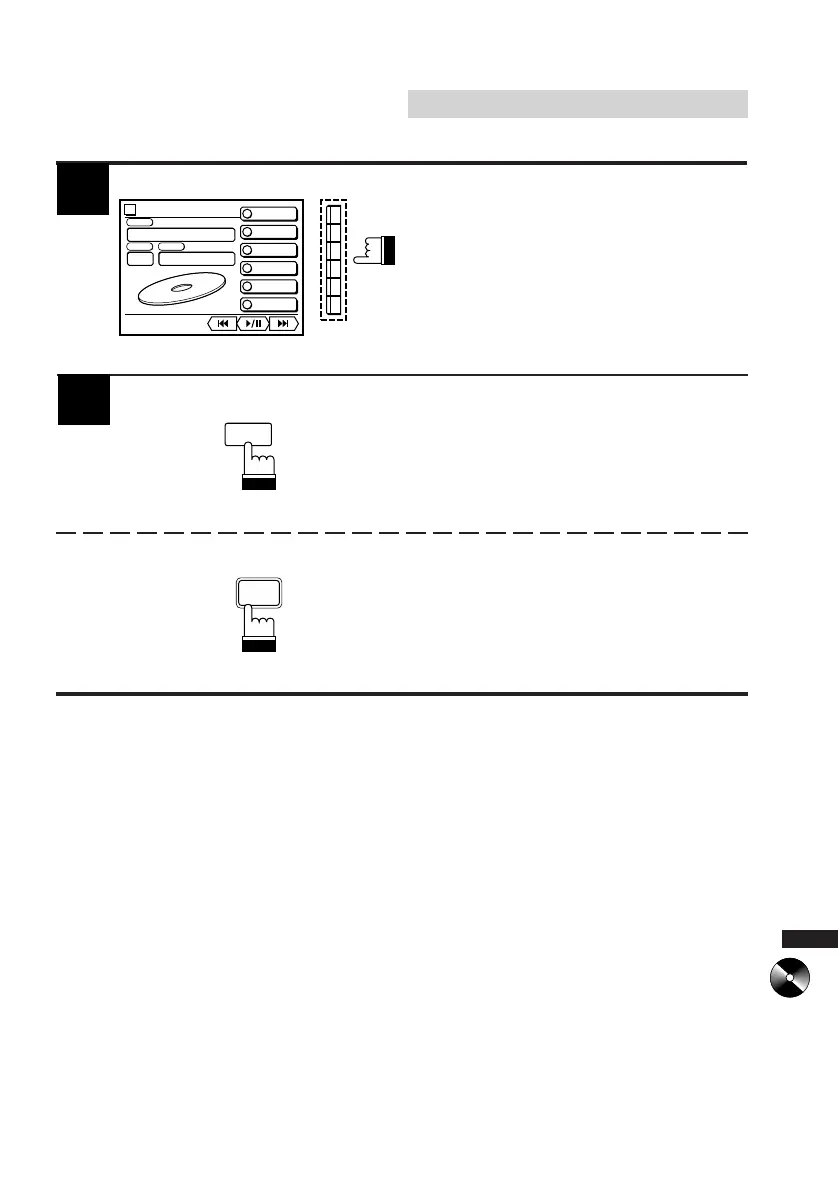
4
The CD Shuttle selection mode remains active
for 5 seconds after Step 2 is performed.
Press the Function button (F1-F6) to select the
desired CD Shuttle connected.
The display shows the selected changer
number.
Note: If the selected player/changer is not
connected, the display shows "NO-
CHG."
CHANGER2
CHANGER3
CHANGER4
CHANGER1
1
2
3
4
CHANGER5
5
CHANGER6
6
6D CHG-2
vol. 35
DISC
TRACK
07
|
20’45”
TITLE
ABCDEFGH
2
Press the SOURCE button on the CVA-1000E
to deactivate the CD Shuttle selection mode.
5
Press the AUDIO SEL button on the Remote
Control to select other audio sources.
SOURCE
AUDIO
SEL



 To Next Page