Page 25
EVACU ELITE
INSTALLATION, COMMISSIONING AND USER MANUAL
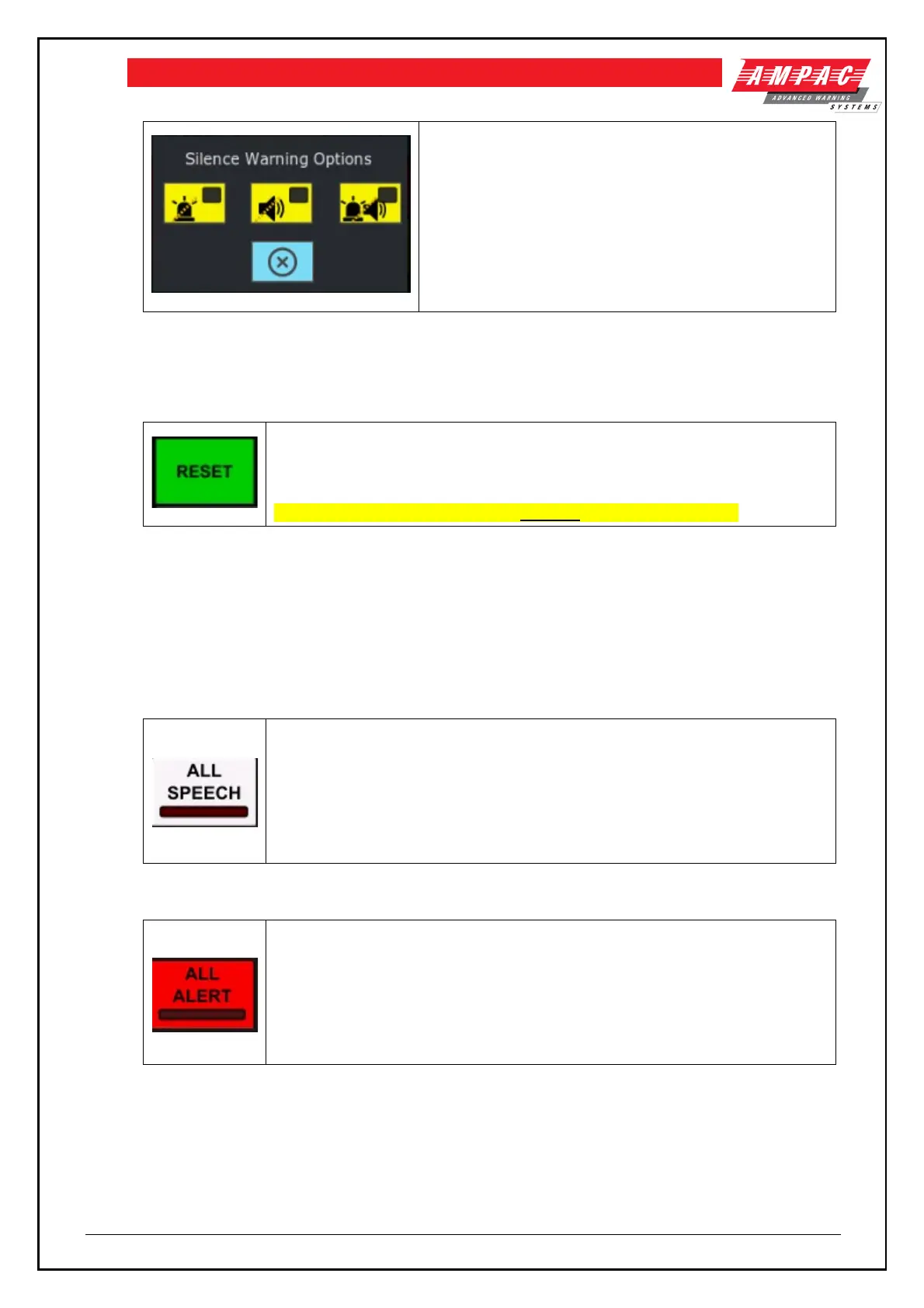
The SILENCE WARNING has 3 options:
• Silence (extinguish) the visual warning
• Silence the audible warning
• Silence the audible and visual
The yellow indicator is illuminated steady if the audible or
visual outputs have been silenced.
It is only possible to silence the EWS from the emergency warning condition.
5.1.6 Reset control (EWS)
To reset the EWCIE from the emergency warning and/or fault warning condition,
activate the RESET control at access level 2 or higher. The EWCIE shall exit the
emergency warning condition (or fault warning condition)
zones shall stop broadcasting emergency warning signals.
The Emergency Warning Condition must be silenced prior to Reset.
5.1.7 All controls and indicators (EWS)
The EWCIE has 3 All controls and associated indicators:
• All speech
• All alert
• All evac
5.1.7.1 All speech control and indicator
The red indicator is illuminated steady when the EWIS is in All Speech and all
emergency zones are selected for live speech. To place the EWCIE in All Speech,
activate the ALL-SPEECH control at access level 2 or higher. The EWCIE must
be in the MANUAL mode.
To cancel All Speech, activate the control again, or activate the RESET control or
the ALL ALERT or ALL EVAC control.
5.1.7.2 All alert control and indicator
The red indicator is illuminated steady when the EWCIE is in All Alert and all
emergency zones are broadcasting the alert warning signal. To place the EWCIE
in All Alert, activate the ALL-ALERT control at access level 2 or higher. The
EWCIE must be in the MANUAL mode.
To cancel All Alert, activate the control again, or activate the RESET control or
the ALL SPEECH or ALL EVAC control.



 To Next Page