Page 42
EVACU ELITE
INSTALLATION, COMMISSIONING AND USER MANUAL
6 Menu System
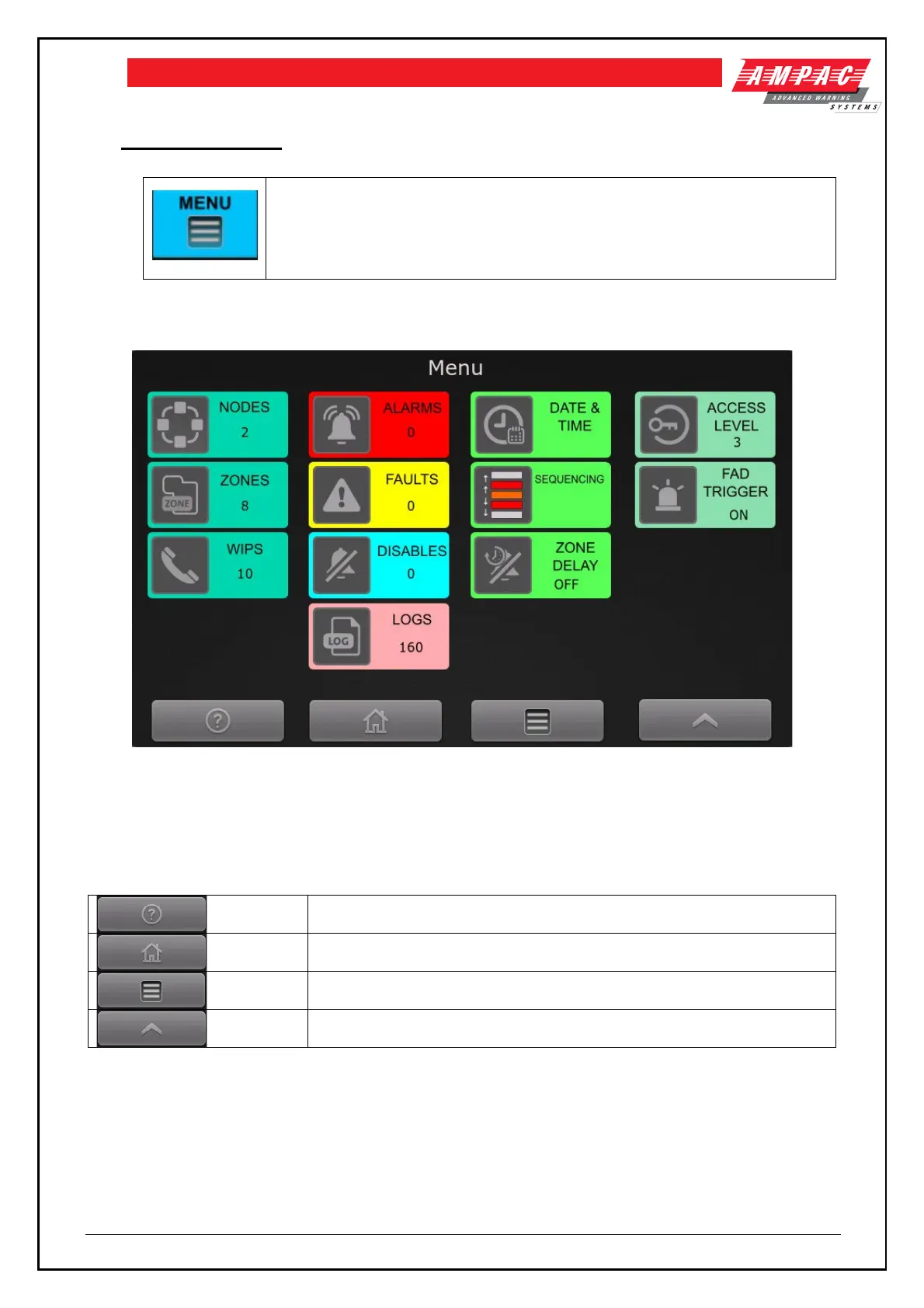
Activating the Menu control at access level 2 will display the main menu screen.
Refer to figure 6-1.
The main menu screen
Figure 6-1 Main menu screen
6.1 General
The following controls are available on all screens
Home screen – reverts the display back to the default screen
Back to the main menu screen
Back to the previous screen
6.2 Access levels
Refer to section 3.2 for detail on access levels.
The current access level of the node is displayed on the default screen, refer to section 5.1.2



 To Next Page