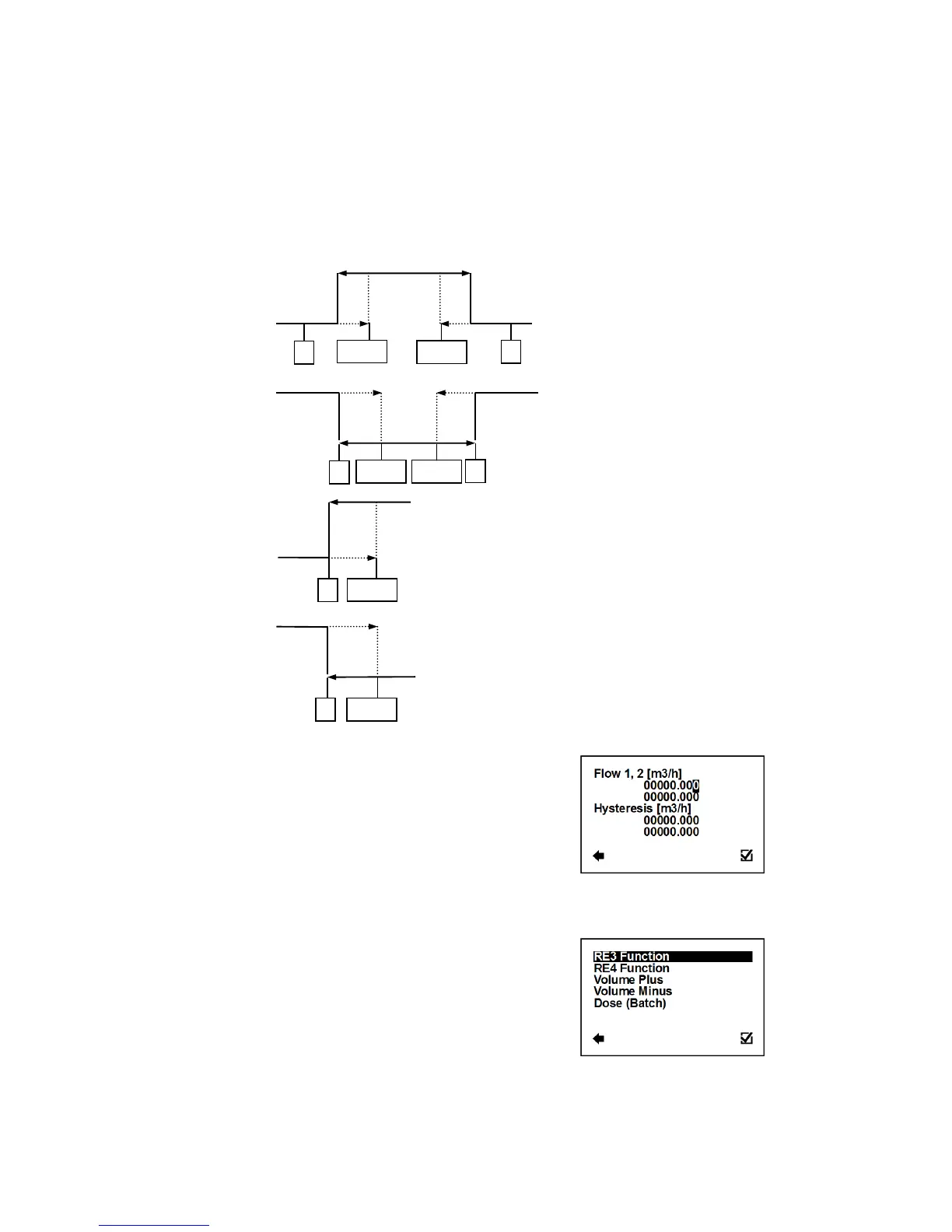
Output: ON, if the actual flow-rate is outside the given
range (can be set under Comparator Flow)
Output: ON, if the actual flow flow-rate is smaller than
the value set as “Flow1” (can be set under
Comparator Flow)
Output: ON, if the actual flow-rate is bigger than the
value set as “Flow1” (can be set under
Comparator Flow)
User Settings > Pulse Output > RE1 & RE2 > Comparator Settings
Possible range: 0 – 36000 m3/h; 0 – 36000 m3/h
Selection of digit position
Confirmation of setup and saving to memory
This function serves to configure the flow-range for
the Comparator Mode. Flow1 < Flow2
Setup of hysteresis for the Comparator Mode
User Settings > Pulse Output > RE3 & RE4
Enter this part of the menu



 To Next Page