In the CLI
To configure a local admin user:
(Instant AP)(config)# mgmt-user <username> [password]
To configure guest management administrator credentials:
(Instant AP)(config)# mgmt-user <username> [password] guest-mgmt
To configure a user with read-only privilege:
(Instant AP)(config)# mgmt-user <username> [password] read-only
To configure management authentication settings:
(Instant AP)(config)# mgmt-auth-server <server1>
(Instant AP)(config)# mgmt-auth-server <server2>
(Instant AP)(config)# mgmt-auth-server-load-balancing
(Instant AP)(config)# mgmt-auth-server-local-backup
To enable TACACS accounting:
(Instant AP)(config)# mgmt-accounting command all
Adding Guest Users through the Guest Management Interface
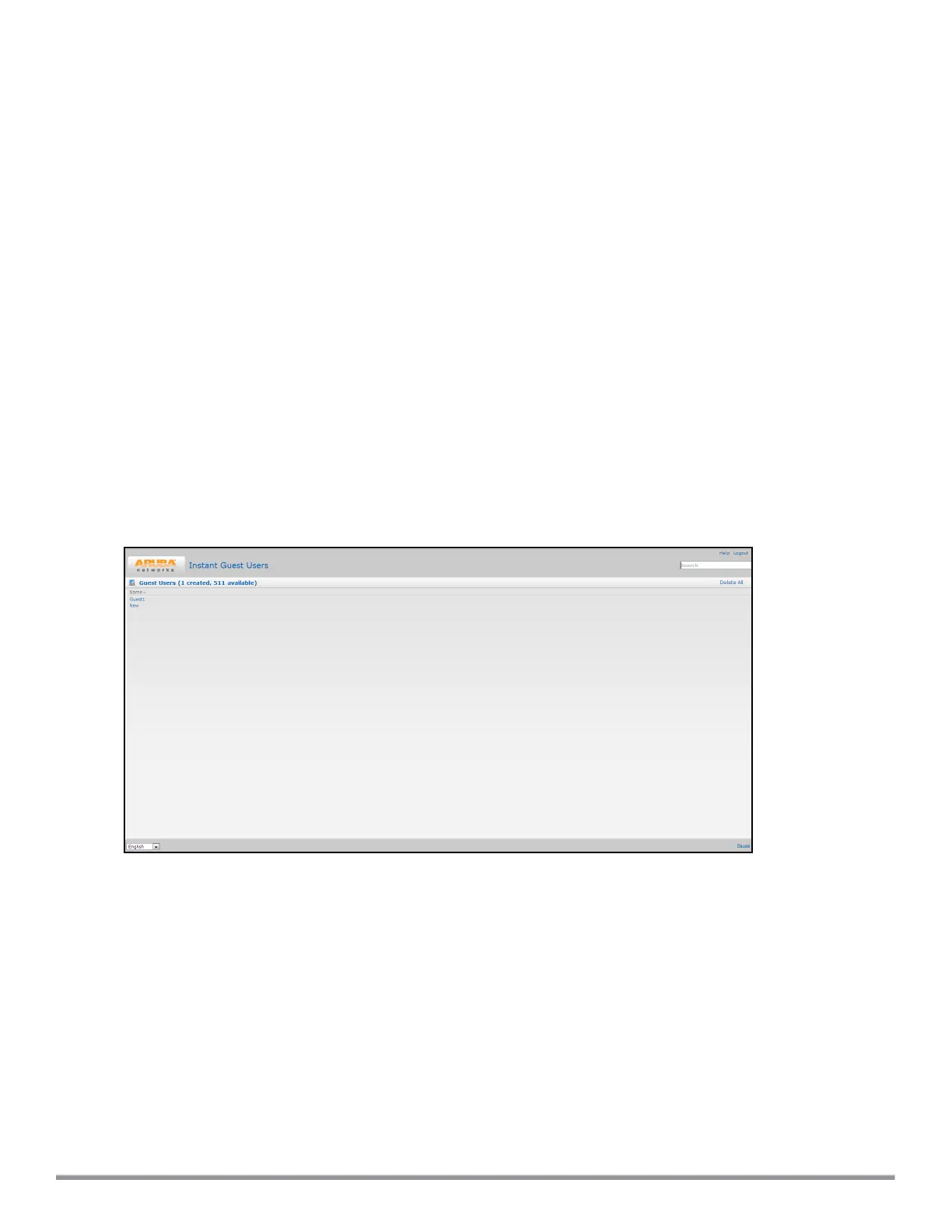
To add guest users through the Guest Management interface:
1. Log in to the Instant UI with the guest management interface administrator credentials. The guest
management interface is displayed.
Figure 35 Guest Management Interface
Aruba Instant 6.5.0.0-4.3.0.0 | User Guide Authentication and User Management | 147



 To Next Page