293 | Services Aruba Instant 6.5.0.0-4.3.0.0 | User Guide
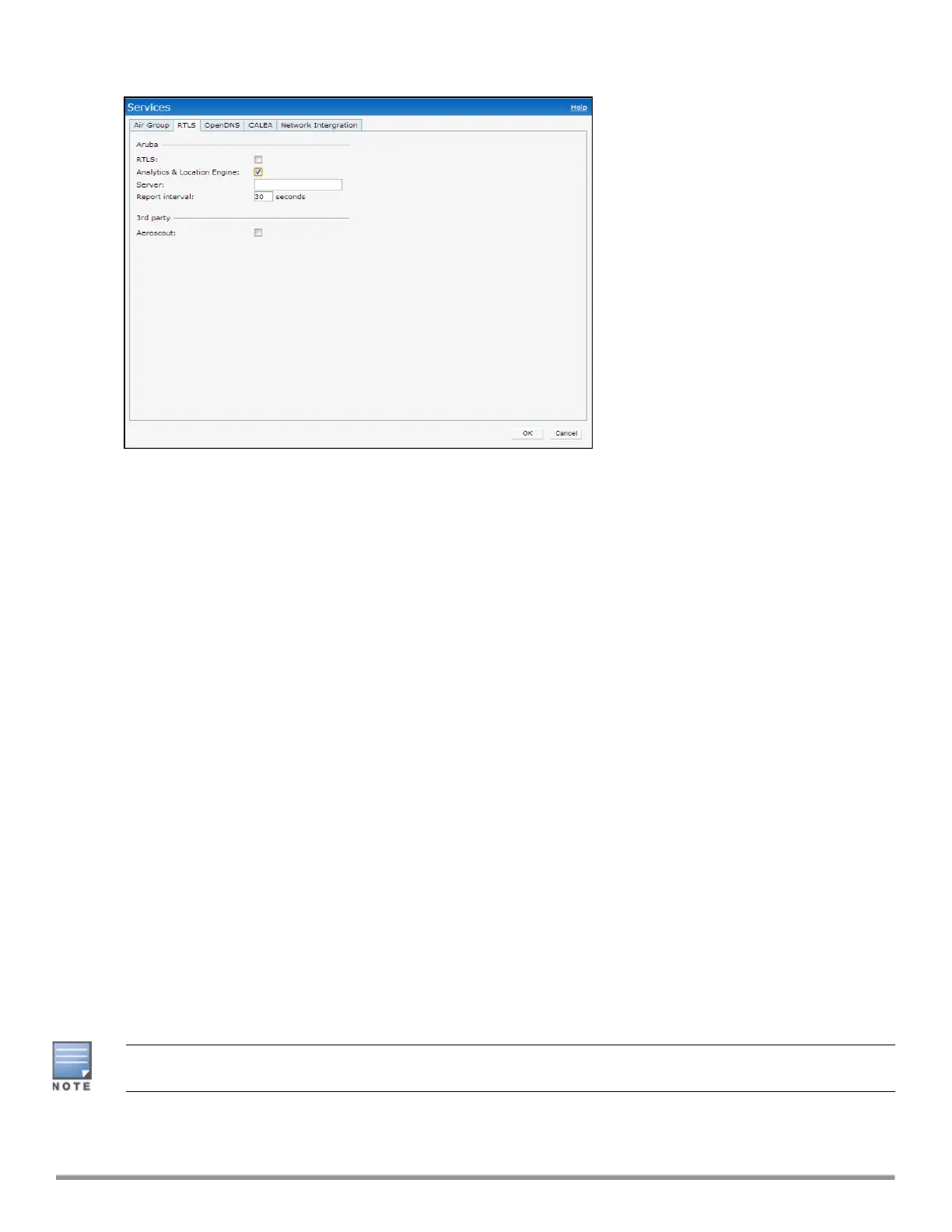
Figure 78 Services Window—ALE Integration
4. In the Server text box, specify the ALE server name or IP address.
5. In the Report interval text box, specify the reporting interval within the range of 6–60 seconds. The IAP
sends messages to the ALE server at the specified interval. The default interval is 30 seconds.
6. Click OK.
In the CLI
To enable IAP integration with the ALE server:
(Instant AP)(config)# ale-server <server-name | IP-address>
(Instant AP)(config)# ale-report-interval <seconds>
(Instant AP)(config)# end
(Instant AP)# commit apply
Verifying ALE Configuration on an IAP
To view the configuration details:
(Instant AP)# show ale config
To verify the configuration status:
(Instant AP)# show ale status
Managing BLEBeacons
In Instant 6.4.3.4-4.2.1.0, IAPs support Aruba Bluetooth Low Energy (BLE) devices, such as BT-100 and BT-
105, which are used for location tracking and proximity detection. The BLE devices can be connected to an IAP
and are monitored or managed by a cloud-based Beacon Management Console (BMC). The BLE Beacon
Management feature allows you to configure parameters for managing the BLE beacons and establishing
secure communication with the Beacon Management Console (BMC). You can also configure the BLE operation
modes that determine the functions of the built-in BLE chip in the IAP.
The BLE beacon management and BLE operation mode feature is supported only on IAP-334/335, IAP-
314/315, IAP-324/325, IAP-224/225, IAP-205H, and IAP-214/215 devices.



 To Next Page