393 | ClearPass Guest Setup Aruba Instant 6.5.0.0-4.3.0.0 | User Guide
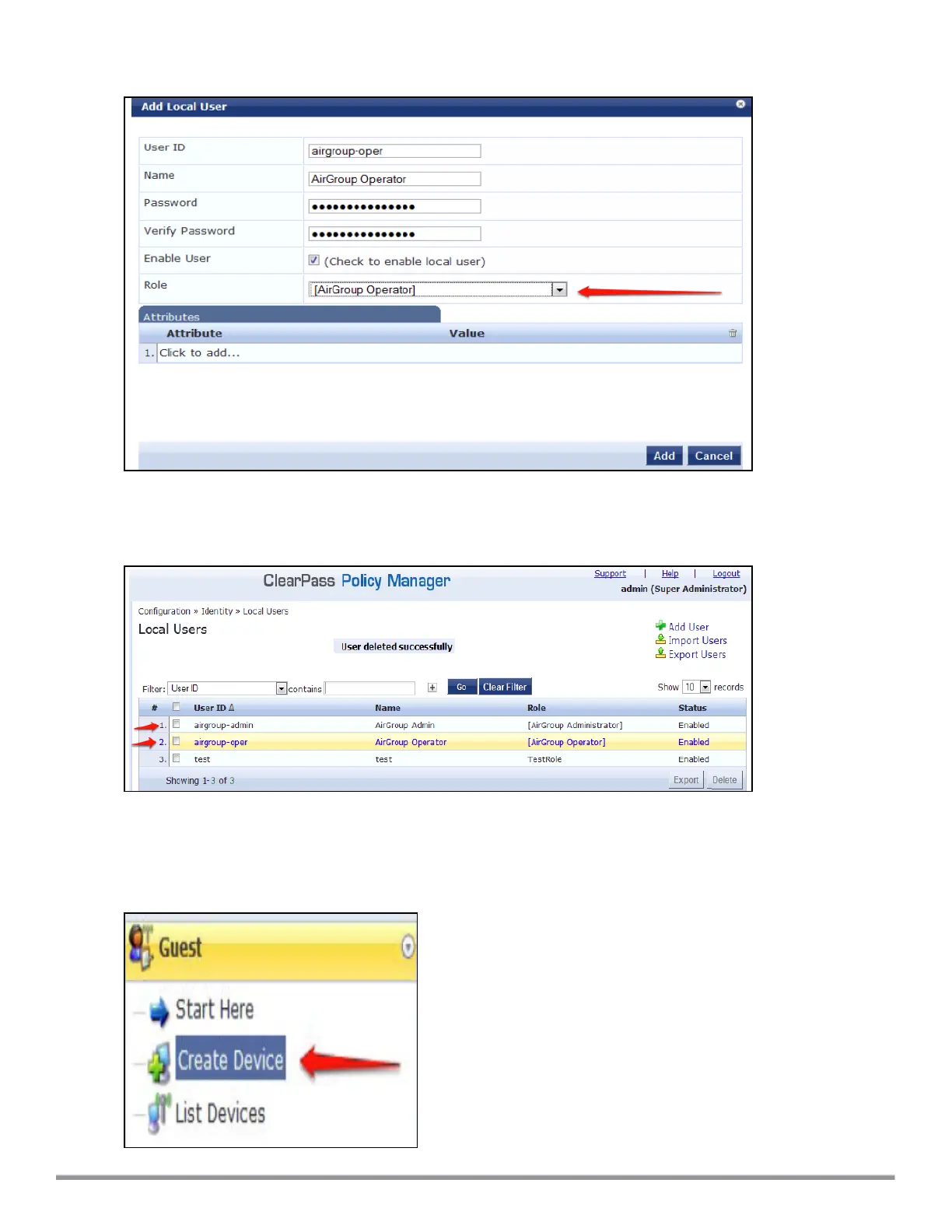
Figure 119 Create an AirGroup Operator
6. Click Add to save the user with an AirGroup Operator role. The AirGroup Administrator and AirGroup
Operator IDs will be displayed in the Local Users UI screen.
Figure 120 Local Users UI Screen
7. Navigate to the ClearPass Guest UI and click Logout. The ClearPass Guest Login page is displayed. Use
the AirGroup admin credentials to log in.
8. After logging in, click Create Device.
Figure 121 Create a Device



 To Next Page