40 | Instant User Interface Aruba Instant 6.5.0.0-4.3.0.0 | User Guide
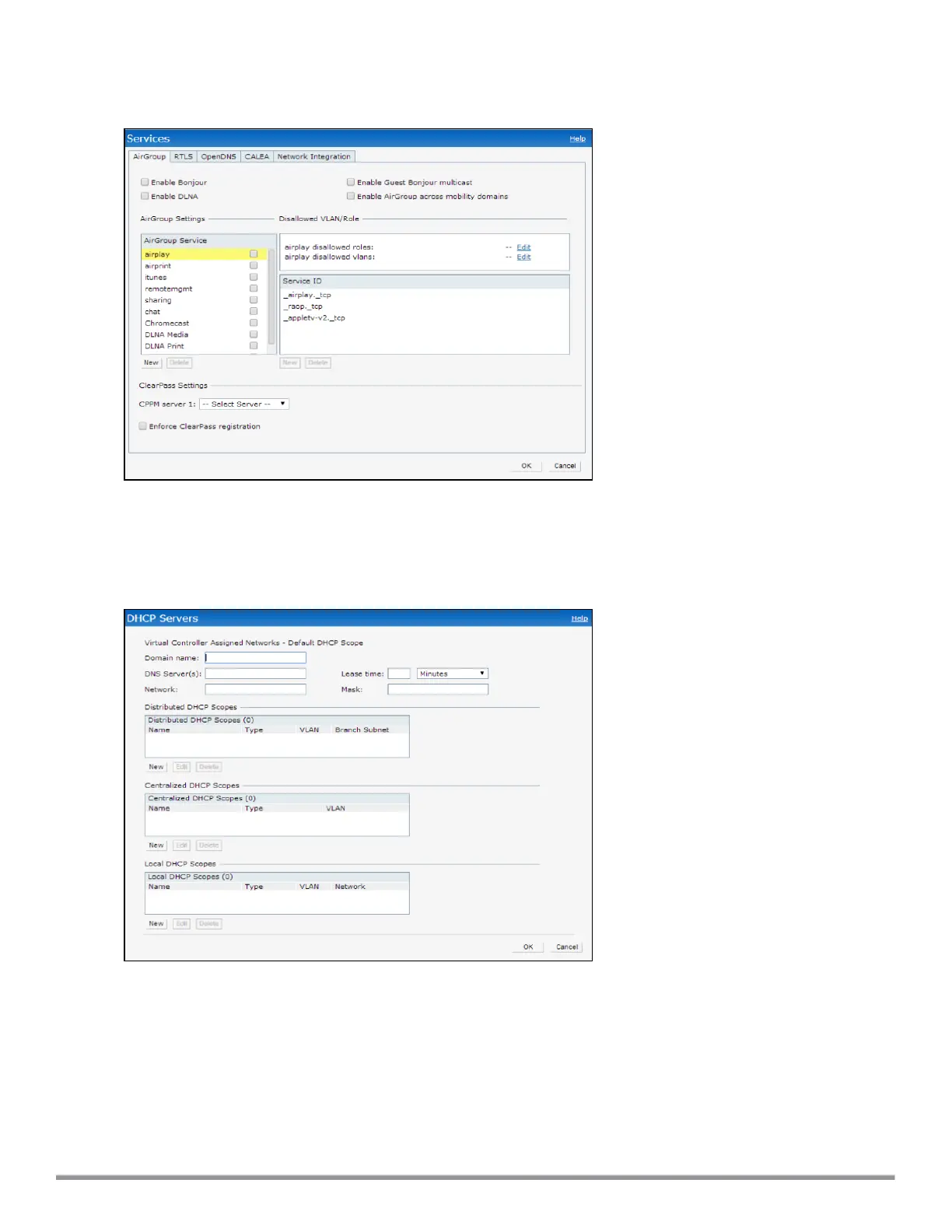
The following figure shows the default view of the Services window:
Figure 9 Services Window: Default View
DHCP Server
The DHCP Servers window allows you to configure various DHCP modes. The following figure shows the
options available in the DHCP Servers window:
Figure 10 DHCP Servers Window
For more information, see DHCP Configuration on page 211.
Support
The Support link consists of the following details:
l Command—Allows you to select a support command for execution.
l Target—Displays a list of IAPs in the network.
l Run—Allows you to execute the selected command for a specific IAP or all IAPs and view logs.



 To Next Page