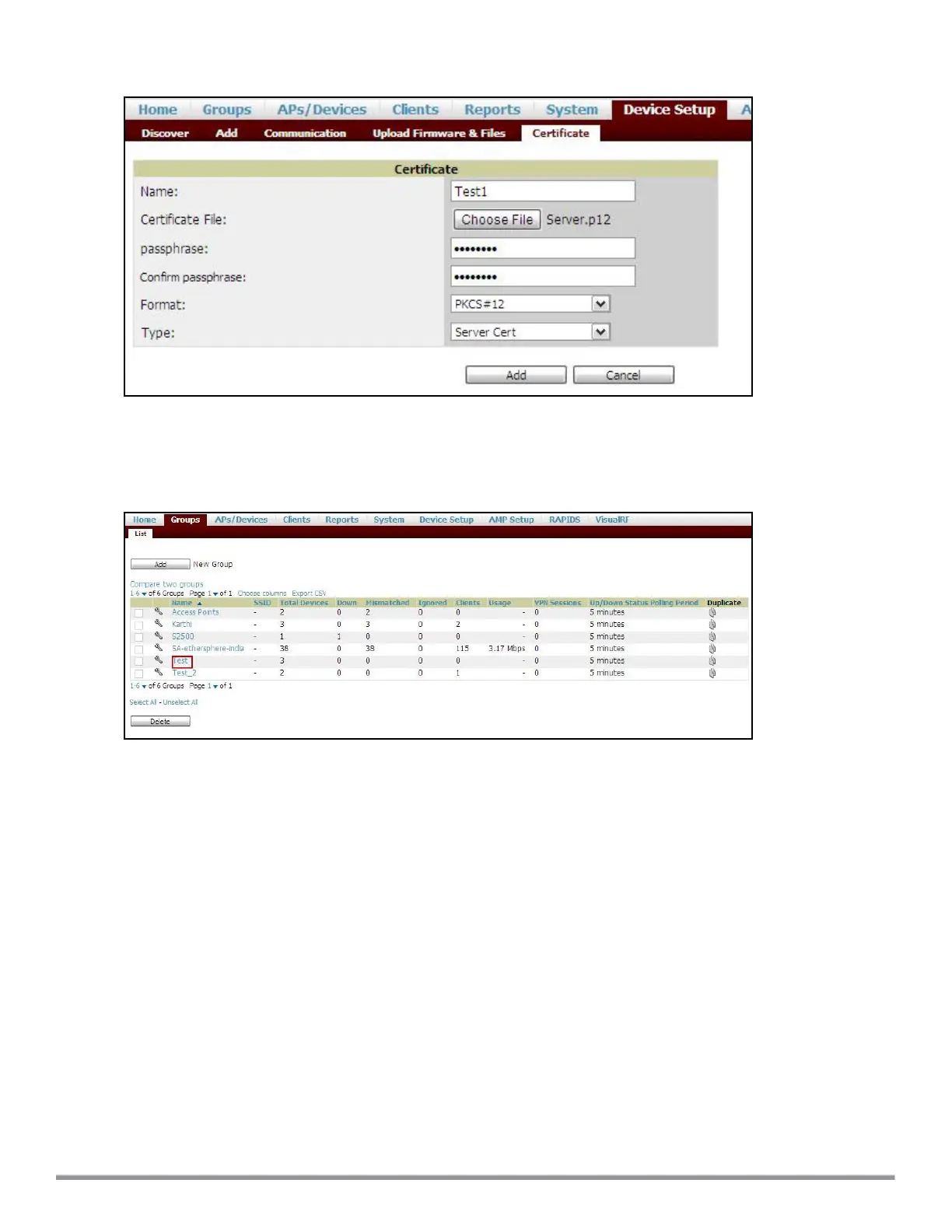
Figure 38 Server Certificate
4. After you upload the certificate, navigate to Groups, click the Instant Group and then select Basic. The
Group name is displayed only if you have entered the Organization name in the Instant UI. For more
information, see Configuring Organization String on page 308 for further information.
Figure 39 Selecting the Group
The Virtual Controller Certificate section displays the certificates (CA cert and Server).
5. Click Save to apply the changes only to AirWave. Click Save and Apply to apply the changes to the IAP.
6. To clear the certificate options, click Revert.
Aruba Instant 6.5.0.0-4.3.0.0 | User Guide Authentication and User Management | 181



 To Next Page