32 | Instant User Interface Aruba Instant 6.5.0.0-4.3.0.0 | User Guide
When you log in to an IAP with the factory default settings, a popup box displays an option to sign up for the
Aruba cloud solution and enable IAP management through Aruba Central. To sign up for a free 90-day trial of
Central, click here on the Instant main window.
Main Window
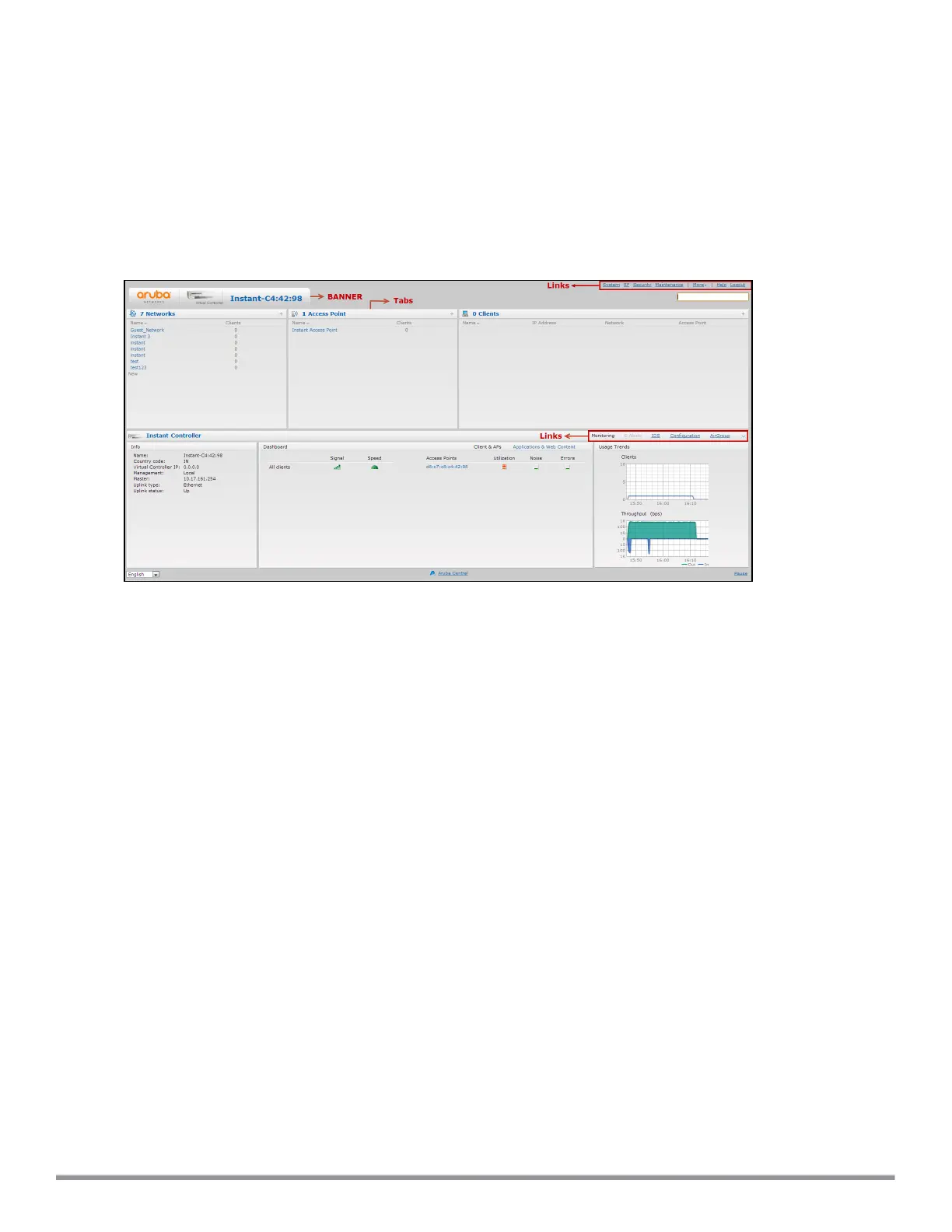
On logging in to Instant, the Instant UI Main Window is displayed. The following figure shows the Instant main
window:
Figure 4 Instant Main Window
The main window consists of the following elements:
l Banner
l Search Text Box
l Tabs
l Links
l Views
Banner
The banner is a horizontal gray rectangle that appears on the Instant main window. It displays the company
name, logo, and the VC's name.
Search Text Box
Administrators can search for an IAP, client, or a network in the Search text box. When you type a search text,
the search function suggests matching keywords and allows you to automatically complete the search text
entry.
Tabs
The Instant main window consists of the following tabs:
n Network Tab—Provides information about the network profiles configured in the Instant network.
n Access Points Tab—Provides information about the IAPs configured in the Instant network.
n Clients Tab—Provides information about the clients in the Instant network.



 To Next Page