Wired
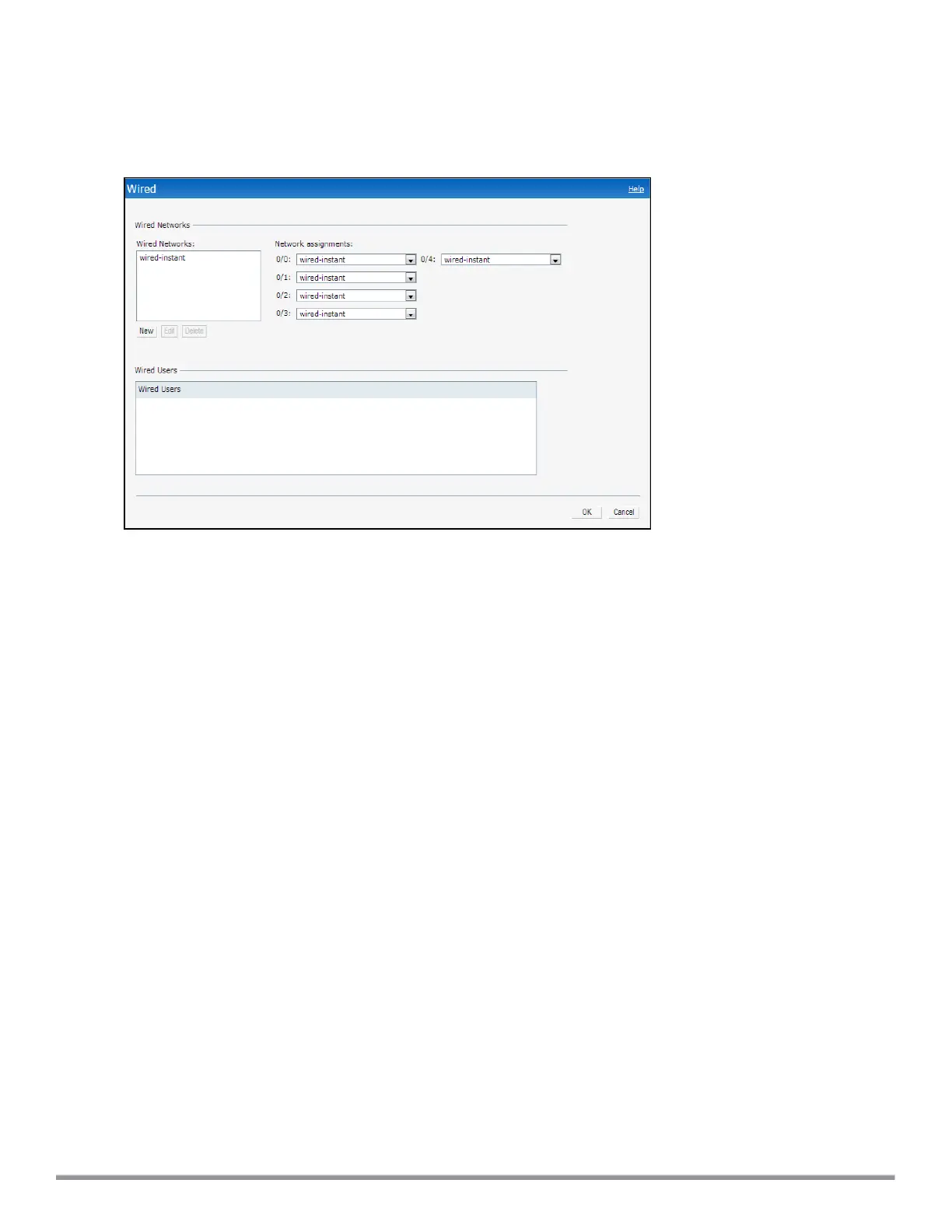
The Wired window allows you to configure a wired network profile. See Wired Profiles on page 108 for more
information. The following figure shows the Wired window:
Figure 8 Wired Window
Services
The Services window allows you to configure services such as AirGroup, Real Time Location System (RTLS), and
OpenDNS. The Services window consists of the following tabs:
l AirGroup—Allows you to configure the AirGroup and AirGroup services. For more information, see
Configuring AirGroup on page 282.
l RTLS—Allows you to integrate AMP or third-party RTLS such as Aeroscout Real Time Location Server with
Instant. For more information, see Configuring an IAP for RTLSSupport on page 291.
The RTLS tab also allows you to integrate IAP with the Analytics and Location Engine (ALE). For more
information about configuring an IAP for ALE integration, see Configuring an IAP for Analytics and Location
Engine Support on page 292.
l OpenDNS—Allows you to configure support for OpenDNS business solutions, which require an OpenDNS
(www.opendns.com) account. The OpenDNS credentials are used by Instant and AirWave to filter content
at the enterprise level. For more information, see Configuring OpenDNS Credentials on page 294.
l CALEA—Allows you configure support for Communications Assistance for Law Enforcement Act (CALEA)
server integration, thereby ensuring compliance with Lawful Intercept and CALEA specifications. For more
information, see CALEA Integration and Lawful Intercept Compliance on page 299.
l Network Integration—Allows you to configure an IAP for integration with Palo Alto Networks (PAN)
Firewall and XML API server. For more information on IAP integration with PAN, see Integrating an IAP with
Palo Alto Networks Firewall on page 295and Integrating an IAP with an XMLAPIInterface on page 297.
Aruba Instant 6.5.0.0-4.3.0.0 | User Guide Instant User Interface | 39



 To Next Page